
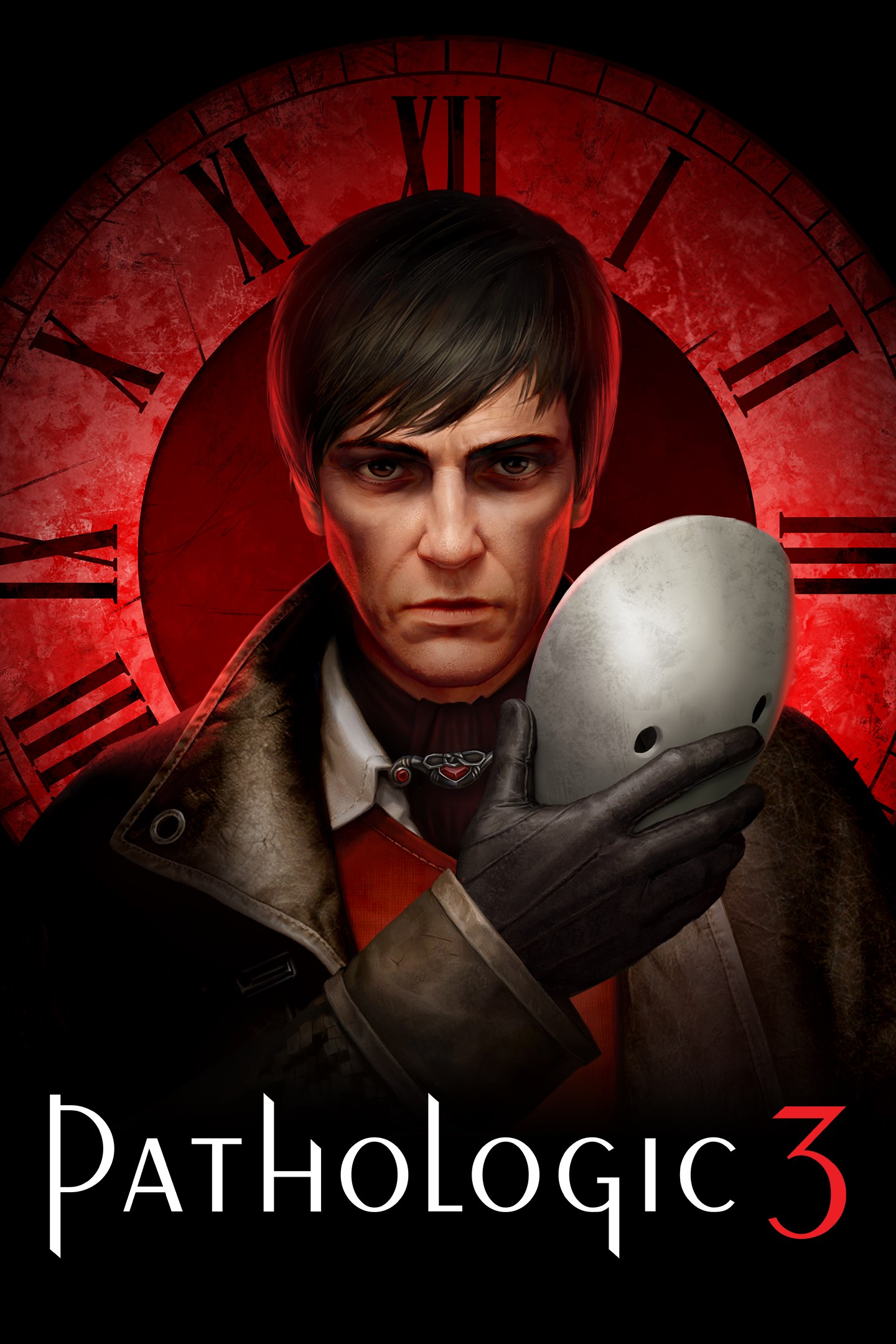
Pathologic 3
Details
- Publisher
- HypeTrain Digital
- Developer
- Ice-Pick Lodge
- Release date
- 23.01.2026
- Age rating
- ESRB:M
- Localization
- English
- Metascore
- 79 / 100
Source: Steam
Purchase options
Primary: our account is set as the home Xbox of your console ("My home Xbox"), so the game is shared with your own profile and works offline — that is one slot on one console. Secondary: you sign in to our account and launch the game from it, and the console has to stay online. The activation code is an extra option: it is redeemed on your own account, and the game stays there forever.
You install the game from our account and set our account as the home one ("My home Xbox"): after that you play from your own profile, and the progress and achievements stay yours. It works offline.
You sign in to our account and play right from it. A permanent internet connection is required and only the issued profile can be used. It costs less than the primary access.
A bonus way to buy: you get a 25-character code and redeem it on your own account. The game stays with you forever, no other profiles and no sign-in to a shared account.
What happens after payment
About the game
REBIRTH OF AN AWARD-WINNING STORY
Bachelor Daniil Dankovsky is a young doctor from the capital. His search for the secret of immortality brings him to a remote town, gripped by a mysterious plague that will destroy it in 12 days. Now it’s up to him to explore the town itself, its past, present, and future — to find answers to his numerous questions and try to stop the relentless epidemic.
(At least… that’s what he thinks this story is about. What it’s supposed to be about. What it’s always been about.)
PAVED WITH GOOD INTENTIONS
You are a real doctor. Your tools are knowledge and science. Examine patients and diagnose diseases. Cross-check symptoms and prescribe treatments. Enforce your rules: impose quarantines, confiscate medicine, vaccinate the population, deploy patrols, and impose curfews. See how your choices change the town, even if it means being hated along the way.
TIME IS RELATIVE
You have only 12 days to stop the lethal plague. But in your hands lies the most valuable resource—time. Travel into the future to witness the worst outcomes. Correct mistakes in the past to change them. Bend the fates of people around you to save or condemn you—in search of answers.
(How is it possible? What *is* time?)
TOWN ON THE EDGE
Delve into the darkest corners of the Town-on-Gorkhon to fight the disease. Face the Plague head-on. Cleanse the infected streets. Burn what can no longer be saved. What was lost in the fire will be found in the ashes.
THINK, THINK, THINK!
Dankovsky is a sharp mind in search of the truth, willing to do anything to find it. Anything you see can tell a story and become a piece of your mental map of the world. Explore the town for new insights, notice details, and connect the dots. Uncover the secrets of the town’s inhabitants. Shape their stories, decide their fates, and talk to their shadows.
Screenshots
Click a frame to open it larger, use the arrows to browse
How to activate
Guide for Xbox Series X|S
Primary — the game is shared with your own profile
- 1Press the Xbox button, open "Profile & system" → "Add or switch" → "Add new" and sign in with the login and password from your order.
- 2Now open "Settings" → "General" → "Personalization" → "My home Xbox" and choose "Make this my home Xbox". This is what shares our games with every profile on your console.
- 3Switch back to your own profile, open "My games & apps" → "Library" and install the game. The internet is only needed for the download.
- 4Launch the game from your own profile: achievements, saves and progress stay yours, and after the installation the game works offline.
Only one console at a time can be the home Xbox for our account — that is the slot you bought. Please do not change the password, the email or the two-factor settings of the account, or the access will be blocked.
Secondary — you play from our account
- 1Press the Xbox button, open "Profile & system" → "Add or switch" → "Add new" and sign in with the login and password from your order.
- 2Open "My games & apps" → "Library", switch to our profile in the top-left corner and install the game.
- 3Launch the game while our profile stays signed in, and keep the console online: the licence is checked over the internet.
- 4Use your own profile for everything else — the game stays available as long as our account is signed in on this console.
Secondary costs less, but it needs a permanent internet connection and our account stays signed in on your console.
Activation code
- 1On the console open "Store" and go to the "Redeem code" section.
- 2Enter the 25-character code from your order and confirm the activation on your own account.
- 3After the activation the code is shown as "Used" — but you can reinstall the game from your library at any time.
Notes for Xbox Series
Important
How to play online
Warranty and support
The warranty covers the whole period of use of the account. If the access stops working, we replace the account or refund your money.
- If the game stops launching, we replace the account or refund your money.
- Average support response time — 15–30 minutes during working hours.
- The warranty covers the whole rental period of the access.
Support
Telegram: @weskars
E-mail: support@gears.games
Working hours: daily 11:00 – 23:00 (UTC+3)
Every order goes through clear stages: "New" → "Awaiting payment" → "Paid" → "Delivered". You can follow the status in your account page.
Similar games
More games in the "Action & adventure" genre



