
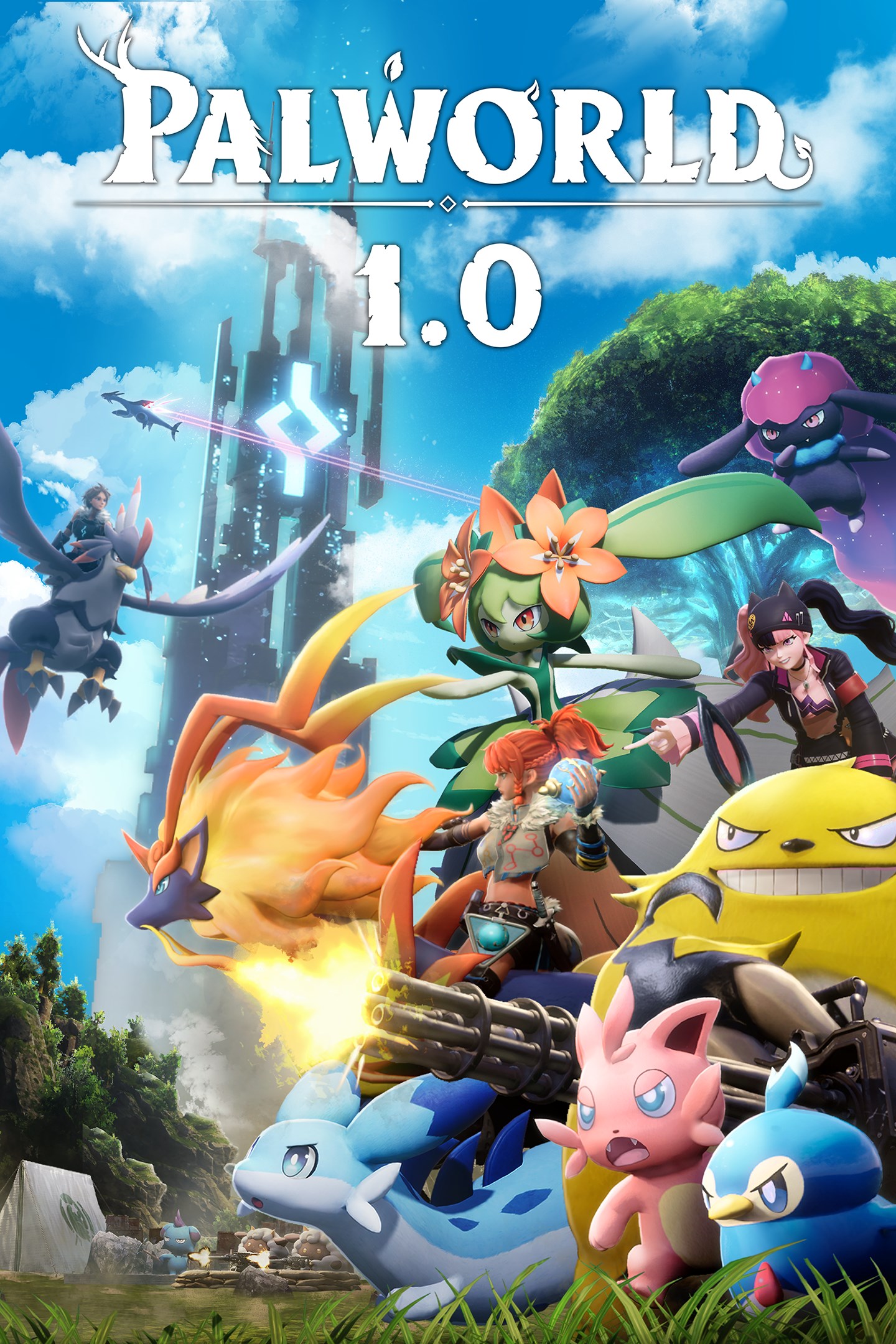
Palworld
Details
- Publisher
- Pocketpair
- Developer
- Pocketpair
- Release date
- 19.01.2024
- Age rating
- ESRB:T
- Localization
- English
Purchase options
Platform
Primary: our account is set as the home Xbox of your console ("My home Xbox"), so the game is shared with your own profile and works offline — that is one slot on one console. Secondary: you sign in to our account and launch the game from it, and the console has to stay online. The activation code is an extra option: it is redeemed on your own account, and the game stays there forever.
You install the game from our account and set our account as the home one ("My home Xbox"): after that you play from your own profile, and the progress and achievements stay yours. It works offline.
You sign in to our account and play right from it. A permanent internet connection is required and only the issued profile can be used. It costs less than the primary access.
A bonus way to buy: you get a 25-character code and redeem it on your own account. The game stays with you forever, no other profiles and no sign-in to a shared account.
What happens after payment
About the game
Q. What kind of game is this?
A. In this game, you can peacefully live alongside mysterious creatures known as Pals or risk your life to drive off a ruthless poaching syndicate.
Pals can be used to fight and breed, or they can be made to work on farms or factories.
You can even sell them or eat them.
▼Survival
In a harsh environment where food is scarce and vicious poachers roam, danger waits around every corner. To survive, you must tread carefully and make difficult choices...even if that means eating your own Pals when the time comes.
▼Mounts & Exploration
Pals can be mounted to traverse the land, sea and sky—allowing you to traverse all kinds of environment as you explore the world.
▼Building Structures
Want to build a pyramid? Put an army of Pals on the job. There are no labor laws for Pals, so exploit them to your heart's content.
▼Production
Find a variety of useful Pals to make fire, generate electricity, or mine ore so that you can live a life of comfort.
▼Farming
Some Pals are good at planting seeds, while others are skilled at watering or harvesting crops. Work together with your Pals to create an idyllic farmstead.
▼Factories & Automation
Letting Pals do the work is the key to automation. Build a factory, place a Pal in it, and they'll keep working as long as they're fed—until they're dead, that is.
▼Dungeon Exploration
With Pals on your side you can tackle even the most dangerous areas. When the time comes, you might have to sacrifice one to save your skin. They'll protect your life—even if it costs their own.
▼Breeding & Genetics
Breed a Pal and it will inherit the characteristics of its parents. Combine rare pals to create the strongest Pal of them all!
▼Poaching & Crime
Endangered Pals live in wildlife sanctuaries. Sneak in and capture rare Pals to get rich quick! It's not a crime if you don't get caught, after all.
▼Multiplayer
Multiplayer is supported, so invite a friend and go on an adventure together! And of course you can battle your friends and trade Pals, too.
In online co-op play mode, up to 4 players can play together.
Meanwhile, a dedicated server can allow up to 32 players to play together.
Collect all kinds of exciting Pals to fight, farm, build, and work for you in this completely new multiplayer, open world survival and crafting game!
Screenshots
Click a frame to open it larger, use the arrows to browse
How to activate
Guide for Xbox One
Primary — the game is shared with your own profile
- 1Press the Xbox button, open "Profile & system" → "Add or switch" → "Add new" and sign in with the login and password from your order.
- 2Now open "Settings" → "General" → "Personalization" → "My home Xbox" and choose "Make this my home Xbox". This is what shares our games with every profile on your console.
- 3Switch back to your own profile, open "My games & apps" → "Library" and install the game. The internet is only needed for the download.
- 4Launch the game from your own profile: achievements, saves and progress stay yours, and after the installation the game works offline.
Only one console at a time can be the home Xbox for our account — that is the slot you bought. Please do not change the password, the email or the two-factor settings of the account, or the access will be blocked.
Secondary — you play from our account
- 1Press the Xbox button, open "Profile & system" → "Add or switch" → "Add new" and sign in with the login and password from your order.
- 2Open "My games & apps" → "Library", switch to our profile in the top-left corner and install the game.
- 3Launch the game while our profile stays signed in, and keep the console online: the licence is checked over the internet.
- 4Use your own profile for everything else — the game stays available as long as our account is signed in on this console.
Secondary costs less, but it needs a permanent internet connection and our account stays signed in on your console.
Activation code
- 1On the console open "Store" and go to the "Redeem code" section.
- 2Enter the 25-character code from your order and confirm the activation on your own account.
- 3After the activation the code is shown as "Used" — but you can reinstall the game from your library at any time.
Notes for Xbox One
Important
How to play online
Warranty and support
The warranty covers the whole period of use of the account. If the access stops working, we replace the account or refund your money.
- If the game stops launching, we replace the account or refund your money.
- Average support response time — 15–30 minutes during working hours.
- The warranty covers the whole rental period of the access.
Support
Telegram: @weskars
E-mail: support@gears.games
Working hours: daily 11:00 – 23:00 (UTC+3)
Every order goes through clear stages: "New" → "Awaiting payment" → "Paid" → "Delivered". You can follow the status in your account page.
Similar games
More games in the "Action & adventure" genre



