
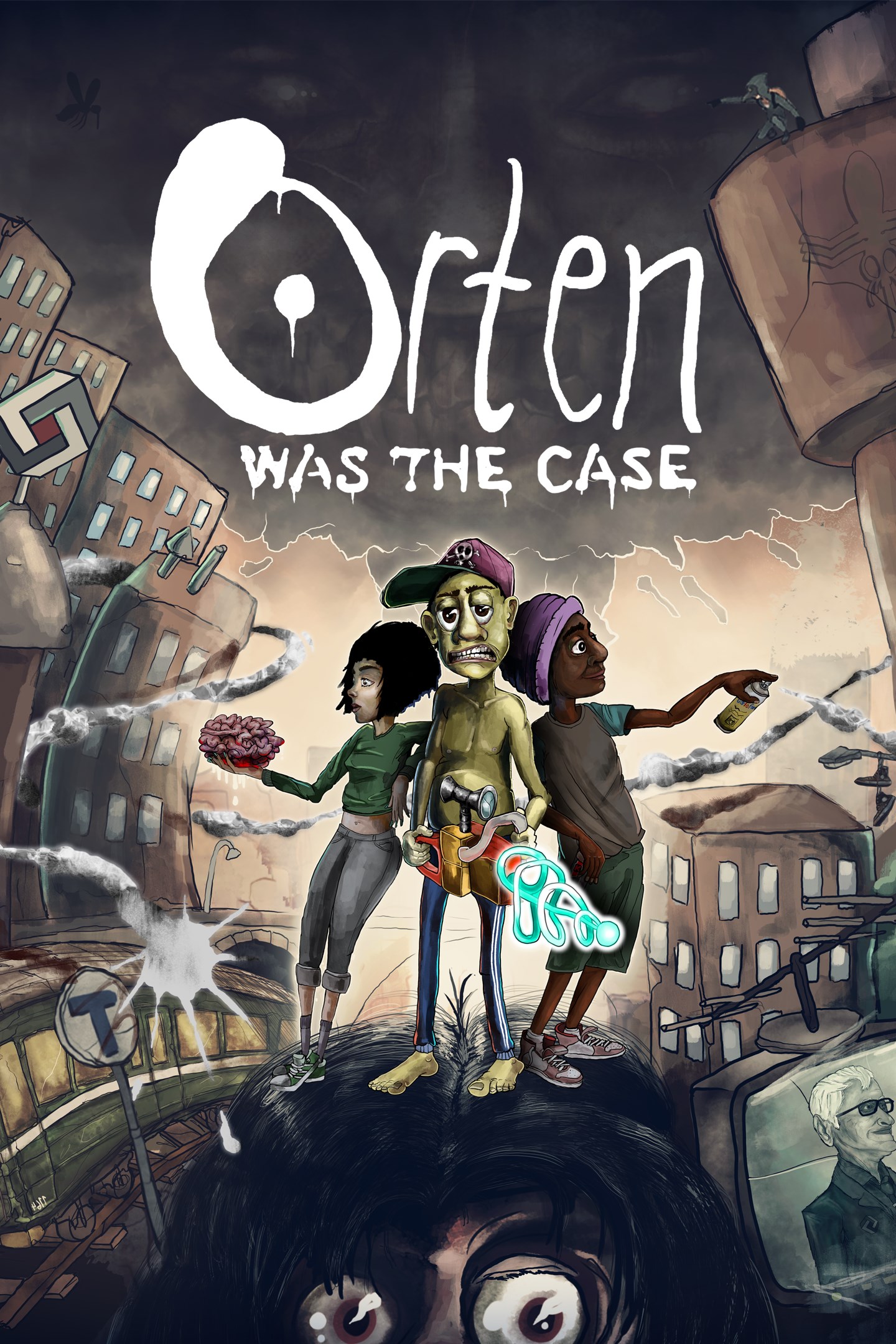
Orten Was The Case
Details
- Publisher
- Woodhill Interactive
- Developer
- Woodhill Interactive
- Release date
- 29.11.2023
- Age rating
- ESRB:M
- Localization
- English
Purchase options
Platform
Primary: our account is set as the home Xbox of your console ("My home Xbox"), so the game is shared with your own profile and works offline — that is one slot on one console. Secondary: you sign in to our account and launch the game from it, and the console has to stay online. The activation code is an extra option: it is redeemed on your own account, and the game stays there forever.
You install the game from our account and set our account as the home one ("My home Xbox"): after that you play from your own profile, and the progress and achievements stay yours. It works offline.
You sign in to our account and play right from it. A permanent internet connection is required and only the issued profile can be used. It costs less than the primary access.
A bonus way to buy: you get a 25-character code and redeem it on your own account. The game stays with you forever, no other profiles and no sign-in to a shared account.
What happens after payment
About the game
Get ready to step into the (non-existent) shoes of Ziggy, an unexpected hero from a fictional Swedish neighborhood. Together you'll take on the daunting task of foiling a sinister scheme that could potentially devastate the entire world.
Ziggy wakes up one day with a strange mark on his hand, clueless about what happened the night before. After a couple of minutes lost among the familiar streets of Orten, his native suburb, an explosion brings him back to exactly where he'd woken up moments before… he’s stuck in a time loop.
Embark on a thrilling adventure where a world of diverse gameplay features awaits you. Cast your line and reel in the catch of the day in the immersive Fishing in Woodhill mini-game. Express your artistic side as you add your unique graffiti to the bustling subway trains, leaving your mark on the urban landscape. Feel the adrenaline rush as you sprint through the city streets in intense police chase sequences.
Challenge your mind with brain-teasing puzzles and activities that will enhance your cognitive skills and problem-solving abilities. Delve into a web of mysteries as you embark on quests for answers, uncovering hidden truths in the heart of Orten.
Achieve inner peace and balance in moments of tranquility through meditation, a feature that allows you to center yourself amid the chaos of city life. Stay one step ahead of the law in heart-pounding scenarios where you evade capture by the police, testing your wits and resourcefulness.
Discover hidden sanctuaries that provide a safe haven in the middle of the urban jungle. This is just a glimpse into the myriad of experiences that await you in Orten, a world filled with diverse, engaging gameplay features that promise excitement, challenge, and moments of serenity.
Screenshots
Click a frame to open it larger, use the arrows to browse
How to activate
Guide for Xbox One
Primary — the game is shared with your own profile
- 1Press the Xbox button, open "Profile & system" → "Add or switch" → "Add new" and sign in with the login and password from your order.
- 2Now open "Settings" → "General" → "Personalization" → "My home Xbox" and choose "Make this my home Xbox". This is what shares our games with every profile on your console.
- 3Switch back to your own profile, open "My games & apps" → "Library" and install the game. The internet is only needed for the download.
- 4Launch the game from your own profile: achievements, saves and progress stay yours, and after the installation the game works offline.
Only one console at a time can be the home Xbox for our account — that is the slot you bought. Please do not change the password, the email or the two-factor settings of the account, or the access will be blocked.
Secondary — you play from our account
- 1Press the Xbox button, open "Profile & system" → "Add or switch" → "Add new" and sign in with the login and password from your order.
- 2Open "My games & apps" → "Library", switch to our profile in the top-left corner and install the game.
- 3Launch the game while our profile stays signed in, and keep the console online: the licence is checked over the internet.
- 4Use your own profile for everything else — the game stays available as long as our account is signed in on this console.
Secondary costs less, but it needs a permanent internet connection and our account stays signed in on your console.
Activation code
- 1On the console open "Store" and go to the "Redeem code" section.
- 2Enter the 25-character code from your order and confirm the activation on your own account.
- 3After the activation the code is shown as "Used" — but you can reinstall the game from your library at any time.
Notes for Xbox One
Important
How to play online
Warranty and support
The warranty covers the whole period of use of the account. If the access stops working, we replace the account or refund your money.
- If the game stops launching, we replace the account or refund your money.
- Average support response time — 15–30 minutes during working hours.
- The warranty covers the whole rental period of the access.
Support
Telegram: @weskars
E-mail: support@gears.games
Working hours: daily 11:00 – 23:00 (UTC+3)
Every order goes through clear stages: "New" → "Awaiting payment" → "Paid" → "Delivered". You can follow the status in your account page.
Similar games
More games in the "Action & adventure" genre



