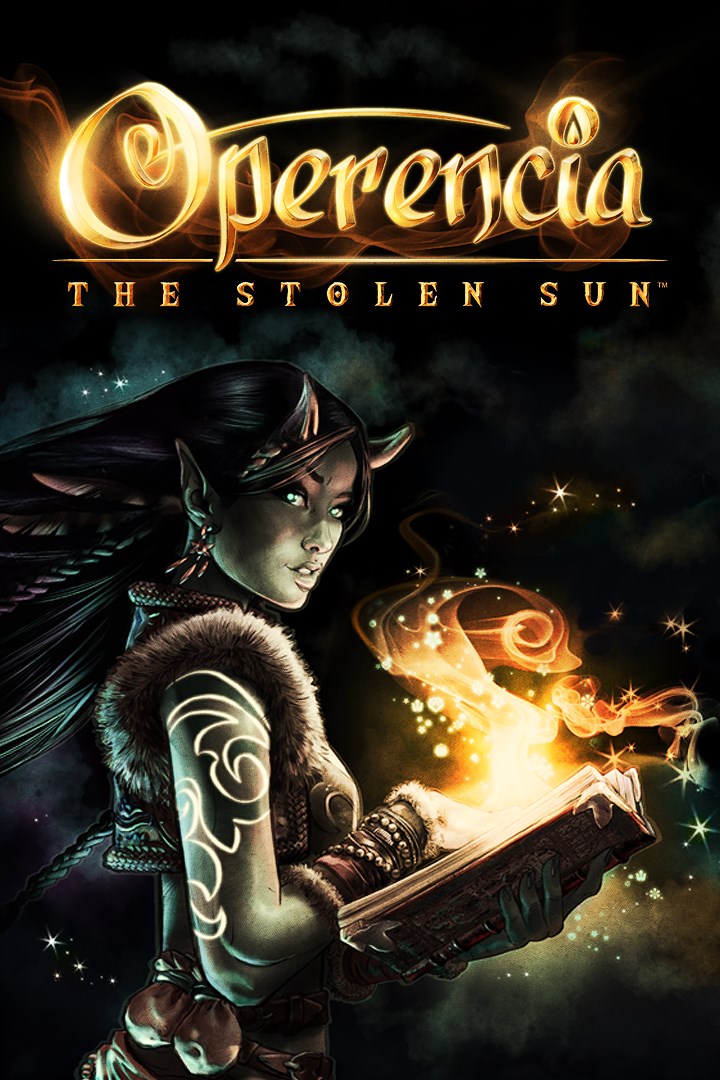
Operencia: The Stolen Sun
Details
- Publisher
- Zen Studios
- Developer
- Zen Studios
- Release date
- 29.03.2019
- Age rating
- ESRB:T
- Localization
- English
- Metascore
- 76 / 100
Source: Steam
Purchase options
Platform
Primary: our account is set as the home Xbox of your console ("My home Xbox"), so the game is shared with your own profile and works offline — that is one slot on one console. Secondary: you sign in to our account and launch the game from it, and the console has to stay online. The activation code is an extra option: it is redeemed on your own account, and the game stays there forever.
You install the game from our account and set our account as the home one ("My home Xbox"): after that you play from your own profile, and the progress and achievements stay yours. It works offline.
You sign in to our account and play right from it. A permanent internet connection is required and only the issued profile can be used. It costs less than the primary access.
A bonus way to buy: you get a 25-character code and redeem it on your own account. The game stays with you forever, no other profiles and no sign-in to a shared account.
What happens after payment
About the game
Zen Studios’ modern homage to classic first-person dungeon-crawlers takes you to the land of Operencia, an unconventional fantasy world inspired by a faraway land referenced in countless Hungarian folktales. An old-school turn-based battle system combines with inspiration from Central European mythology to offer an RPG experience that feels unique yet also familiar.
Where History Meets Legend
Operencia is home to an intriguing mix of unexplored mythology and fantastical versions of actual historical locations (e.g., Deva Fortress, Balvanyos) and characters (e.g., Attila, Seven Chieftains of the Magyars), all coming together to form one cohesive new gaming universe. Several of your own seven party members take influence from heroes of forgotten tales told hundreds of years ago, such as the brave knight Mezey and Sebastian the Dragon Slayer.
A Tale for the Ages
An unknown force has abducted the Sun King Napkiraly, leaving Operencia in a state of perpetual darkness – and eventual doom. From hidden royal tombs and cursed castles to an ascent up the World Tree to reach the Copper Forest of the Land of the Gods, explore diverse settings throughout the far reaches of the land…and beyond. Each location boasts its own unique atmosphere, visual style, level design and puzzles, and many take place entirely outdoors.
Beautiful Presentation
Breathtaking hand-drawn cutscenes and fabulous 2D character portraits bring the story to life in a style not easily compared to any other game. More than 30 colorful roles are fully voiced through top-tier performances authentic to the game’s Central European roots.
Puzzles Everywhere
From intricate riddles to selecting the proper ingredients to craft new items, dozens of puzzles challenge your brainpower throughout all of Operencia.
Classic Gameplay and Exploration
Along with a deeply strategic turn-based battle system full of spells and special skills to execute, tile-based movement encourages thorough exploration of each area. For added challenge, turn on Cartographer mode to plot out each of the 13 maps yourself. How many secrets will you find?
Screenshots
Click a frame to open it larger, use the arrows to browse
How to activate
Guide for Xbox One
Primary — the game is shared with your own profile
- 1Press the Xbox button, open "Profile & system" → "Add or switch" → "Add new" and sign in with the login and password from your order.
- 2Now open "Settings" → "General" → "Personalization" → "My home Xbox" and choose "Make this my home Xbox". This is what shares our games with every profile on your console.
- 3Switch back to your own profile, open "My games & apps" → "Library" and install the game. The internet is only needed for the download.
- 4Launch the game from your own profile: achievements, saves and progress stay yours, and after the installation the game works offline.
Only one console at a time can be the home Xbox for our account — that is the slot you bought. Please do not change the password, the email or the two-factor settings of the account, or the access will be blocked.
Secondary — you play from our account
- 1Press the Xbox button, open "Profile & system" → "Add or switch" → "Add new" and sign in with the login and password from your order.
- 2Open "My games & apps" → "Library", switch to our profile in the top-left corner and install the game.
- 3Launch the game while our profile stays signed in, and keep the console online: the licence is checked over the internet.
- 4Use your own profile for everything else — the game stays available as long as our account is signed in on this console.
Secondary costs less, but it needs a permanent internet connection and our account stays signed in on your console.
Activation code
- 1On the console open "Store" and go to the "Redeem code" section.
- 2Enter the 25-character code from your order and confirm the activation on your own account.
- 3After the activation the code is shown as "Used" — but you can reinstall the game from your library at any time.
Notes for Xbox One
Important
How to play online
Warranty and support
The warranty covers the whole period of use of the account. If the access stops working, we replace the account or refund your money.
- If the game stops launching, we replace the account or refund your money.
- Average support response time — 15–30 minutes during working hours.
- The warranty covers the whole rental period of the access.
Support
Telegram: @weskars
E-mail: support@gears.games
Working hours: daily 11:00 – 23:00 (UTC+3)
Every order goes through clear stages: "New" → "Awaiting payment" → "Paid" → "Delivered". You can follow the status in your account page.
Similar games
More games in the "Role playing" genre