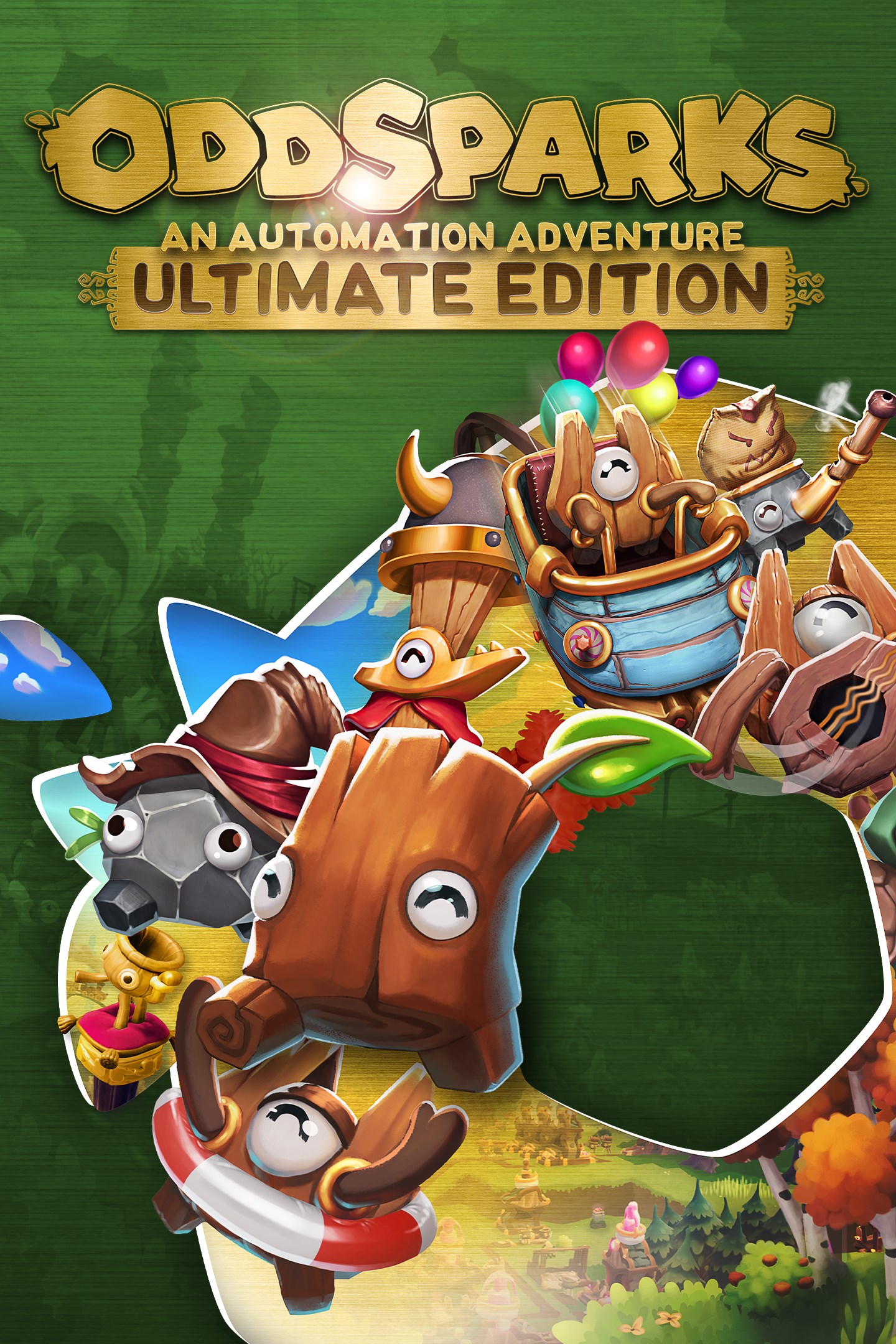
Oddsparks: An Automation Adventure - Ultimate Edition
Details
- Publisher
- THQ Nordic Mobile
- Developer
- Massive Miniteam
- Release date
- 11.12.2025
- Age rating
- ESRB:E
- Localization
- English
Purchase options
Primary: our account is set as the home Xbox of your console ("My home Xbox"), so the game is shared with your own profile and works offline — that is one slot on one console. Secondary: you sign in to our account and launch the game from it, and the console has to stay online. The activation code is an extra option: it is redeemed on your own account, and the game stays there forever.
You install the game from our account and set our account as the home one ("My home Xbox"): after that you play from your own profile, and the progress and achievements stay yours. It works offline.
You sign in to our account and play right from it. A permanent internet connection is required and only the issued profile can be used. It costs less than the primary access.
A bonus way to buy: you get a 25-character code and redeem it on your own account. The game stays with you forever, no other profiles and no sign-in to a shared account.
What happens after payment
About the game
Get the ultimate Oddsparks experience with this edition. It contains the base game and all DLCs.
Base Game: Oddsparks is a blend of automation and real-time strategy for both the die-hard fans of the automation genre and the automation-curious. Explore a strange fantasy world, uncover the mysteries of the past, automate your workshops, and go on adventures with your odd & adorable Sparks!
Deluxe Upgrade: The Oddsparks: An Automation Adventure - Deluxe Upgrade includes optional cosmetic content for our biggest fans. This DLC offers some exclusive customization and decoration items and is meant for players who really like the game and want to express their support.
Tailor's Animal Costumes Pack: The Animal Costumes Pack includes 5 optional animal-themed costumes with a total of 28 individual items, which will make you stand out from the crowd: Panda Set, Turtle Set, Giraffe Set, Shark Set, and Peacock Set
Making Music: Strike up the band and march to the beat of your own automation in the Making Music DLC for Oddsparks: An Automation Adventure! This playful yet powerful DLC introduces a brand-new musical system that lets you turn your factory into a fully orchestrated machine of rhythm and melody.
Craftsman's Elemental Decorations Pack: The Elemental Decorations Pack includes 3 elemental-themed optional cosmetic decoration sets and a cosmetic display set. 42 items in total, which will help you make your base even more unique: Quartz Decorations, Volcanic Decorations, and Glacial Decorations
Hats & Helmets: Ready to give your Sparks a fresh look and your factory a new level of control? This playful yet powerful DLC lets you equip your Sparks with stylish headwear that's not just for show, it's a key to smarter automation. Create dedicated production lines by filtering your Sparks based on their hats, directing them to the right places to get the job done.
Coaster Rush: Get ready for a theme park frenzy! The Coaster Rush expansion blends intricate automation with spectacular, heart-pounding theme park elements. Give your Sparks the adventure they deserve, and inject pure, joyous excitement into your logistics network with incredible coaster-style train tracks!
Screenshots
Click a frame to open it larger, use the arrows to browse
How to activate
Guide for Xbox Series X|S
Primary — the game is shared with your own profile
- 1Press the Xbox button, open "Profile & system" → "Add or switch" → "Add new" and sign in with the login and password from your order.
- 2Now open "Settings" → "General" → "Personalization" → "My home Xbox" and choose "Make this my home Xbox". This is what shares our games with every profile on your console.
- 3Switch back to your own profile, open "My games & apps" → "Library" and install the game. The internet is only needed for the download.
- 4Launch the game from your own profile: achievements, saves and progress stay yours, and after the installation the game works offline.
Only one console at a time can be the home Xbox for our account — that is the slot you bought. Please do not change the password, the email or the two-factor settings of the account, or the access will be blocked.
Secondary — you play from our account
- 1Press the Xbox button, open "Profile & system" → "Add or switch" → "Add new" and sign in with the login and password from your order.
- 2Open "My games & apps" → "Library", switch to our profile in the top-left corner and install the game.
- 3Launch the game while our profile stays signed in, and keep the console online: the licence is checked over the internet.
- 4Use your own profile for everything else — the game stays available as long as our account is signed in on this console.
Secondary costs less, but it needs a permanent internet connection and our account stays signed in on your console.
Activation code
- 1On the console open "Store" and go to the "Redeem code" section.
- 2Enter the 25-character code from your order and confirm the activation on your own account.
- 3After the activation the code is shown as "Used" — but you can reinstall the game from your library at any time.
Notes for Xbox Series
Important
How to play online
Warranty and support
The warranty covers the whole period of use of the account. If the access stops working, we replace the account or refund your money.
- If the game stops launching, we replace the account or refund your money.
- Average support response time — 15–30 minutes during working hours.
- The warranty covers the whole rental period of the access.
Support
Telegram: @weskars
E-mail: support@gears.games
Working hours: daily 11:00 – 23:00 (UTC+3)
Every order goes through clear stages: "New" → "Awaiting payment" → "Paid" → "Delivered". You can follow the status in your account page.
Similar games
More games in the "Strategy" genre