
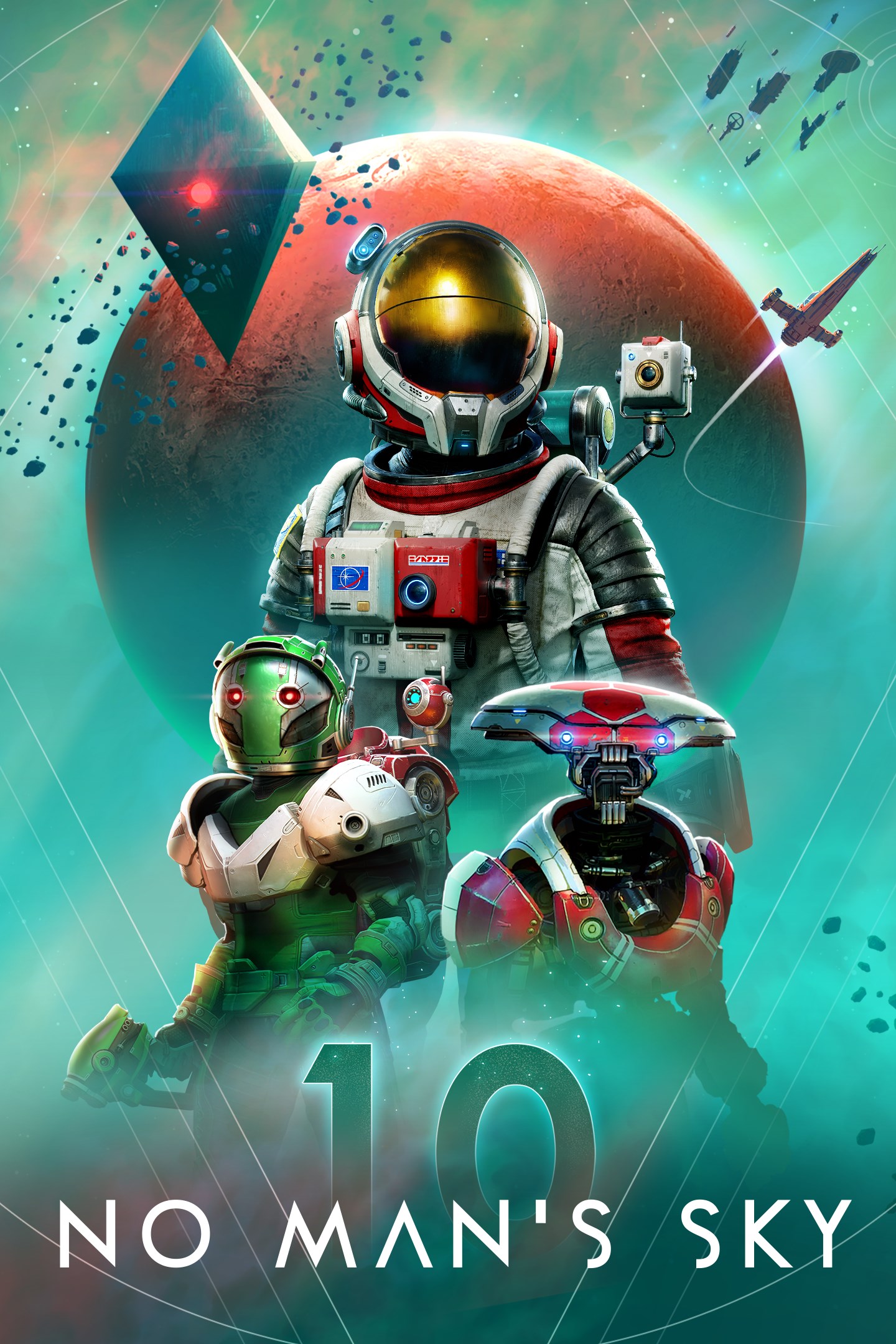
No Man's Sky
Details
- Publisher
- Hello Games
- Developer
- Hello Games
- Release date
- 24.07.2018
- Age rating
- ESRB:T
- Localization
- English
- Metascore
- 61 / 100
Source: Steam
Purchase options
Platform
Primary: our account is set as the home Xbox of your console ("My home Xbox"), so the game is shared with your own profile and works offline — that is one slot on one console. Secondary: you sign in to our account and launch the game from it, and the console has to stay online. The activation code is an extra option: it is redeemed on your own account, and the game stays there forever.
You install the game from our account and set our account as the home one ("My home Xbox"): after that you play from your own profile, and the progress and achievements stay yours. It works offline.
You sign in to our account and play right from it. A permanent internet connection is required and only the issued profile can be used. It costs less than the primary access.
A bonus way to buy: you get a 25-character code and redeem it on your own account. The game stays with you forever, no other profiles and no sign-in to a shared account.
What happens after payment
About the game
No Man’s Sky comes complete with all major updates up to and including The Swarm.
Inspired by the adventure and imagination that we love from classic science-fiction, No Man's Sky presents you with a galaxy to explore, filled with unique planets and lifeforms, and constant danger and action.
In No Man's Sky, every star is the light of a distant sun, each orbited by planets filled with life, and you can go to any of them you choose. Fly smoothly from deep space to planetary surfaces, with no loading screens, and no limits. In this infinite procedurally generated universe, you'll discover places and creatures that no other players have seen before - and perhaps never will again.
Embark on an epic voyage
At the centre of the galaxy lies a irresistible pulse which draws you on a journey towards it to learn the true nature of the cosmos. But, facing hostile creatures and fierce pirates, you'll know that death comes at a cost, and survival will be down to the choices you make over how you upgrade your ship, your weapon and suit.
Find your own destiny
Your voyage through No Man's Sky is up to you. Will you be a fighter, preying on the weak and taking their riches, or taking out pirates for their bounties? Power is yours if you upgrade your ship for speed and weaponry.
Or a trader? Find rich resources on forgotten worlds and exploit them for the highest prices. Invest in more cargo space and you'll reap huge rewards.
Or perhaps an explorer? Go beyond the known frontier and discover places and things that no one has ever seen before. Upgrade your engines to jump ever farther, and strengthen your suit for survival in toxic environments that would kill the unwary.
Share your journey
The galaxy is a living, breathing place. Trade convoys travel between stars, factions vie for territory, pirates hunt the unwary, and the police are ever watching. Every other player lives in the same galaxy, and you can choose to share your discoveries with them on a map that spans known space. Perhaps you will see the results of their actions as well as your own...
Screenshots
Click a frame to open it larger, use the arrows to browse
How to activate
Guide for Xbox One
Primary — the game is shared with your own profile
- 1Press the Xbox button, open "Profile & system" → "Add or switch" → "Add new" and sign in with the login and password from your order.
- 2Now open "Settings" → "General" → "Personalization" → "My home Xbox" and choose "Make this my home Xbox". This is what shares our games with every profile on your console.
- 3Switch back to your own profile, open "My games & apps" → "Library" and install the game. The internet is only needed for the download.
- 4Launch the game from your own profile: achievements, saves and progress stay yours, and after the installation the game works offline.
Only one console at a time can be the home Xbox for our account — that is the slot you bought. Please do not change the password, the email or the two-factor settings of the account, or the access will be blocked.
Secondary — you play from our account
- 1Press the Xbox button, open "Profile & system" → "Add or switch" → "Add new" and sign in with the login and password from your order.
- 2Open "My games & apps" → "Library", switch to our profile in the top-left corner and install the game.
- 3Launch the game while our profile stays signed in, and keep the console online: the licence is checked over the internet.
- 4Use your own profile for everything else — the game stays available as long as our account is signed in on this console.
Secondary costs less, but it needs a permanent internet connection and our account stays signed in on your console.
Activation code
- 1On the console open "Store" and go to the "Redeem code" section.
- 2Enter the 25-character code from your order and confirm the activation on your own account.
- 3After the activation the code is shown as "Used" — but you can reinstall the game from your library at any time.
Notes for Xbox One
Important
How to play online
Warranty and support
The warranty covers the whole period of use of the account. If the access stops working, we replace the account or refund your money.
- If the game stops launching, we replace the account or refund your money.
- Average support response time — 15–30 minutes during working hours.
- The warranty covers the whole rental period of the access.
Support
Telegram: @weskars
E-mail: support@gears.games
Working hours: daily 11:00 – 23:00 (UTC+3)
Every order goes through clear stages: "New" → "Awaiting payment" → "Paid" → "Delivered". You can follow the status in your account page.
Similar games
More games in the "Action & adventure" genre



