
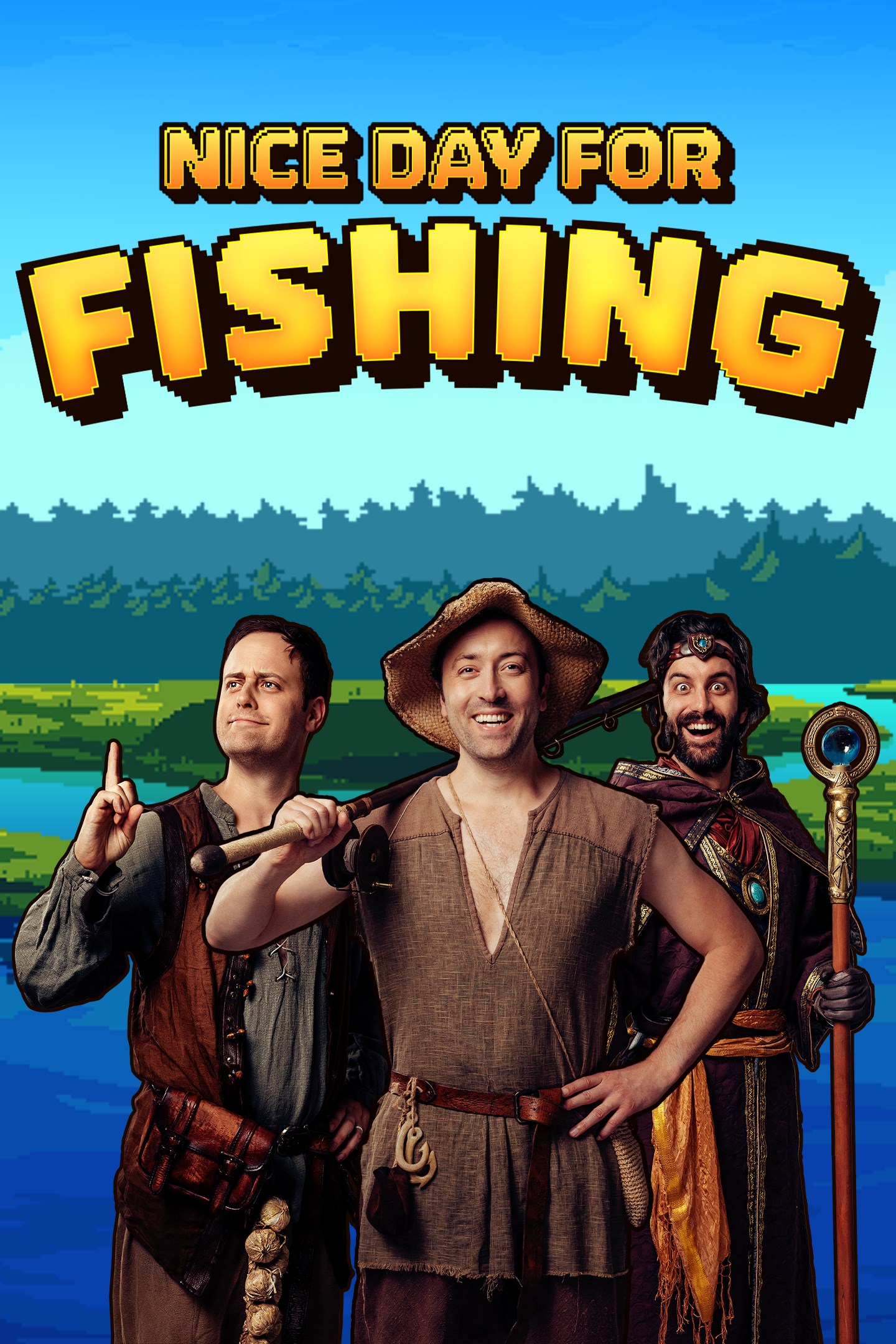
Nice Day for Fishing
Details
- Publisher
- Team17
- Developer
- FusionPlay
- Release date
- 04.11.2025
- Age rating
- ESRB:T
- Localization
- English
Purchase options
Primary: our account is set as the home Xbox of your console ("My home Xbox"), so the game is shared with your own profile and works offline — that is one slot on one console. Secondary: you sign in to our account and launch the game from it, and the console has to stay online. The activation code is an extra option: it is redeemed on your own account, and the game stays there forever.
You install the game from our account and set our account as the home one ("My home Xbox"): after that you play from your own profile, and the progress and achievements stay yours. It works offline.
You sign in to our account and play right from it. A permanent internet connection is required and only the issued profile can be used. It costs less than the primary access.
A bonus way to buy: you get a 25-character code and redeem it on your own account. The game stays with you forever, no other profiles and no sign-in to a shared account.
What happens after payment
About the game
From the minds of Viva La Dirt League brings you an epic tale of fantasy, adventure and… fishing?
When the heroes of Azerim mysteriously vanish, an evil force threatens to take over the lands! Baelin the fisherman NPC must rise up to defend the town of Honeywood the only way he knows how! However, something's different... Baelin's no longer an NPC but... an Adventurer! Can you handle your new found responsibility?! Battle fish with precision timing and magic spells, upgrade your abilities, defeat evil and rebuild Honeywood.
Morning! Nice day for fishing ain’t it!
Epic Fishing Battles
Engage in fearless fishing battles to fulfil quests, increase your strength and unlock spells to use against your aquatic adversaries. Equip the right bait for your catch, and time your attacks perfectly to ensure flawless victory. Be wary of the boss fish looming in the deep, who will truly test your skills.
Explore the world of Azerim
Explore the enchanting lands of Azerim above land and beneath the waves. Adventure through Honeywood forest to the Azerim coast where you'll encounter new quests, people to save and new fish to catch. Navigate the pull of the underwater currents to move your hook into hard to reach caves and upgrade your fishing line to delve deeper into the abyss.
New Gear, New Mechanics
Every Adventurer deserves the ultimate tools for their quest. Although Baelin may be a humble fisherman, as an Adventurer his rod is his weapon, his boat is his steed and his hat is his armor, so make sure you've equipped the right one for the job! Effortlessly dredge hidden treasures from the deep with the magnet hook, or break through cavern walls with the powerful drill to unlock new pathways. Enhance your fishing rod to increase your strength and upgrade your lines to go further into the depths to target the formidable and challenging fish that swim in the shadows.
Rebuild Honeywood
While on your adventures, you’ll find valuable resources to dredge from shipwrecks that have succumbed to the sea, which can be used to rebuild the destroyed village. Enlist help from the Woodcutter to bring Honeywood back to its former glory. Each building upgrade unlocks more equipment and quests from the merchants.
Complete the Collection
Prove yourself worthy to the mighty fishing God by offering completed collections from each region at his statue, and receive your blessings of upgraded skills.
Screenshots
Click a frame to open it larger, use the arrows to browse
How to activate
Guide for Xbox Series X|S
Primary — the game is shared with your own profile
- 1Press the Xbox button, open "Profile & system" → "Add or switch" → "Add new" and sign in with the login and password from your order.
- 2Now open "Settings" → "General" → "Personalization" → "My home Xbox" and choose "Make this my home Xbox". This is what shares our games with every profile on your console.
- 3Switch back to your own profile, open "My games & apps" → "Library" and install the game. The internet is only needed for the download.
- 4Launch the game from your own profile: achievements, saves and progress stay yours, and after the installation the game works offline.
Only one console at a time can be the home Xbox for our account — that is the slot you bought. Please do not change the password, the email or the two-factor settings of the account, or the access will be blocked.
Secondary — you play from our account
- 1Press the Xbox button, open "Profile & system" → "Add or switch" → "Add new" and sign in with the login and password from your order.
- 2Open "My games & apps" → "Library", switch to our profile in the top-left corner and install the game.
- 3Launch the game while our profile stays signed in, and keep the console online: the licence is checked over the internet.
- 4Use your own profile for everything else — the game stays available as long as our account is signed in on this console.
Secondary costs less, but it needs a permanent internet connection and our account stays signed in on your console.
Activation code
- 1On the console open "Store" and go to the "Redeem code" section.
- 2Enter the 25-character code from your order and confirm the activation on your own account.
- 3After the activation the code is shown as "Used" — but you can reinstall the game from your library at any time.
Notes for Xbox Series
Important
How to play online
Warranty and support
The warranty covers the whole period of use of the account. If the access stops working, we replace the account or refund your money.
- If the game stops launching, we replace the account or refund your money.
- Average support response time — 15–30 minutes during working hours.
- The warranty covers the whole rental period of the access.
Support
Telegram: @weskars
E-mail: support@gears.games
Working hours: daily 11:00 – 23:00 (UTC+3)
Every order goes through clear stages: "New" → "Awaiting payment" → "Paid" → "Delivered". You can follow the status in your account page.
Similar games
More games in the "Action & adventure" genre



