
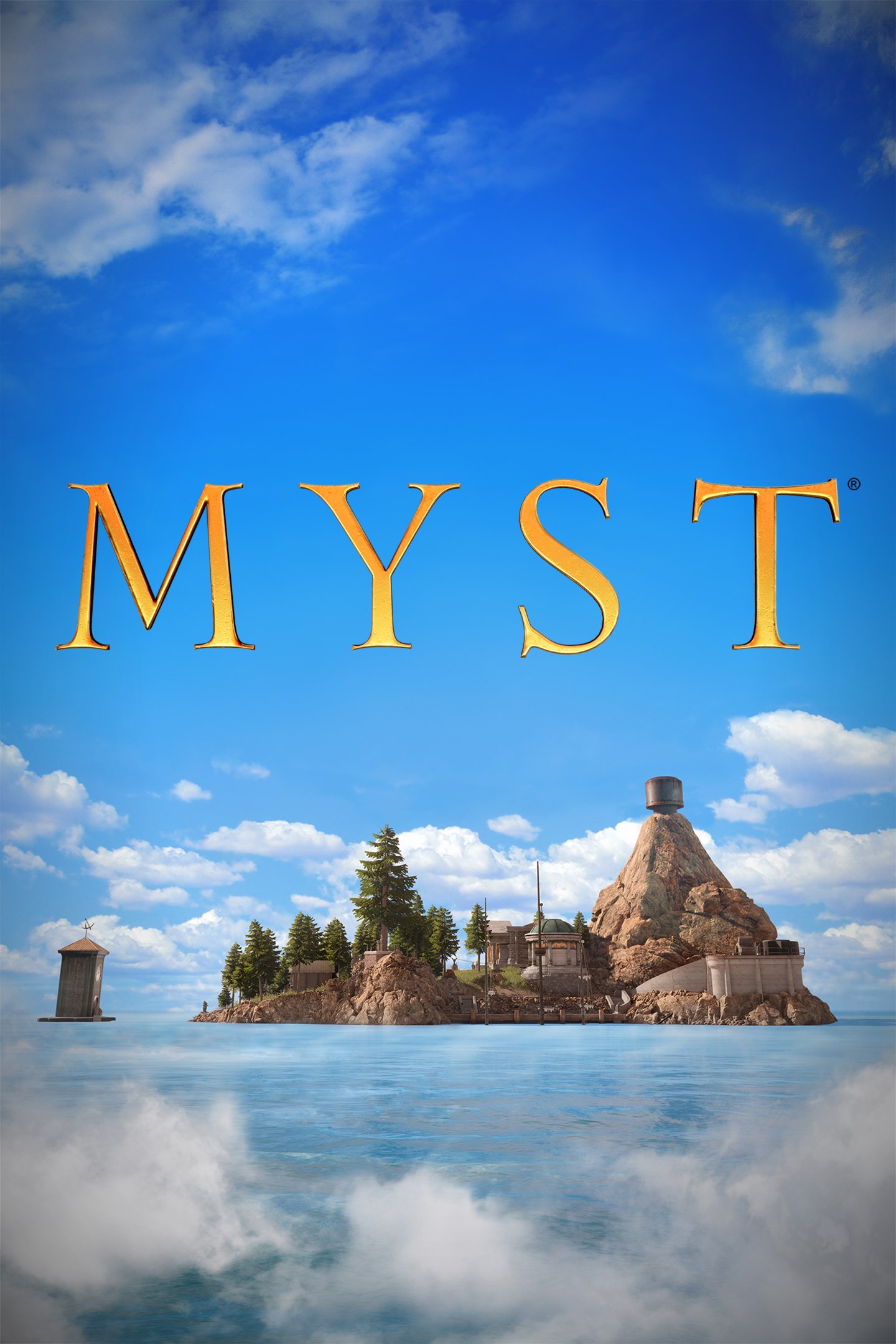
Myst
Details
- Publisher
- Cyan Worlds, Inc.
- Developer
- Cyan Worlds, Inc.
- Release date
- 26.08.2021
- Age rating
- ESRB:E
- Localization
- English
- Metascore
- 78 / 100
Source: Steam
Purchase options
Platform
Primary: our account is set as the home Xbox of your console ("My home Xbox"), so the game is shared with your own profile and works offline — that is one slot on one console. Secondary: you sign in to our account and launch the game from it, and the console has to stay online. The activation code is an extra option: it is redeemed on your own account, and the game stays there forever.
You install the game from our account and set our account as the home one ("My home Xbox"): after that you play from your own profile, and the progress and achievements stay yours. It works offline.
You sign in to our account and play right from it. A permanent internet connection is required and only the issued profile can be used. It costs less than the primary access.
A bonus way to buy: you get a 25-character code and redeem it on your own account. The game stays with you forever, no other profiles and no sign-in to a shared account.
What happens after payment
About the game
ABOUT THIS GAME
Welcome to Myst: a starkly beautiful island, eerily tinged with mystery and shrouded in intrigue.
Journey to Myst Island and other stunning, long dormant locations - called “Ages”- and begin to unravel the mystery you have been thrust into. As you learn what happened on the island, you will find that you are playing a key role in an epic story whose ending has not yet been written. Explore deeper connections in these stunning and surreal Ages, uncover a story of ruthless family betrayal, and make choices that will affect both you, and the world of Myst itself.
Cyan, the indie studio that created the beloved classic, has reimagined Myst.
Built from the ground up, Myst is teeming with new art, new sound, re-imagined interactions, and even optional puzzle randomization. Finally... the highly anticipated modern Myst experience has arrived!
NEW AND REQUESTED FEATURES
For the first time in Myst’s history, enjoy the game in many different languages through localized UI, including dialogue and gameplay-context subtitles.
- A variety of accessibility options to assist in gameplay.
- A large number of graphics options to choose from, such as supersampling options and Ray Tracing to bring the best Myst experience out of the hardware you have.
FREQUENTLY ASKED QUESTIONS
Q: I bought Myst when it first came out in 1993. Can I get a free upgrade to this new version?
A: Thank you for your support over the years! We are not giving out free upgrades to previous purchasers of the original Myst. We put a lot of effort into making this new version of Myst and would appreciate your financial support again!
Q: Does this version of Myst support VR?
A: This version of Myst does not support VR, as the platform itself does not support it.
Q: I want to play Myst, but am concerned about my computer not meeting the minimum requirements. What should I do?
A: If your machine does not meet the minimum requirements and you still want to try Myst out, we recommend enabling one of our supersampling options through the graphics settings menu to see if it alleviates performance concerns. Depending on the storefront you purchase Myst from, you may be able to qualify for a refund through the store (not through Cyan support) if Myst does not run well on your platform. Please review each store platform refund policy for details.
Q: Will Myst support [insert language here] one day?
A: Possibly! We’d love to hear from you through our support team about any languages you’d like for us to support.
Screenshots
Click a frame to open it larger, use the arrows to browse
How to activate
Guide for Xbox One
Primary — the game is shared with your own profile
- 1Press the Xbox button, open "Profile & system" → "Add or switch" → "Add new" and sign in with the login and password from your order.
- 2Now open "Settings" → "General" → "Personalization" → "My home Xbox" and choose "Make this my home Xbox". This is what shares our games with every profile on your console.
- 3Switch back to your own profile, open "My games & apps" → "Library" and install the game. The internet is only needed for the download.
- 4Launch the game from your own profile: achievements, saves and progress stay yours, and after the installation the game works offline.
Only one console at a time can be the home Xbox for our account — that is the slot you bought. Please do not change the password, the email or the two-factor settings of the account, or the access will be blocked.
Secondary — you play from our account
- 1Press the Xbox button, open "Profile & system" → "Add or switch" → "Add new" and sign in with the login and password from your order.
- 2Open "My games & apps" → "Library", switch to our profile in the top-left corner and install the game.
- 3Launch the game while our profile stays signed in, and keep the console online: the licence is checked over the internet.
- 4Use your own profile for everything else — the game stays available as long as our account is signed in on this console.
Secondary costs less, but it needs a permanent internet connection and our account stays signed in on your console.
Activation code
- 1On the console open "Store" and go to the "Redeem code" section.
- 2Enter the 25-character code from your order and confirm the activation on your own account.
- 3After the activation the code is shown as "Used" — but you can reinstall the game from your library at any time.
Notes for Xbox One
Important
How to play online
Warranty and support
The warranty covers the whole period of use of the account. If the access stops working, we replace the account or refund your money.
- If the game stops launching, we replace the account or refund your money.
- Average support response time — 15–30 minutes during working hours.
- The warranty covers the whole rental period of the access.
Support
Telegram: @weskars
E-mail: support@gears.games
Working hours: daily 11:00 – 23:00 (UTC+3)
Every order goes through clear stages: "New" → "Awaiting payment" → "Paid" → "Delivered". You can follow the status in your account page.
Similar games
More games in the "Action & adventure" genre



