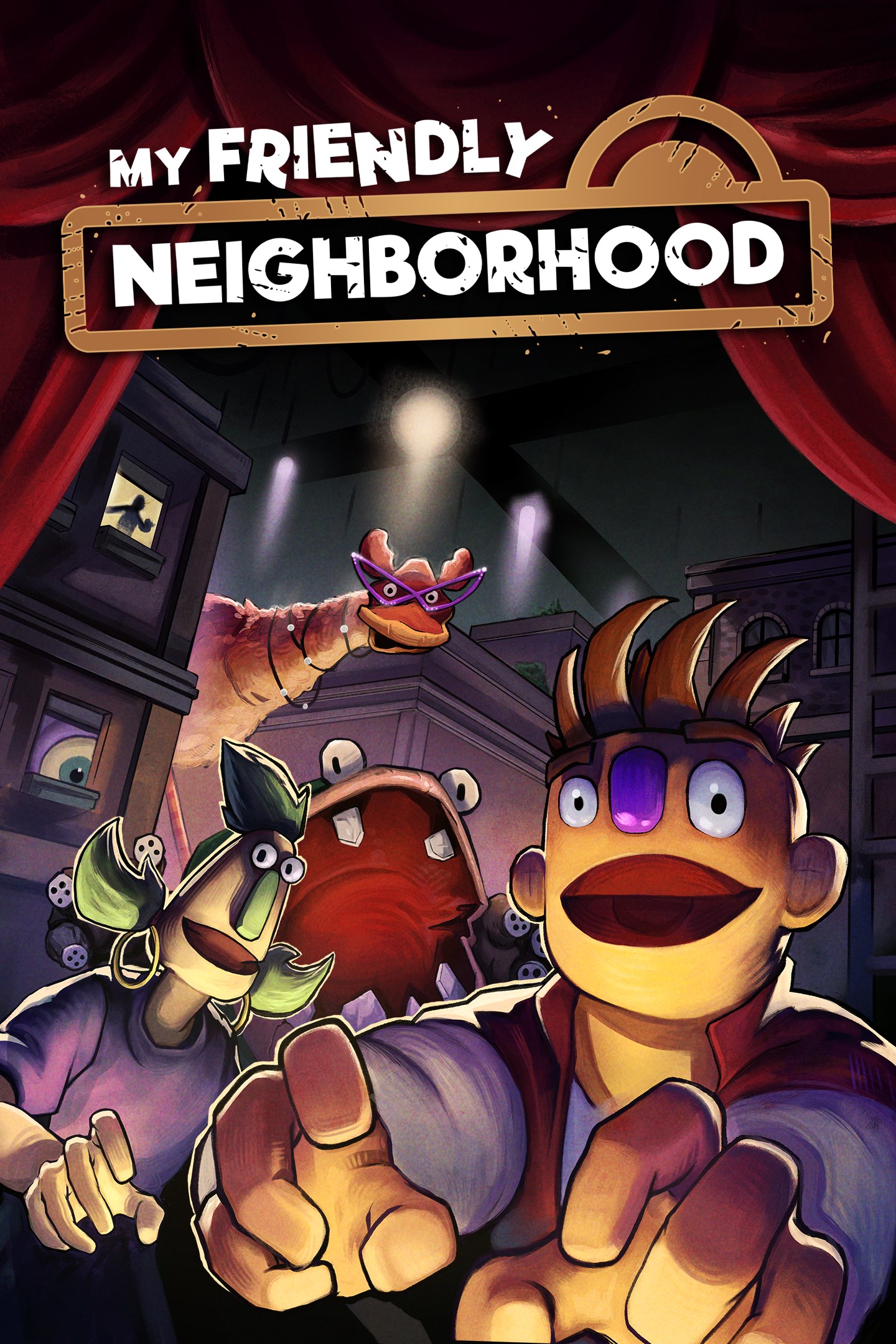
My Friendly Neighborhood
Details
- Publisher
- DreadXP
- Developer
- John Szymanski & Evan Szymanski
- Release date
- 17.07.2025
- Age rating
- ESRB:E10
- Localization
- English
Purchase options
Platform
Primary: our account is set as the home Xbox of your console ("My home Xbox"), so the game is shared with your own profile and works offline — that is one slot on one console. Secondary: you sign in to our account and launch the game from it, and the console has to stay online. The activation code is an extra option: it is redeemed on your own account, and the game stays there forever.
You install the game from our account and set our account as the home one ("My home Xbox"): after that you play from your own profile, and the progress and achievements stay yours. It works offline.
You sign in to our account and play right from it. A permanent internet connection is required and only the issued profile can be used. It costs less than the primary access.
A bonus way to buy: you get a 25-character code and redeem it on your own account. The game stays with you forever, no other profiles and no sign-in to a shared account.
What happens after payment
About the game
Something is amiss with everyone's favorite Saturday morning puppet show! For years, the colorful cast of The Friendly Neighborhood delighted audiences across the globe with their cooky capers and educational adventures. However, as time went on and interest waned, the production studio found themselves out of money and closed their doors for good. Toy sales would dwindle, and birthday balloons and cakes would find new mascots. In time, the once household names would fade into increasingly niche fandoms. Until one night years later, the studio unexpectedly clicks back to life and starts broadcasting The Friendly Neighborhood. TV sets across the globe flicker for a moment before the familiar puppets return for a surprise encore! But this isn't your typical family-friendly holiday special... are those puppets eating each other!?
Thinking the antenna on top of the main building has started broadcasting old episodes, the city sends Handyman Gordon to straighten things out. It doesn't take Gordon long to find that the typically friendly neighborhood has become a lot less welcoming. Stepping into his work boots, you'll have to fend off ferocious friends, solve a plethora of playtime puzzles turned perilous, and hopefully uncover the dastardly truth at the heart of this terrifying tale.
If you're tired of games that rely on gore more than solid scares, then come on over to the streets of MFN! Featuring a mix of action and adventure, MFN is the perfect game for horror fans looking for something a bit different. Sure, there might not be any dismemberment or decapitations. But that just means the puppets don't stay down for good...
Screenshots
Click a frame to open it larger, use the arrows to browse
How to activate
Guide for Xbox One
Primary — the game is shared with your own profile
- 1Press the Xbox button, open "Profile & system" → "Add or switch" → "Add new" and sign in with the login and password from your order.
- 2Now open "Settings" → "General" → "Personalization" → "My home Xbox" and choose "Make this my home Xbox". This is what shares our games with every profile on your console.
- 3Switch back to your own profile, open "My games & apps" → "Library" and install the game. The internet is only needed for the download.
- 4Launch the game from your own profile: achievements, saves and progress stay yours, and after the installation the game works offline.
Only one console at a time can be the home Xbox for our account — that is the slot you bought. Please do not change the password, the email or the two-factor settings of the account, or the access will be blocked.
Secondary — you play from our account
- 1Press the Xbox button, open "Profile & system" → "Add or switch" → "Add new" and sign in with the login and password from your order.
- 2Open "My games & apps" → "Library", switch to our profile in the top-left corner and install the game.
- 3Launch the game while our profile stays signed in, and keep the console online: the licence is checked over the internet.
- 4Use your own profile for everything else — the game stays available as long as our account is signed in on this console.
Secondary costs less, but it needs a permanent internet connection and our account stays signed in on your console.
Activation code
- 1On the console open "Store" and go to the "Redeem code" section.
- 2Enter the 25-character code from your order and confirm the activation on your own account.
- 3After the activation the code is shown as "Used" — but you can reinstall the game from your library at any time.
Notes for Xbox One
Important
How to play online
Warranty and support
The warranty covers the whole period of use of the account. If the access stops working, we replace the account or refund your money.
- If the game stops launching, we replace the account or refund your money.
- Average support response time — 15–30 minutes during working hours.
- The warranty covers the whole rental period of the access.
Support
Telegram: @weskars
E-mail: support@gears.games
Working hours: daily 11:00 – 23:00 (UTC+3)
Every order goes through clear stages: "New" → "Awaiting payment" → "Paid" → "Delivered". You can follow the status in your account page.
Similar games
More games in the "Shooter" genre