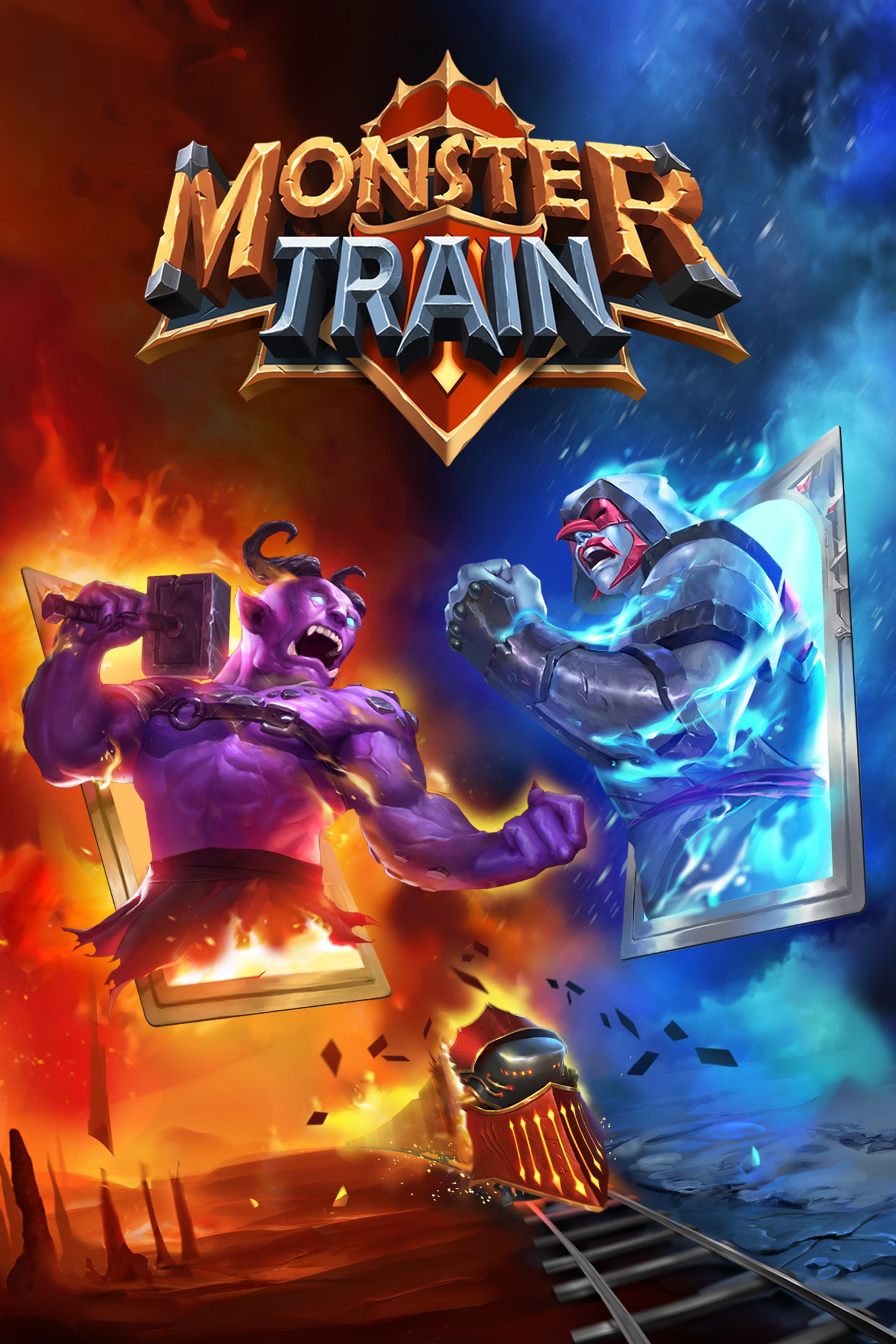
Monster Train
Details
- Publisher
- Good Shepherd Entertainment
- Developer
- Shiny Shoe
- Release date
- 17.12.2020
- Age rating
- ESRB:E10
- Localization
- English
- Metascore
- 86 / 100
Source: Steam
Purchase options
Platform
Primary: our account is set as the home Xbox of your console ("My home Xbox"), so the game is shared with your own profile and works offline — that is one slot on one console. Secondary: you sign in to our account and launch the game from it, and the console has to stay online. The activation code is an extra option: it is redeemed on your own account, and the game stays there forever.
You install the game from our account and set our account as the home one ("My home Xbox"): after that you play from your own profile, and the progress and achievements stay yours. It works offline.
You sign in to our account and play right from it. A permanent internet connection is required and only the issued profile can be used. It costs less than the primary access.
A bonus way to buy: you get a 25-character code and redeem it on your own account. The game stays with you forever, no other profiles and no sign-in to a shared account.
What happens after payment
About the game
Hell has frozen over. Only you can protect the final burning pyre from the forces of heaven and restore the inferno. Monster Train brings a new strategic layer to roguelike deckbuilding, with three vertical playing fields to defend.
Includes the released updates Wild Mutations and Friends & Foes!
No playthrough is ever the same, it’s a fresh challenge every time.
You’ll never play the same deck twice!
* 25 covenant (difficulty) levels
* over 250 cards
* 5 monster clans, each with their own distinct gameplay
* Each clan has 10 levels to unlock, bringing new cards to your deck
* Upgrade your clan champions multiple times
* Challenge your friends to beat your score
Visit powerful locations
To take back hell, you’ll need to power up. Choose your route carefully, different locations yield different benefits; upgrade your champion, recruit powerful units, upgrade cards, gain passive bonuses or duplicate any card in your deck.
Strategize to fit your playstyle
With five clans to choose from, each has its own unique and surprising gameplay. Pick your primary and supporting clan to gain access to all cards from both. During your run you will be able to improve cards by mixing and matching upgrades to open up new roads to victory. You can even duplicate your favorite card at special map nodes before facing off against the final boss.
Multiplayer
HELL RUSH
In the Hell Rush multiplayer mode, eight players compete in a frantic real-time contest. Each player has the same resources and opponents to create a level playing field. With the clock ticking, it’s a test of who can make the best decisions under pressure. Only a true speed demon can remain undefeated.
DAILY CHALLENGE
Take on a new challenge every day with a hugely modified run due to gameplay mutators. Compete globally and against friends, and climb the leaderboards with a skill-focused scoring system.
CUSTOM CHALLENGE
Design your own unique challenge and share it with friends. Each custom challenge has its own leaderboard so you can send your friends straight to hell.
Screenshots
Click a frame to open it larger, use the arrows to browse
How to activate
Guide for Xbox One
Primary — the game is shared with your own profile
- 1Press the Xbox button, open "Profile & system" → "Add or switch" → "Add new" and sign in with the login and password from your order.
- 2Now open "Settings" → "General" → "Personalization" → "My home Xbox" and choose "Make this my home Xbox". This is what shares our games with every profile on your console.
- 3Switch back to your own profile, open "My games & apps" → "Library" and install the game. The internet is only needed for the download.
- 4Launch the game from your own profile: achievements, saves and progress stay yours, and after the installation the game works offline.
Only one console at a time can be the home Xbox for our account — that is the slot you bought. Please do not change the password, the email or the two-factor settings of the account, or the access will be blocked.
Secondary — you play from our account
- 1Press the Xbox button, open "Profile & system" → "Add or switch" → "Add new" and sign in with the login and password from your order.
- 2Open "My games & apps" → "Library", switch to our profile in the top-left corner and install the game.
- 3Launch the game while our profile stays signed in, and keep the console online: the licence is checked over the internet.
- 4Use your own profile for everything else — the game stays available as long as our account is signed in on this console.
Secondary costs less, but it needs a permanent internet connection and our account stays signed in on your console.
Activation code
- 1On the console open "Store" and go to the "Redeem code" section.
- 2Enter the 25-character code from your order and confirm the activation on your own account.
- 3After the activation the code is shown as "Used" — but you can reinstall the game from your library at any time.
Notes for Xbox One
Important
How to play online
Warranty and support
The warranty covers the whole period of use of the account. If the access stops working, we replace the account or refund your money.
- If the game stops launching, we replace the account or refund your money.
- Average support response time — 15–30 minutes during working hours.
- The warranty covers the whole rental period of the access.
Support
Telegram: @weskars
E-mail: support@gears.games
Working hours: daily 11:00 – 23:00 (UTC+3)
Every order goes through clear stages: "New" → "Awaiting payment" → "Paid" → "Delivered". You can follow the status in your account page.
Similar games
More games in the "Card & board" genre