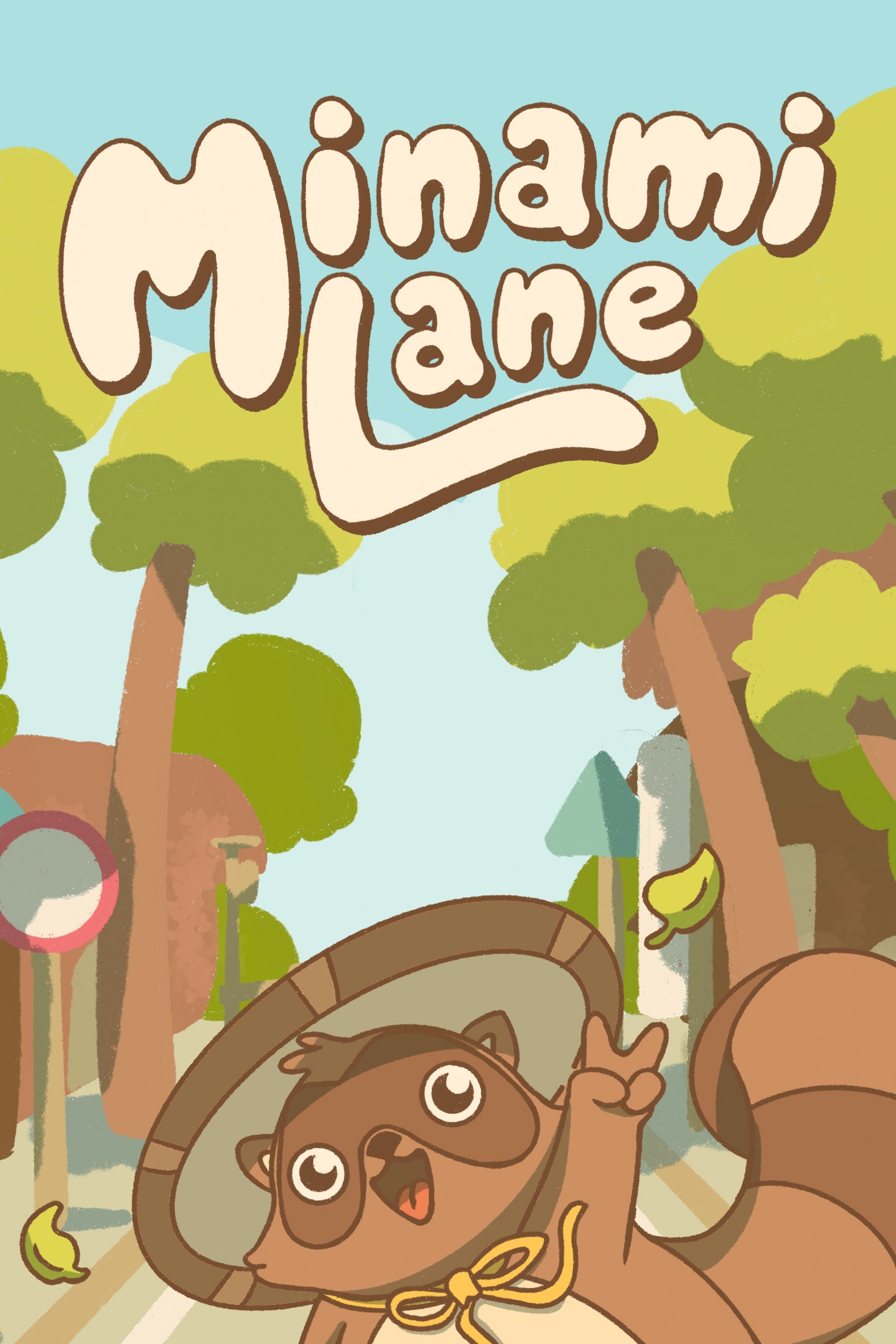
Minami Lane
Details
- Publisher
- Seaven Studio
- Developer
- Doot, Blibloop, Zakku
- Release date
- 09.07.2025
- Age rating
- ESRB:E
- Localization
- English
Purchase options
Platform
Primary: our account is set as the home Xbox of your console ("My home Xbox"), so the game is shared with your own profile and works offline — that is one slot on one console. Secondary: you sign in to our account and launch the game from it, and the console has to stay online. The activation code is an extra option: it is redeemed on your own account, and the game stays there forever.
You install the game from our account and set our account as the home one ("My home Xbox"): after that you play from your own profile, and the progress and achievements stay yours. It works offline.
You sign in to our account and play right from it. A permanent internet connection is required and only the issued profile can be used. It costs less than the primary access.
A bonus way to buy: you get a 25-character code and redeem it on your own account. The game stays with you forever, no other profiles and no sign-in to a shared account.
What happens after payment
About the game
Welcome to Minami Lane! Build your own street in this tiny cozy, casual management sim. Minami Lane won an Xbox Excellence Award in 2025 for Store Rating!
Minami Lane is a small, wholesome management game set on a Japanese-inspired street. Create and manage your own street, make sure everyone is happy, and watch the villagers live their lives! Enjoy 2 to 4 hours of playtime, cute tanukis and lots of cats!
GAMEPLAY
Build your street
Build homes to add villagers to your street, then improve their happiness by beautifying every inch and building a variety of shops & attractions! These include ramen shops, boba cafes, bookstores and more, each with unique inventories and effects.
Manage your shops
attract customers with everything from floral bouquets to karaoke! Shops you create will need your careful guidance to offer the right products at the right prices. Lead them to success and make your neighborhood thrive.
Watch your villagers live their lives
Once you start the day, you'll get to see each villager react to your street and offer helpful feedback on how to improve! Memorize their preferences and refine your street the following day.
Reach your objectives
Complete missions to unlock new levels with more buildings, villager types, and other surprises.
FEATURES
What Minami Lane offers:
• 2-4 hours of play time
• Create and customize your own adorable street
• Manage shops by adjusting their inventory, recipes, and prices
• Play strategically to complete each level's mission objectives
• Keep the streets clean by picking up trash
• Tanukis and cats!
What Minami Lane does not offer:
• Hardcore strategy
• Multiplayer
• Tons of missions
• New levels after release
GAME MODES
• In Minami Lane's missions, you'll need to strategically plan each day and use elements such as random events to your advantage to complete multiple objectives.
• The sandbox mode focuses on creativity and relaxation, allowing you to immerse yourself in the peaceful, cozy world without the stress of objectives.
Screenshots
Click a frame to open it larger, use the arrows to browse
How to activate
Guide for Xbox One
Primary — the game is shared with your own profile
- 1Press the Xbox button, open "Profile & system" → "Add or switch" → "Add new" and sign in with the login and password from your order.
- 2Now open "Settings" → "General" → "Personalization" → "My home Xbox" and choose "Make this my home Xbox". This is what shares our games with every profile on your console.
- 3Switch back to your own profile, open "My games & apps" → "Library" and install the game. The internet is only needed for the download.
- 4Launch the game from your own profile: achievements, saves and progress stay yours, and after the installation the game works offline.
Only one console at a time can be the home Xbox for our account — that is the slot you bought. Please do not change the password, the email or the two-factor settings of the account, or the access will be blocked.
Secondary — you play from our account
- 1Press the Xbox button, open "Profile & system" → "Add or switch" → "Add new" and sign in with the login and password from your order.
- 2Open "My games & apps" → "Library", switch to our profile in the top-left corner and install the game.
- 3Launch the game while our profile stays signed in, and keep the console online: the licence is checked over the internet.
- 4Use your own profile for everything else — the game stays available as long as our account is signed in on this console.
Secondary costs less, but it needs a permanent internet connection and our account stays signed in on your console.
Activation code
- 1On the console open "Store" and go to the "Redeem code" section.
- 2Enter the 25-character code from your order and confirm the activation on your own account.
- 3After the activation the code is shown as "Used" — but you can reinstall the game from your library at any time.
Notes for Xbox One
Important
How to play online
Warranty and support
The warranty covers the whole period of use of the account. If the access stops working, we replace the account or refund your money.
- If the game stops launching, we replace the account or refund your money.
- Average support response time — 15–30 minutes during working hours.
- The warranty covers the whole rental period of the access.
Support
Telegram: @weskars
E-mail: support@gears.games
Working hours: daily 11:00 – 23:00 (UTC+3)
Every order goes through clear stages: "New" → "Awaiting payment" → "Paid" → "Delivered". You can follow the status in your account page.
Similar games
More games in the "Strategy" genre