
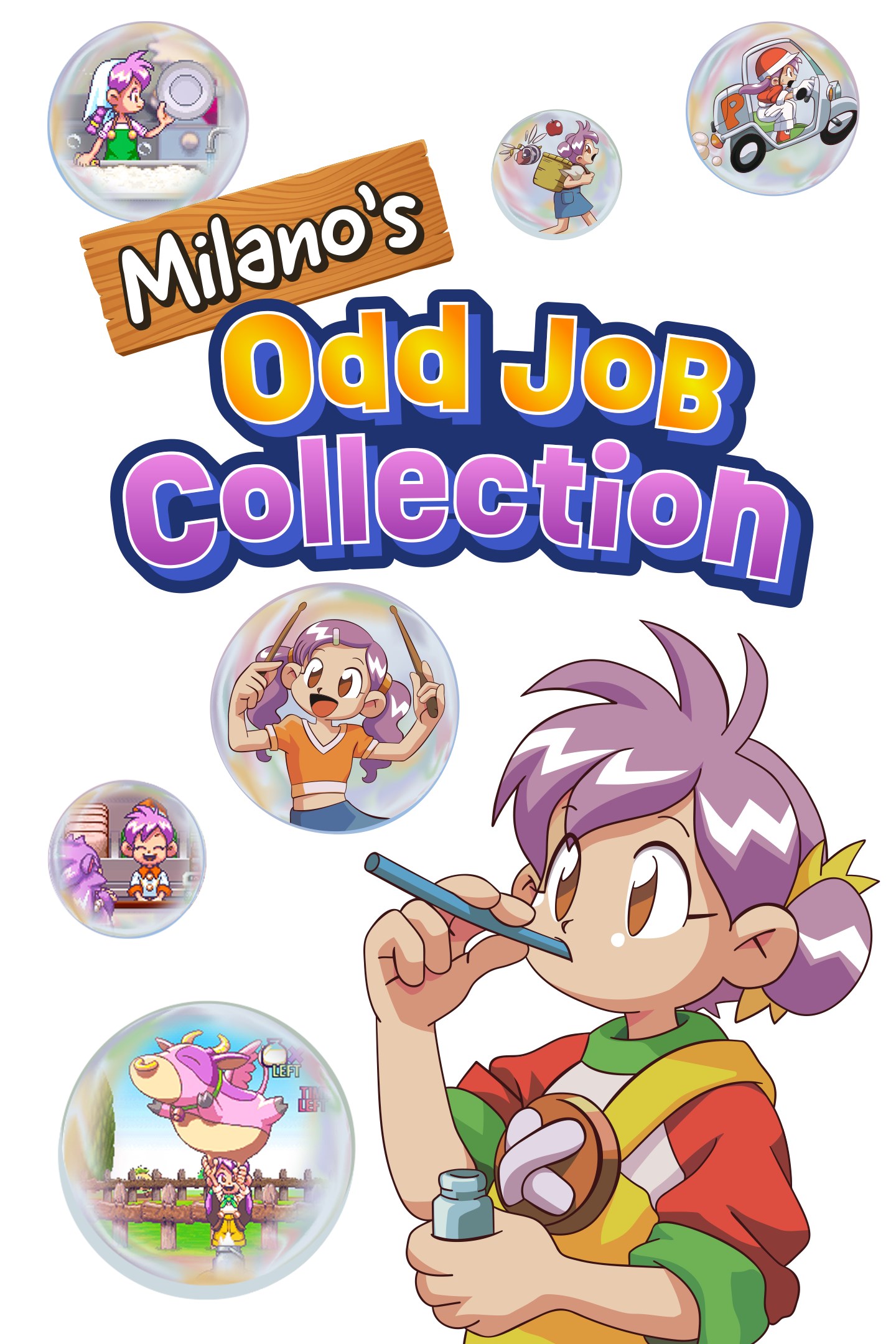
Milano's Odd Job Collection
Details
- Publisher
- XSEED Games / Marvelous USA, Inc.
- Developer
- Marvelous Inc.
- Release date
- 09.12.2025
- Age rating
- ESRB:E
- Localization
- English
Purchase options
Platform
Primary: our account is set as the home Xbox of your console ("My home Xbox"), so the game is shared with your own profile and works offline — that is one slot on one console. Secondary: you sign in to our account and launch the game from it, and the console has to stay online. The activation code is an extra option: it is redeemed on your own account, and the game stays there forever.
You install the game from our account and set our account as the home one ("My home Xbox"): after that you play from your own profile, and the progress and achievements stay yours. It works offline.
You sign in to our account and play right from it. A permanent internet connection is required and only the issued profile can be used. It costs less than the primary access.
A bonus way to buy: you get a 25-character code and redeem it on your own account. The game stays with you forever, no other profiles and no sign-in to a shared account.
What happens after payment
About the game
School’s out, but 11-year-old Milano’s mom needs to go to the hospital and Milano is sent to spend the summer with her uncle. There’s one small problem – her uncle is away on vacation! Left on her own, Milano decides to make the most of her situation by taking up a variety of part-time jobs in town. Over the next 40 days, Milano goes all in – delivering pizzas, nursing sick patients, milking flying cows, and more – to make this summer unforgettable. And maybe she can spruce up her uncle’s place and have some fun while she’s at it.
Previously only available in Japan, this charming classic delivers cute Japanese nostalgia to worldwide audiences for the first time!
◆Milano Meets the World
Full English text and voiceovers bring Milano’s pixel-art adventures to a whole new audience. Fans can rest assured that the original Japanese is also available, complete with all-new English subtitles.
◆Make Your Home Away from Home
Rest and relaxation are important for work-life balance. Milano can style the house with new furniture and decor instead of going into work, and at night she can enjoy quiet time inside with her uncle’s cat, stargazing from her bedroom, and making use of items purchased with her hard-earned wages.
◆It’s Not Work if You Love to Do It
Help Milano earn money in eight unique mini games, including curing diseases as a nurse, catching falling fruits in an orchard, and more. Enrich Milano’s skill, mood, and energy in the evenings to unlock more odd jobs and higher difficulty levels. The tougher the challenge, the bigger the payday!
◆Nostalgic Gameplay, Modern Conveniences
The charm and gameplay of the original release are intact, but improved load times, save states, and a rewind feature help update this classic title for modern audiences.
Screenshots
Click a frame to open it larger, use the arrows to browse
How to activate
Guide for Xbox One
Primary — the game is shared with your own profile
- 1Press the Xbox button, open "Profile & system" → "Add or switch" → "Add new" and sign in with the login and password from your order.
- 2Now open "Settings" → "General" → "Personalization" → "My home Xbox" and choose "Make this my home Xbox". This is what shares our games with every profile on your console.
- 3Switch back to your own profile, open "My games & apps" → "Library" and install the game. The internet is only needed for the download.
- 4Launch the game from your own profile: achievements, saves and progress stay yours, and after the installation the game works offline.
Only one console at a time can be the home Xbox for our account — that is the slot you bought. Please do not change the password, the email or the two-factor settings of the account, or the access will be blocked.
Secondary — you play from our account
- 1Press the Xbox button, open "Profile & system" → "Add or switch" → "Add new" and sign in with the login and password from your order.
- 2Open "My games & apps" → "Library", switch to our profile in the top-left corner and install the game.
- 3Launch the game while our profile stays signed in, and keep the console online: the licence is checked over the internet.
- 4Use your own profile for everything else — the game stays available as long as our account is signed in on this console.
Secondary costs less, but it needs a permanent internet connection and our account stays signed in on your console.
Activation code
- 1On the console open "Store" and go to the "Redeem code" section.
- 2Enter the 25-character code from your order and confirm the activation on your own account.
- 3After the activation the code is shown as "Used" — but you can reinstall the game from your library at any time.
Notes for Xbox One
Important
How to play online
Warranty and support
The warranty covers the whole period of use of the account. If the access stops working, we replace the account or refund your money.
- If the game stops launching, we replace the account or refund your money.
- Average support response time — 15–30 minutes during working hours.
- The warranty covers the whole rental period of the access.
Support
Telegram: @weskars
E-mail: support@gears.games
Working hours: daily 11:00 – 23:00 (UTC+3)
Every order goes through clear stages: "New" → "Awaiting payment" → "Paid" → "Delivered". You can follow the status in your account page.
Similar games
More games in the "Simulation" genre



