
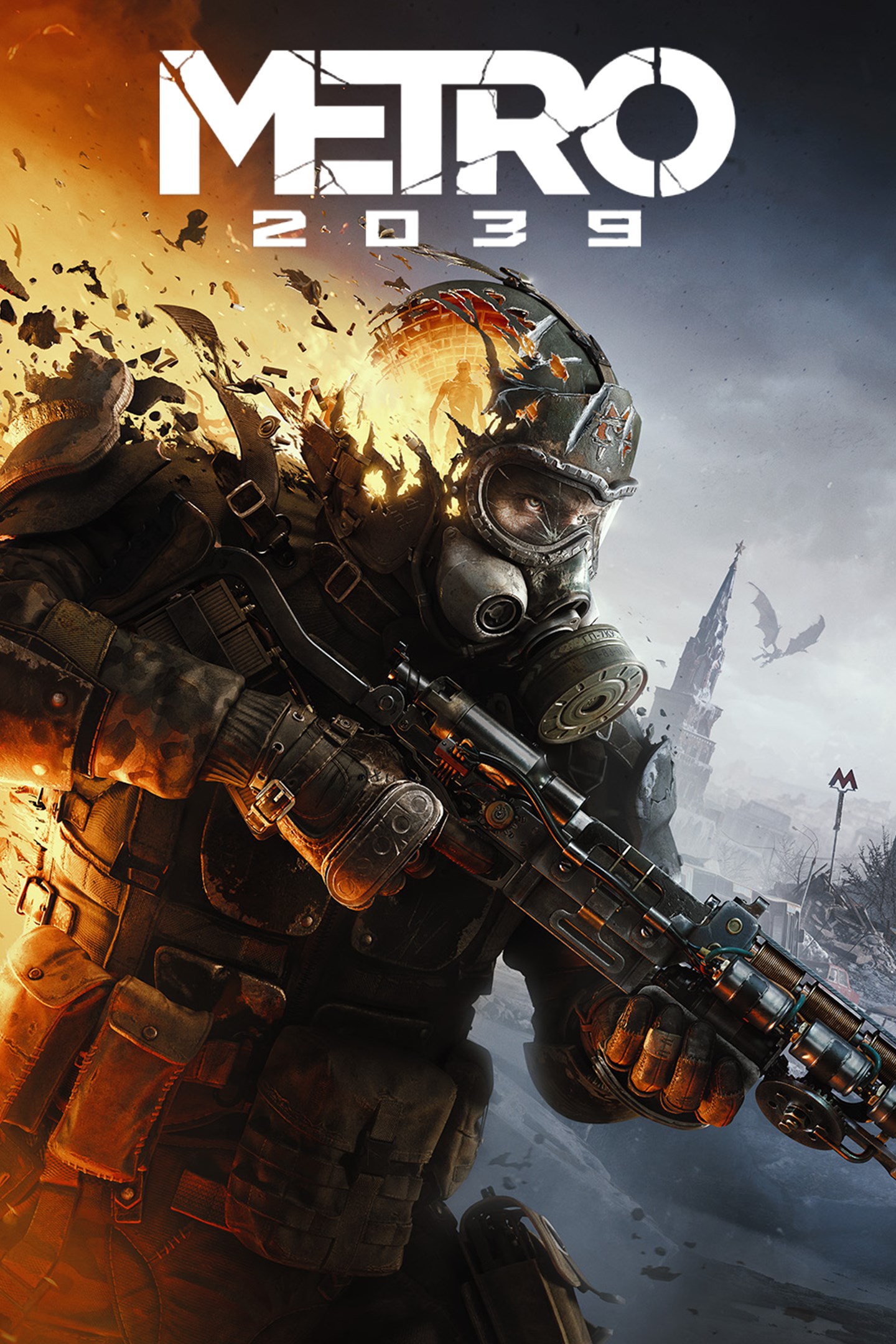
METRO 2039
Details
- Publisher
- Deep Silver
- Developer
- 4A Games
- Release date
- 04.02.2027
- Age rating
- ESRB:M
- Localization
- English
Purchase options
Primary: our account is set as the home Xbox of your console ("My home Xbox"), so the game is shared with your own profile and works offline — that is one slot on one console. Secondary: you sign in to our account and launch the game from it, and the console has to stay online. The activation code is an extra option: it is redeemed on your own account, and the game stays there forever.
You install the game from our account and set our account as the home one ("My home Xbox"): after that you play from your own profile, and the progress and achievements stay yours. It works offline.
You sign in to our account and play right from it. A permanent internet connection is required and only the issued profile can be used. It costs less than the primary access.
A bonus way to buy: you get a 25-character code and redeem it on your own account. The game stays with you forever, no other profiles and no sign-in to a shared account.
What happens after payment
About the game
Pre-order now to get the METRO 2039 Specialist Pack featuring early unlocks for the Munitions, Chemtech and Equipment backpack upgrades.
The year is 2039.
For a quarter century, the last survivors of nuclear war have been locked in bitter conflict deep in the Metro tunnels beneath the poisoned city of Moscow.
In the wilderness beyond the city, the reclusive Stranger is haunted by violent waking nightmares. When the ghosts of his past force him out of exile, he must undertake a harrowing journey into the shattered ruins of Moscow, to the one place he swore he’d never go.
The Metro.
Experience the most shocking METRO adventure yet in a powerful single-player story that weaves exploration, survival, combat and stealth across a hauntingly beautiful but deadly world with unparalleled immersion.
A BRUTAL & UNFORGETTABLE SOLO CAMPAIGN
Explore deadly swamps, irradiated cityscapes and claustrophobic tunnels in a harrowing journey back into the black heart of the Moscow Metro.
EMOTIONAL POST-APOCALYPTIC STORYTELLING
Piece together the nightmares of the Stranger’s shattered mind in a layered narrative co-written with acclaimed METRO author, Dmitry Glukhovsky.
CHALLENGING COMBAT & STEALTH
Use flexible stealth and brutal gunplay. Adapt to poisoned environments and craft critical resources in the heat of battle.
IMMERSIVE SURVIVAL & EXPLORATION
Battle radiation, fix deteriorating gear, and charge electronics. Discover secrets with your UV tool, and cut or blast new paths to secret areas and stories.
GROUNDED CUSTOMISATION & PROGRESSION
Wield the merciless new Shatun rifle. Discover blueprints and customise a unique arsenal of hand-made weaponry.
Inspired by the worldwide best-selling METRO book trilogy by Dmitry Glukhovsky.
Screenshots
Click a frame to open it larger, use the arrows to browse
How to activate
Guide for Xbox Series X|S
Primary — the game is shared with your own profile
- 1Press the Xbox button, open "Profile & system" → "Add or switch" → "Add new" and sign in with the login and password from your order.
- 2Now open "Settings" → "General" → "Personalization" → "My home Xbox" and choose "Make this my home Xbox". This is what shares our games with every profile on your console.
- 3Switch back to your own profile, open "My games & apps" → "Library" and install the game. The internet is only needed for the download.
- 4Launch the game from your own profile: achievements, saves and progress stay yours, and after the installation the game works offline.
Only one console at a time can be the home Xbox for our account — that is the slot you bought. Please do not change the password, the email or the two-factor settings of the account, or the access will be blocked.
Secondary — you play from our account
- 1Press the Xbox button, open "Profile & system" → "Add or switch" → "Add new" and sign in with the login and password from your order.
- 2Open "My games & apps" → "Library", switch to our profile in the top-left corner and install the game.
- 3Launch the game while our profile stays signed in, and keep the console online: the licence is checked over the internet.
- 4Use your own profile for everything else — the game stays available as long as our account is signed in on this console.
Secondary costs less, but it needs a permanent internet connection and our account stays signed in on your console.
Activation code
- 1On the console open "Store" and go to the "Redeem code" section.
- 2Enter the 25-character code from your order and confirm the activation on your own account.
- 3After the activation the code is shown as "Used" — but you can reinstall the game from your library at any time.
Notes for Xbox Series
Important
How to play online
Warranty and support
The warranty covers the whole period of use of the account. If the access stops working, we replace the account or refund your money.
- If the game stops launching, we replace the account or refund your money.
- Average support response time — 15–30 minutes during working hours.
- The warranty covers the whole rental period of the access.
Support
Telegram: @weskars
E-mail: support@gears.games
Working hours: daily 11:00 – 23:00 (UTC+3)
Every order goes through clear stages: "New" → "Awaiting payment" → "Paid" → "Delivered". You can follow the status in your account page.
Similar games
More games in the "Action & adventure" genre



