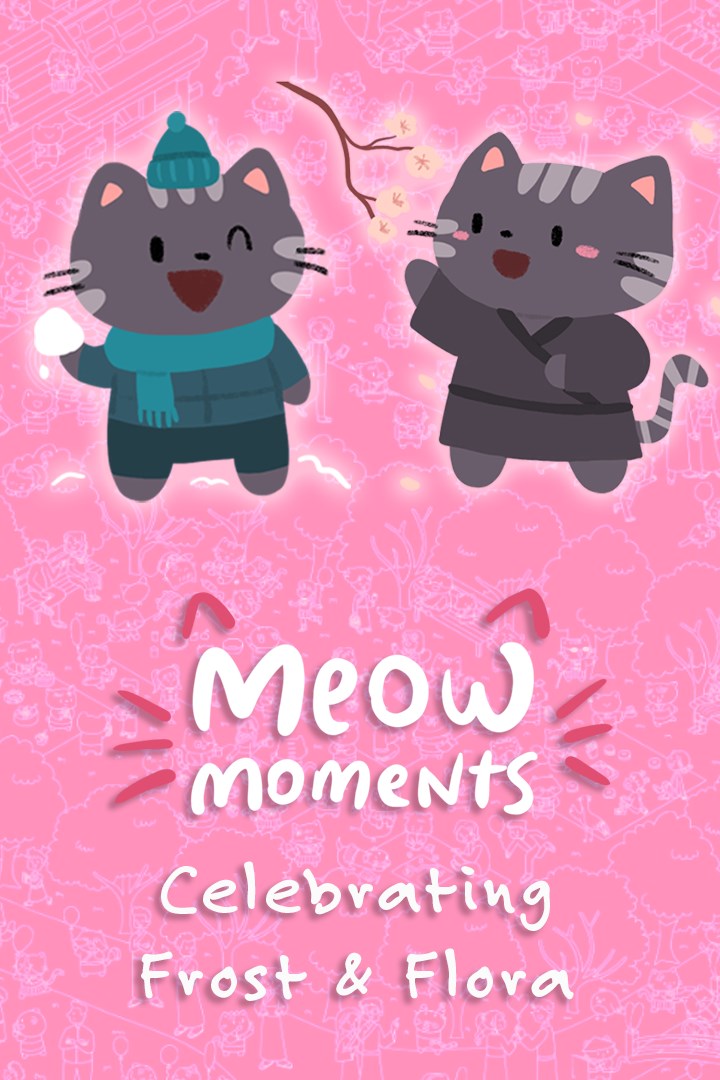
Meow Moments: Celebrating Frost & Flora
Details
- Publisher
- Mens Sana Interactive
- Developer
- Mens Sana Interactive
- Release date
- 24.07.2026
- Age rating
- ESRB:E
- Localization
- English
Purchase options
Platform
Primary: our account is set as the home Xbox of your console ("My home Xbox"), so the game is shared with your own profile and works offline — that is one slot on one console. Secondary: you sign in to our account and launch the game from it, and the console has to stay online. The activation code is an extra option: it is redeemed on your own account, and the game stays there forever.
You install the game from our account and set our account as the home one ("My home Xbox"): after that you play from your own profile, and the progress and achievements stay yours. It works offline.
You sign in to our account and play right from it. A permanent internet connection is required and only the issued profile can be used. It costs less than the primary access.
A bonus way to buy: you get a 25-character code and redeem it on your own account. The game stays with you forever, no other profiles and no sign-in to a shared account.
What happens after payment
About the game
Experience the Beauty of the Seasons! In this cozy hidden-object adventure, cats and friends explore the contrast between a frosty winter wonderland and a serene blooming garden. Every detail invites you to discover that whether in the snow or under falling petals, friendship and fun are always in season.
Start your journey in The Winter Resort, a bustling snow-covered village where everyday life unfolds with gentle humor. Watch playful kittens ice skating, enjoying snowball fun, and sipping hot cocoa in a frosty wonderland full of warm encounters and cozy winter joy.
Then, step into The Cherry Blossom Park to visit a tranquil Japanese-inspired setting. Explore a peaceful garden with elegant red bridges and lively street food stalls where cats celebrate the Hanami festival. Amidst the falling pink petals, discover that sharing quiet moments together is what truly makes spring magical.
Features:
- Cats and Friends: Find delightful characters in two detailed scenes -one from a snowy winter retreat and one from a relaxing floral park.
- Balloon-Popping Fun: Enjoy relaxing gameplay as you pop balloons across the scenes—a bit of fun with every search!
- Rich Details: Explore beautifully illustrated settings that blend festive winter elements and blooming nature with visual storytelling in every corner.
- Over 600 Items to Find! Search for 202 cats, 202 unique characters, and colorful balloons hidden throughout the seasons.
- Atmospheric Soundtrack: Set the tone with immersive music tailored to match each getaway—from cozy winter tunes to relaxing spring melodies.
- Family-Friendly Fun: With cozy, pressure-free gameplay and intuitive controls, it’s an experience for all ages. Perfect for relaxing together or playing solo.
Celebrate the comforting beauty of frost and flora in this heartwarming journey—where every moment is worth remembering.
Screenshots
Click a frame to open it larger, use the arrows to browse
How to activate
Guide for Xbox One
Primary — the game is shared with your own profile
- 1Press the Xbox button, open "Profile & system" → "Add or switch" → "Add new" and sign in with the login and password from your order.
- 2Now open "Settings" → "General" → "Personalization" → "My home Xbox" and choose "Make this my home Xbox". This is what shares our games with every profile on your console.
- 3Switch back to your own profile, open "My games & apps" → "Library" and install the game. The internet is only needed for the download.
- 4Launch the game from your own profile: achievements, saves and progress stay yours, and after the installation the game works offline.
Only one console at a time can be the home Xbox for our account — that is the slot you bought. Please do not change the password, the email or the two-factor settings of the account, or the access will be blocked.
Secondary — you play from our account
- 1Press the Xbox button, open "Profile & system" → "Add or switch" → "Add new" and sign in with the login and password from your order.
- 2Open "My games & apps" → "Library", switch to our profile in the top-left corner and install the game.
- 3Launch the game while our profile stays signed in, and keep the console online: the licence is checked over the internet.
- 4Use your own profile for everything else — the game stays available as long as our account is signed in on this console.
Secondary costs less, but it needs a permanent internet connection and our account stays signed in on your console.
Activation code
- 1On the console open "Store" and go to the "Redeem code" section.
- 2Enter the 25-character code from your order and confirm the activation on your own account.
- 3After the activation the code is shown as "Used" — but you can reinstall the game from your library at any time.
Notes for Xbox One
Important
How to play online
Warranty and support
The warranty covers the whole period of use of the account. If the access stops working, we replace the account or refund your money.
- If the game stops launching, we replace the account or refund your money.
- Average support response time — 15–30 minutes during working hours.
- The warranty covers the whole rental period of the access.
Support
Telegram: @weskars
E-mail: support@gears.games
Working hours: daily 11:00 – 23:00 (UTC+3)
Every order goes through clear stages: "New" → "Awaiting payment" → "Paid" → "Delivered". You can follow the status in your account page.
Similar games
More games in the "Family & kids" genre