
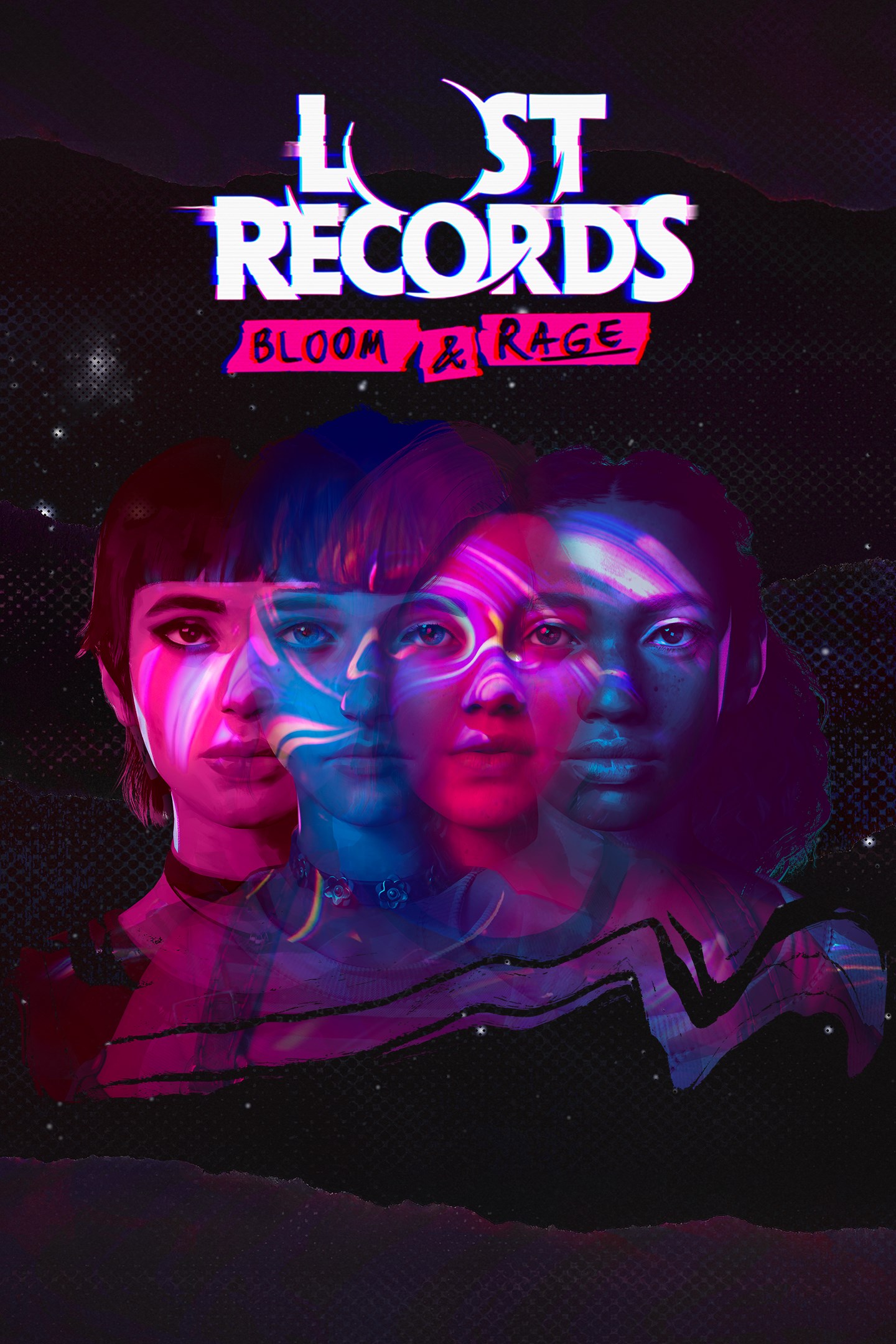
Lost Records: Bloom & Rage
Details
- Publisher
- DON'T NOD
- Developer
- DON'T NOD
- Release date
- 18.02.2025
- Age rating
- ESRB:M
- Localization
- English
Purchase options
Primary: our account is set as the home Xbox of your console ("My home Xbox"), so the game is shared with your own profile and works offline — that is one slot on one console. Secondary: you sign in to our account and launch the game from it, and the console has to stay online. The activation code is an extra option: it is redeemed on your own account, and the game stays there forever.
You install the game from our account and set our account as the home one ("My home Xbox"): after that you play from your own profile, and the progress and achievements stay yours. It works offline.
You sign in to our account and play right from it. A permanent internet connection is required and only the issued profile can be used. It costs less than the primary access.
A bonus way to buy: you get a 25-character code and redeem it on your own account. The game stays with you forever, no other profiles and no sign-in to a shared account.
What happens after payment
About the game
Rewind back to the 90s and live the defining summer of four high school girls as they forge bonds through their growing friendship, their punk band, and an unexplained event that will forever change their lives.
Experience the story in two thrilling parts, both included!
UNCOVER THE MYSTERY
Navigate between the dual timelines of 1995 and 2022 and shape both narratives, with each offering a piece of the larger puzzle: the life-changing secrets they uncovered as teens and who – or what – has brought them back together. Reunited, they must piece together what was real, what really happened back then, and what lies festering under the surface of Velvet Cove...
CAPTURE & CONNECT
Connect with your newfound sisterhood through lifelike interactions and conversations that feel real: engage in immersive dialogue that changes based on where you look and what you say; where you can do things like interrupt and ignore. Grab your camcorder and explore, filming Velvet Cove and capturing the essence of its people, places, and lush nature. Film just for the fun of it or try to find the dark secrets tucked away.
A NEWFOUND SISTERHOOD
Play as Swann and get to know your new friends, each with their own lives and battles. Come out of your shell and embrace rebellion over the summer as you form friendships with Nora, Autumn, and Kat. Through your actions and words, you’ll shape your relationships with each of them on your journey to self-discovery. Will your bond wither over the years or will it feel like you were barely separated at all?
A NOSTALGIC DREAMSCAPE
In a picturesque corner of Michigan in 1995 lies the seemingly sleepy little town of Velvet Cove. Between dense woodlands and serene lakes, it’s a place where beauty meets the bizarre. Cloaked in a carefully crafted dreampop soundtrack that blends nostalgia and ethereal vibes, you’ll definitely find it all nice and relaxing...
Screenshots
Click a frame to open it larger, use the arrows to browse
How to activate
Guide for Xbox Series X|S
Primary — the game is shared with your own profile
- 1Press the Xbox button, open "Profile & system" → "Add or switch" → "Add new" and sign in with the login and password from your order.
- 2Now open "Settings" → "General" → "Personalization" → "My home Xbox" and choose "Make this my home Xbox". This is what shares our games with every profile on your console.
- 3Switch back to your own profile, open "My games & apps" → "Library" and install the game. The internet is only needed for the download.
- 4Launch the game from your own profile: achievements, saves and progress stay yours, and after the installation the game works offline.
Only one console at a time can be the home Xbox for our account — that is the slot you bought. Please do not change the password, the email or the two-factor settings of the account, or the access will be blocked.
Secondary — you play from our account
- 1Press the Xbox button, open "Profile & system" → "Add or switch" → "Add new" and sign in with the login and password from your order.
- 2Open "My games & apps" → "Library", switch to our profile in the top-left corner and install the game.
- 3Launch the game while our profile stays signed in, and keep the console online: the licence is checked over the internet.
- 4Use your own profile for everything else — the game stays available as long as our account is signed in on this console.
Secondary costs less, but it needs a permanent internet connection and our account stays signed in on your console.
Activation code
- 1On the console open "Store" and go to the "Redeem code" section.
- 2Enter the 25-character code from your order and confirm the activation on your own account.
- 3After the activation the code is shown as "Used" — but you can reinstall the game from your library at any time.
Notes for Xbox Series
Important
How to play online
Warranty and support
The warranty covers the whole period of use of the account. If the access stops working, we replace the account or refund your money.
- If the game stops launching, we replace the account or refund your money.
- Average support response time — 15–30 minutes during working hours.
- The warranty covers the whole rental period of the access.
Support
Telegram: @weskars
E-mail: support@gears.games
Working hours: daily 11:00 – 23:00 (UTC+3)
Every order goes through clear stages: "New" → "Awaiting payment" → "Paid" → "Delivered". You can follow the status in your account page.
Similar games
More games in the "Action & adventure" genre



