
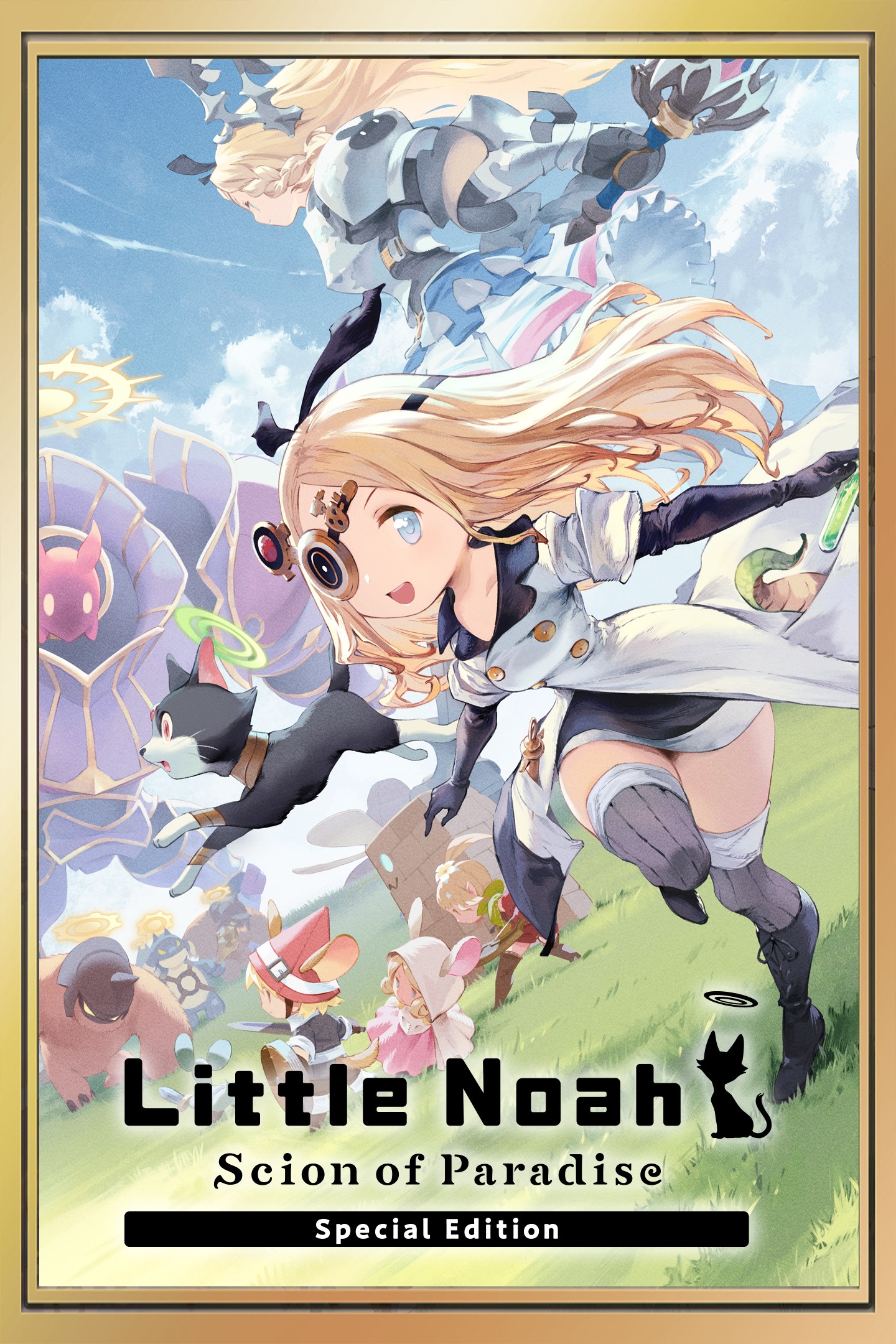
Little Noah: Scion of Paradise Special Edition
Details
- Publisher
- Cygames, Inc.
- Developer
- Cygames, Inc., Grounding Inc.
- Release date
- 02.11.2023
- Age rating
- ESRB:E10
- Localization
- English
Purchase options
Platform
Primary: our account is set as the home Xbox of your console ("My home Xbox"), so the game is shared with your own profile and works offline — that is one slot on one console. Secondary: you sign in to our account and launch the game from it, and the console has to stay online. The activation code is an extra option: it is redeemed on your own account, and the game stays there forever.
You install the game from our account and set our account as the home one ("My home Xbox"): after that you play from your own profile, and the progress and achievements stay yours. It works offline.
You sign in to our account and play right from it. A permanent internet connection is required and only the issued profile can be used. It costs less than the primary access.
A bonus way to buy: you get a 25-character code and redeem it on your own account. The game stays with you forever, no other profiles and no sign-in to a shared account.
What happens after payment
About the game
Please be careful not to make duplicate purchases.
*Fixed an issue affecting Xbox Play Anywhere save data syncing in Ver. 1.0.15.0 on Windows. For details, please visit the official website at https://littlenoah-s.com/en/.
Port Manacloud—a nation that owes its power and prosperity to its alchemists. Noah, an alchemical prodigy, is journeying across the skies in her airship when she discovers mysterious floating ruins. As she draws closer to investigate, a cat leaps on board. The cat accuses Noah of being a tomb raider and unleashes a storm that sends her vessel crashing down. In need of parts to repair her ship and driven by curiosity, Noah enters the ruins...
A Casual Roguelite Action Game
Explore dungeons that shift with each playthrough and sweep through foes along the way. Use recruitable allies, "Lilliputs," and items you've collected to defeat the ruin bosses. If you get knocked out during your adventure, never fear—you can use the items you've earned to power up Noah and come back stronger than ever!
Repair your Airship, Reap the Benefits
As you venture through the ruins, you'll collect mana to repair and upgrade facilities aboard your airship. These facilities will give you boosts to make your next adventure smoother. Each facility gives different boosts, so choose how you want to power up Noah.
Unique Parties, Unique Combos
Recruit the Lilliputs you've acquired into a dungeon crawling party. Attack combos change depending on the order of your lineup—choose from 40+ Lilliputs to customize your party and maximize your power.
The contents of the Little Noah: Scion of Paradise DLC 1: Avatar, Lilliput, and Accessory Pack are as follows.
Avatars
Talk to the Champion on the airship with the "Avatars" speech bubble over her head to change to one of these new avatars.
1. Gourmet Guild Princess Noah
2. White Mage Noah
Lilliputs
These Lilliputs appear at random in the ruins. Enlist their aid and expand your repertoire!
1. Halvor (★★★)
2. Pirate King Kidd (★★★)
3. Goddess Amelie (★★★)
Accessories
These accessories appear at random in the ruins.
1. Conflagrant Regalia (★★★)
2. Crystalline Regalia (★★★)
3. Fulminous Regalia (★★★)
4. Master Merchant's Turban (★★★)
5. Trusty Piggy Bank (★★★)
Regalia: Deal added damage when you fulfill certain conditions.
Master Merchant's Turban: Get a discount on items in the Shop.
Trusty Piggy Bank: Keep the gold you pick up in the dungeons, even after getting knocked out.
Use these items wisely to make the most out of each expedition!
The contents of the Little Noah: Scion of Paradise DLC 2: Avatar, Lilliput, and Accessory Pack are as follows.
Avatars
Talk to the Champion on the airship with the "Avatars" speech bubble over her head to change to one of these new avatars.
1. Ruler of the Racetrack Noah
2. Sub Zero Knight Noah
Lilliputs
These Lilliputs appear at random in the ruins. Enlist their aid and expand your repertoire!
1. Quickshot (★★★)
2. Oceane (★★★)
3. Hanzo (★★★)
Accessories
These accessories appear at random in the ruins.
1. Meteorite Emblem (★★★)
2. Blizzard Emblem (★★★)
3. Electroshock Emblem (★★★)
4. Treacherous Gloves (★★★)
5. Swift Combat Boots (★★★)
Emblems: Deal added damage when you fulfill certain conditions.
Treacherous Gloves & Swift Combat Boots: Confer advantages in battle.
Use these items wisely to make the most out of each expedition!
Screenshots
Click a frame to open it larger, use the arrows to browse
How to activate
Guide for Xbox One
Primary — the game is shared with your own profile
- 1Press the Xbox button, open "Profile & system" → "Add or switch" → "Add new" and sign in with the login and password from your order.
- 2Now open "Settings" → "General" → "Personalization" → "My home Xbox" and choose "Make this my home Xbox". This is what shares our games with every profile on your console.
- 3Switch back to your own profile, open "My games & apps" → "Library" and install the game. The internet is only needed for the download.
- 4Launch the game from your own profile: achievements, saves and progress stay yours, and after the installation the game works offline.
Only one console at a time can be the home Xbox for our account — that is the slot you bought. Please do not change the password, the email or the two-factor settings of the account, or the access will be blocked.
Secondary — you play from our account
- 1Press the Xbox button, open "Profile & system" → "Add or switch" → "Add new" and sign in with the login and password from your order.
- 2Open "My games & apps" → "Library", switch to our profile in the top-left corner and install the game.
- 3Launch the game while our profile stays signed in, and keep the console online: the licence is checked over the internet.
- 4Use your own profile for everything else — the game stays available as long as our account is signed in on this console.
Secondary costs less, but it needs a permanent internet connection and our account stays signed in on your console.
Activation code
- 1On the console open "Store" and go to the "Redeem code" section.
- 2Enter the 25-character code from your order and confirm the activation on your own account.
- 3After the activation the code is shown as "Used" — but you can reinstall the game from your library at any time.
Notes for Xbox One
Important
How to play online
Warranty and support
The warranty covers the whole period of use of the account. If the access stops working, we replace the account or refund your money.
- If the game stops launching, we replace the account or refund your money.
- Average support response time — 15–30 minutes during working hours.
- The warranty covers the whole rental period of the access.
Support
Telegram: @weskars
E-mail: support@gears.games
Working hours: daily 11:00 – 23:00 (UTC+3)
Every order goes through clear stages: "New" → "Awaiting payment" → "Paid" → "Delivered". You can follow the status in your account page.
Similar games
More games in the "Action & adventure" genre



