
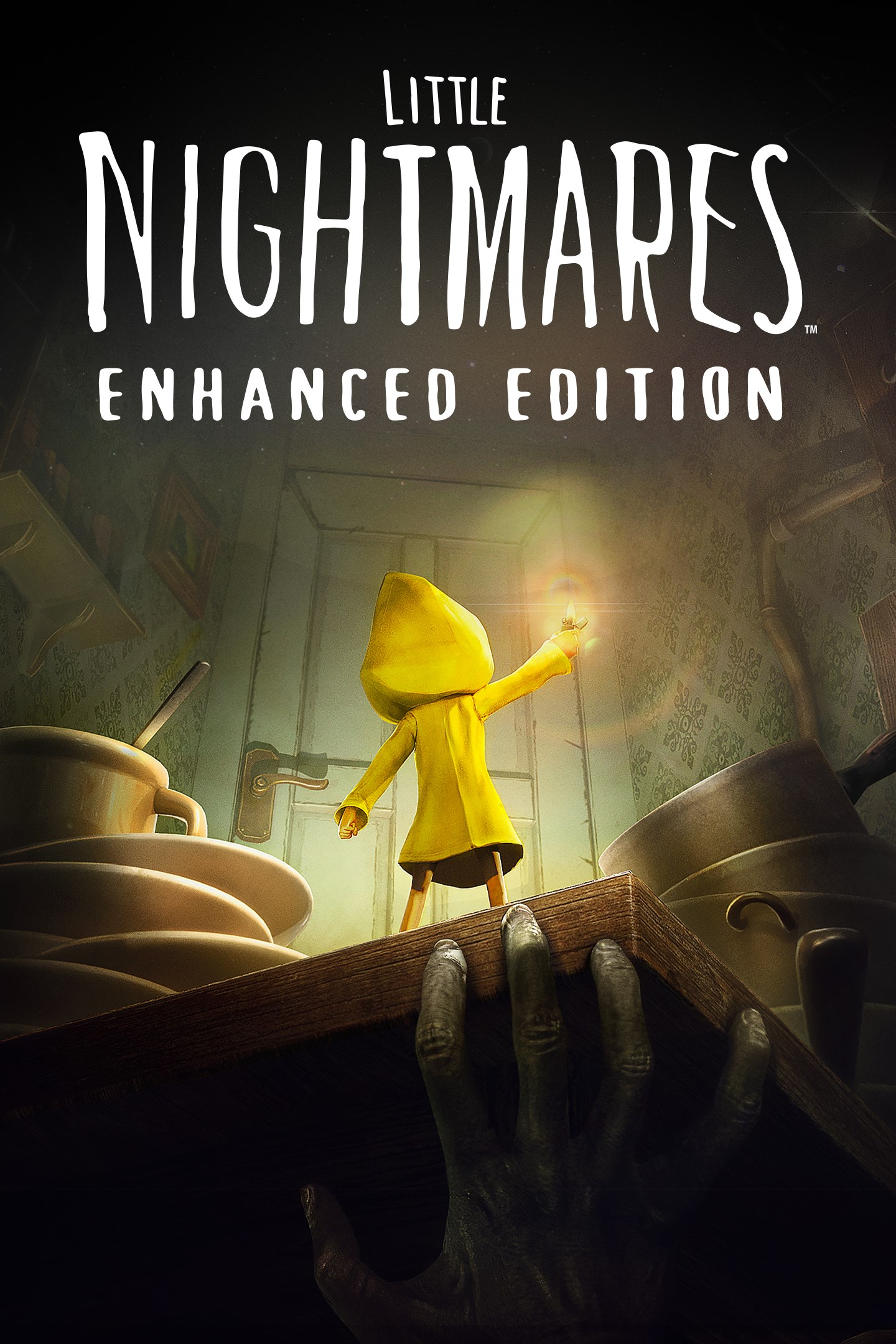
Little Nightmares Enhanced Edition
Details
- Publisher
- Bandai Namco Entertainment America Inc.
- Developer
- Engine Software
- Release date
- 10.10.2025
- Age rating
- ESRB:T
- Localization
- English
Purchase options
Primary: our account is set as the home Xbox of your console ("My home Xbox"), so the game is shared with your own profile and works offline — that is one slot on one console. Secondary: you sign in to our account and launch the game from it, and the console has to stay online. The activation code is an extra option: it is redeemed on your own account, and the game stays there forever.
You install the game from our account and set our account as the home one ("My home Xbox"): after that you play from your own profile, and the progress and achievements stay yours. It works offline.
You sign in to our account and play right from it. A permanent internet connection is required and only the issued profile can be used. It costs less than the primary access.
A bonus way to buy: you get a 25-character code and redeem it on your own account. The game stays with you forever, no other profiles and no sign-in to a shared account.
What happens after payment
About the game
(Re)-Discover the dark whimsical tale of Little Nightmares, now enhanced in stunning 4K and 60 FPS.
Little Nightmares Enhanced Edition lets you choose between Quality or Performance Mode to favor either the visuals or the framerate depending on your preferences.
Enjoy improved visual effects, including RTX reflections, water effects, more particles, and volumetric lighting.
Additional helpers have been added for an overall better experience.
The Little Nightmares series has been captivating millions of players worldwide since 2017. Now it’s your turn to try to survive the first entry in the most charming horror series ever made.
Take on the role of Six, a lone child lost in a massive metal vessel known as the Maw, surrounded by dangerous, distorted versions of adults. You’ll need to do your best to escape in one piece or your fate will be worse than you ever dared dream.
OBSERVE YOUR SURROUNDINGS
You wake up in a damp, dark room. Your sole possession is a brass lighter. You have no memory of how you got here, but it’s clear that you are in danger. Only your keen eyes and quick wits can get you out in one piece.
FIND AN ESCAPE ROUTE
This world is not meant for children, but you can use your stature as an advantage with a bit of imagination. Climb drawers and shelves to find child-sized passageways through The Maw too tiny for the adults to reach and you’ll be safe… at least for a while.
AVOID THE RESIDENTS
The inhabitants of the Maw have only one use for children, and it’s never pretty. Children who don’t want to get caught should stay hidden and move carefully when they’re around. Under certain circumstances, a distraction might avert their attention long enough for you to scuttle away scot-free. Be careful, if you accidentally make too much noise, the Residents are quite determined once you’ve caught their eye.
RUN FOR YOUR LIFE
Sometimes, there’s no other choice but to run. If you can stay alive long enough to get somewhere the Residents can’t reach you, you might survive.
Can you make it through the Maw to freedom? Six is counting on you. Good luck, little one.
Game saves cannot be transferred from Little Nightmares (the base version) to Little Nightmares Enhanced Edition (and vice versa).
Screenshots
Click a frame to open it larger, use the arrows to browse
How to activate
Guide for Xbox Series X|S
Primary — the game is shared with your own profile
- 1Press the Xbox button, open "Profile & system" → "Add or switch" → "Add new" and sign in with the login and password from your order.
- 2Now open "Settings" → "General" → "Personalization" → "My home Xbox" and choose "Make this my home Xbox". This is what shares our games with every profile on your console.
- 3Switch back to your own profile, open "My games & apps" → "Library" and install the game. The internet is only needed for the download.
- 4Launch the game from your own profile: achievements, saves and progress stay yours, and after the installation the game works offline.
Only one console at a time can be the home Xbox for our account — that is the slot you bought. Please do not change the password, the email or the two-factor settings of the account, or the access will be blocked.
Secondary — you play from our account
- 1Press the Xbox button, open "Profile & system" → "Add or switch" → "Add new" and sign in with the login and password from your order.
- 2Open "My games & apps" → "Library", switch to our profile in the top-left corner and install the game.
- 3Launch the game while our profile stays signed in, and keep the console online: the licence is checked over the internet.
- 4Use your own profile for everything else — the game stays available as long as our account is signed in on this console.
Secondary costs less, but it needs a permanent internet connection and our account stays signed in on your console.
Activation code
- 1On the console open "Store" and go to the "Redeem code" section.
- 2Enter the 25-character code from your order and confirm the activation on your own account.
- 3After the activation the code is shown as "Used" — but you can reinstall the game from your library at any time.
Notes for Xbox Series
Important
How to play online
Warranty and support
The warranty covers the whole period of use of the account. If the access stops working, we replace the account or refund your money.
- If the game stops launching, we replace the account or refund your money.
- Average support response time — 15–30 minutes during working hours.
- The warranty covers the whole rental period of the access.
Support
Telegram: @weskars
E-mail: support@gears.games
Working hours: daily 11:00 – 23:00 (UTC+3)
Every order goes through clear stages: "New" → "Awaiting payment" → "Paid" → "Delivered". You can follow the status in your account page.
Similar games
More games in the "Action & adventure" genre



