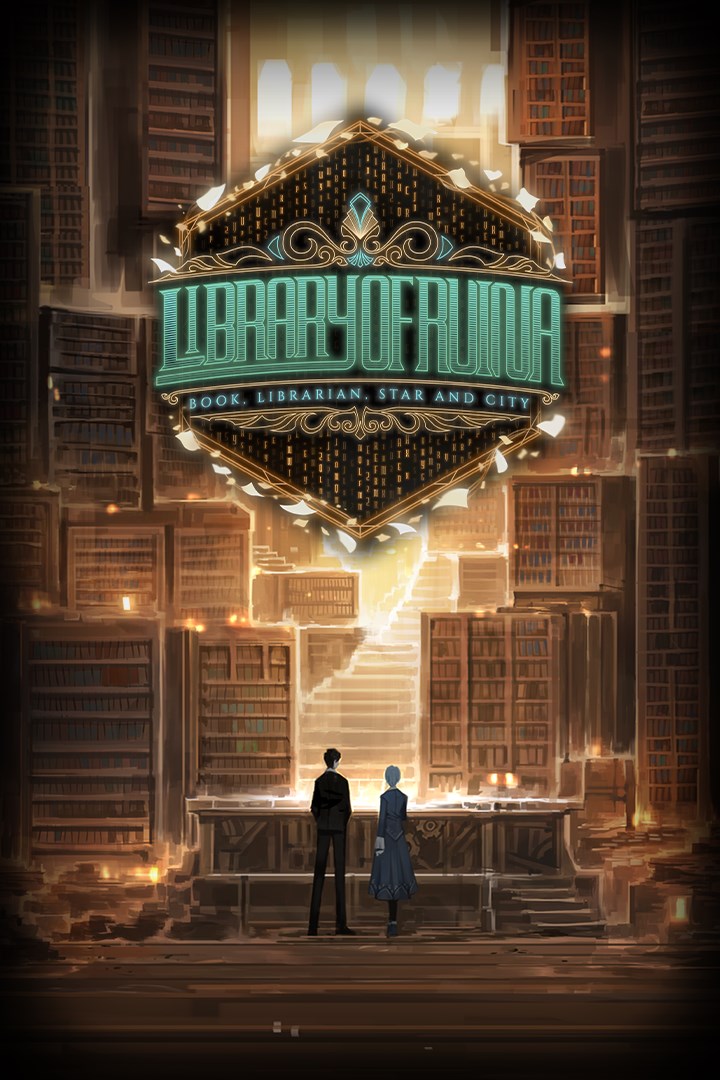
Library Of Ruina
Details
- Publisher
- ProjectMoon
- Developer
- ProjectMoon
- Release date
- 10.08.2021
- Age rating
- ESRB:M
- Localization
- English
Purchase options
Platform
Primary: our account is set as the home Xbox of your console ("My home Xbox"), so the game is shared with your own profile and works offline — that is one slot on one console. Secondary: you sign in to our account and launch the game from it, and the console has to stay online. The activation code is an extra option: it is redeemed on your own account, and the game stays there forever.
You install the game from our account and set our account as the home one ("My home Xbox"): after that you play from your own profile, and the progress and achievements stay yours. It works offline.
You sign in to our account and play right from it. A permanent internet connection is required and only the issued profile can be used. It costs less than the primary access.
A bonus way to buy: you get a 25-character code and redeem it on your own account. The game stays with you forever, no other profiles and no sign-in to a shared account.
What happens after payment
About the game
“May you find your book in this place.”
Become the owner of the Library and receive your guests.
Your librarians will fight for the Library.
Combat between the guests and the librarians breaks out as if it were on a stage.
Defeated guests turn into books, and the Library grows onward.
A good book will allow you to invite new guests with greater secrets.
Amass a collection of books and explore the secrets of the City.
And eventually, get your hands on…
The one singular, perfect book.
[A Library Battle Simulation]
Library of Ruina is a game that uses the concept of a “Library Battle Simulation”.
You will invite guests to the Library and engage in combat with them to gain 'Books' with their stories.
Battles are played with the 'Librarians' and the 'Guests' using cards and dice.
You can plan against the guests’ moves by looking at the cards they will use and select the most optimal card to oppose them.
When combat begins, how the dice from your chosen card fall will determine victory or defeat in the struggle.
However, the outcome of the dice is not simply determined by pure luck.
Certain effects and variables will shift the outcome of the dice for and against your favor.
Be sure to carefully choose which cards you utilize to win the battle with your guests.
Behold the outcome of your choices and how luck unfolds as your librarians and guests skirmish.
You can go through an exhilarating experience, putting it all on the line with thrills just like betting.
[Conflicts that Build Emotion]
Confrontation in the Library is not just about killing your enemies, it is about heightening emotions.
The emotions of the librarians and guests rise as the battle progresses, and as it grows fiercer and comes to a head, they will surge.
Depending on your librarian's feelings, positive outcomes or powerful effects with penalties can occur.
In addition, as the emotional tension of the guests grows, the difficulty of combat increases, yet at the same time, rarer books can be acquired.
Furthermore, dialogue can appear depending on the situation of the battle and will make one’s viewing experience of the match unfolding even more enjoyable.
[Books Can Be Anything]
A guest who dies in the Library will turn into a book.
These books can be a librarian's body, materials to grow the Library, or new cards for battle.
You can also use books as the parts of an invitation to bring forth another guest.
Invite different guests to acquire various books, then utilize them accordingly.
How you make use of your collection to grow the Library is up to you.
[The Story of the City and the Library]
In Library of Ruina, you will be witness to the stories of Angela, the Sephirot, and Roland following the ending of Lobotomy Corporation.
You will also watch various events occurring around the huge city in which the Library is located.
Accumulate books to grow your Library and librarians, and invite more powerful guests to gain better books.
From lowly canards to urban legends and beyond...
Throughout the game, you will gradually become familiar with the story of the City.
May you find your book in this place…
Screenshots
Click a frame to open it larger, use the arrows to browse
How to activate
Guide for Xbox One
Primary — the game is shared with your own profile
- 1Press the Xbox button, open "Profile & system" → "Add or switch" → "Add new" and sign in with the login and password from your order.
- 2Now open "Settings" → "General" → "Personalization" → "My home Xbox" and choose "Make this my home Xbox". This is what shares our games with every profile on your console.
- 3Switch back to your own profile, open "My games & apps" → "Library" and install the game. The internet is only needed for the download.
- 4Launch the game from your own profile: achievements, saves and progress stay yours, and after the installation the game works offline.
Only one console at a time can be the home Xbox for our account — that is the slot you bought. Please do not change the password, the email or the two-factor settings of the account, or the access will be blocked.
Secondary — you play from our account
- 1Press the Xbox button, open "Profile & system" → "Add or switch" → "Add new" and sign in with the login and password from your order.
- 2Open "My games & apps" → "Library", switch to our profile in the top-left corner and install the game.
- 3Launch the game while our profile stays signed in, and keep the console online: the licence is checked over the internet.
- 4Use your own profile for everything else — the game stays available as long as our account is signed in on this console.
Secondary costs less, but it needs a permanent internet connection and our account stays signed in on your console.
Activation code
- 1On the console open "Store" and go to the "Redeem code" section.
- 2Enter the 25-character code from your order and confirm the activation on your own account.
- 3After the activation the code is shown as "Used" — but you can reinstall the game from your library at any time.
Notes for Xbox One
Important
How to play online
Warranty and support
The warranty covers the whole period of use of the account. If the access stops working, we replace the account or refund your money.
- If the game stops launching, we replace the account or refund your money.
- Average support response time — 15–30 minutes during working hours.
- The warranty covers the whole rental period of the access.
Support
Telegram: @weskars
E-mail: support@gears.games
Working hours: daily 11:00 – 23:00 (UTC+3)
Every order goes through clear stages: "New" → "Awaiting payment" → "Paid" → "Delivered". You can follow the status in your account page.
Similar games
More games in the "Card & board" genre