
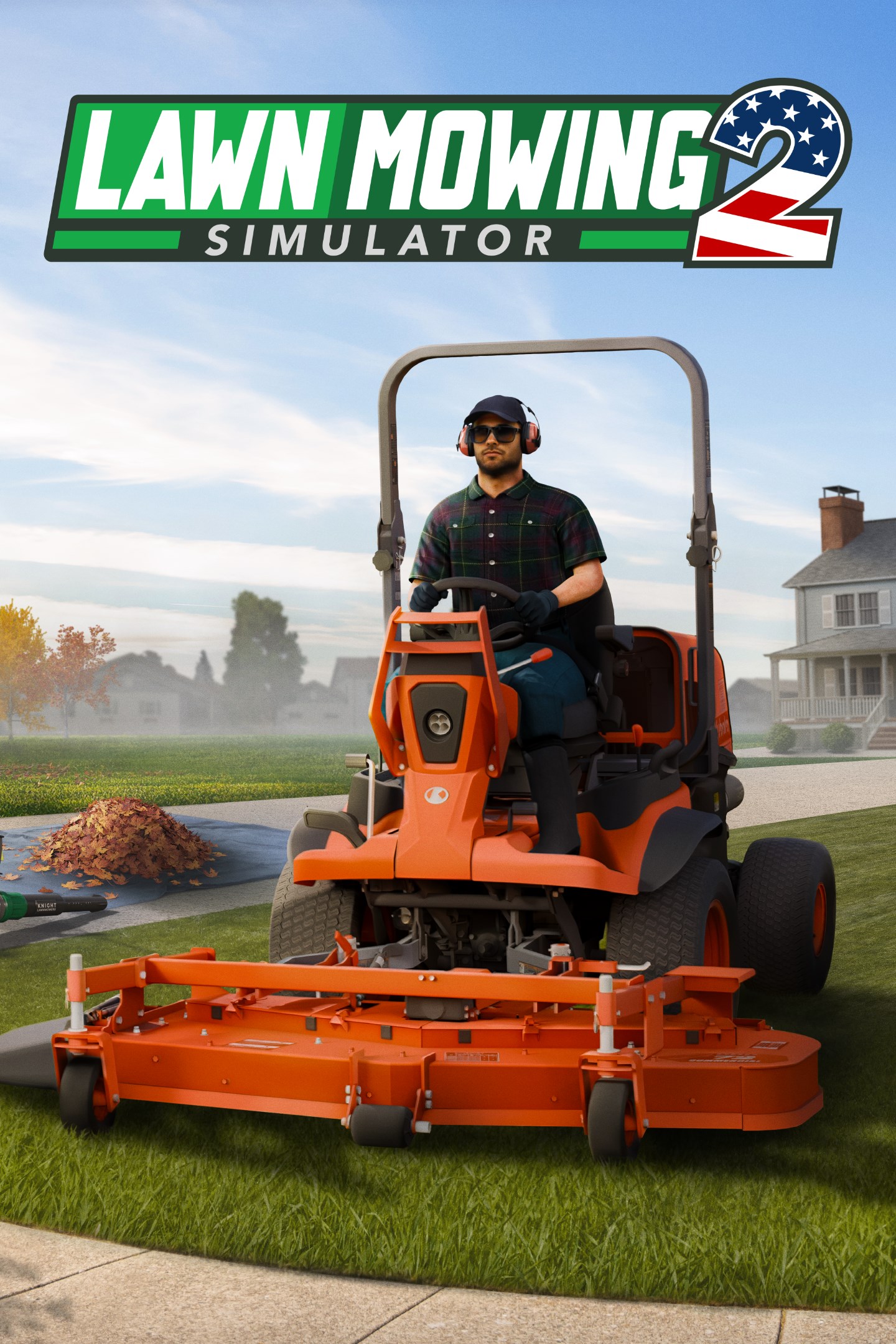
Lawn Mowing Simulator 2
Details
- Publisher
- Skyhook Games
- Developer
- Skyhook Games
- Release date
- 23.09.2026
- Age rating
- ESRB:E
- Localization
- English
Purchase options
Primary: our account is set as the home Xbox of your console ("My home Xbox"), so the game is shared with your own profile and works offline — that is one slot on one console. Secondary: you sign in to our account and launch the game from it, and the console has to stay online. The activation code is an extra option: it is redeemed on your own account, and the game stays there forever.
You install the game from our account and set our account as the home one ("My home Xbox"): after that you play from your own profile, and the progress and achievements stay yours. It works offline.
You sign in to our account and play right from it. A permanent internet connection is required and only the issued profile can be used. It costs less than the primary access.
A bonus way to buy: you get a 25-character code and redeem it on your own account. The game stays with you forever, no other profiles and no sign-in to a shared account.
What happens after payment
About the game
Prepare your mower and blower, and get ready to head to the heartland of mowing... Lawn Mowing Simulator 2 is heading to the USA to start a whole new career in the world of lawncare!
Lawn Mowing Simulator 2 (LMS2) is the sequel to Lawn Mowing Simulator, which builds on the rewarding working-sim feel of the original. Listening to community feedback, and internal reflections, LMS2 will offer an expanded take on professional lawn care and use real-world equipment from manufacturer partners Kubota, SCAGⓇ and STIGA!
The brand new USA setting and completely new grass tech will allow players to get the best cut ever, as you'll see from these comparison shots between LMS and LMS2! Not only that, but new mowers and string trimmers will be included, as well as much requested leaf blowers!
Career mode gets a total overhaul for all you management fans with a 3D fully explorable HQ from which to run your business, as well as enhanced character customisation.
From suburban lawns to commercial and municipal locations, LMS2 will feature 11 locations (more than LMS1 did at launch). Most of these locations will have multiple contracts of varying size and theme - while the addition of new tasks like leaf blowing and weed clearance means that there will be more to do than just cutting the grass in every location.
We love that some of you out there have racked up amazing numbers of hours playing the first LMS (some more than 1,000!) - and we hope you will in LMS2 as well. So to help those hours of mowing gameplay continuing to feel fresh, we have developed a system where gardens can change over time with new features that change how you approach completing them.
One visit to a house might see it have a new series of flower beds added, then the next time an above ground pool or flagpole has appeared. This ensures that while you'll want to keep your loyal customers happy, not every visit to the same location is identical each time.
We know these have been wanted for a long time, and in LMS2 we have leaf blowers as a part of the core game for clearing up leaves, as well as grass clippings.
But leaf blowers wouldn’t be much fun without a lot of leaves to blast! So we've rebuilt the game up to be capable of a lot of grass... and a lot of leaves! In fact, in LMS2, tens of thousands of leaves can be blown around at once.
And as you blow the leaves onto your tarpaulin they'll be collected until it's full. Then it's time to pick up the tarp, empty it into a debris bag, and you're ready to go again until all those leaves are cleared up!
You won’t only have a leaf blower to get the job done! LMS2 will also give the player a trusty rake to help get leaves out of those hard-to-reach places.
A new line up of mowers and string trimmers will be available in LMS2, as well as the new addition of leaf blowers, with each one being meticulously recreated in game to be as accurate as possible.
LMS2 will feature more equipment than its predecessor, and we have great plans for even more additions to the line-up post-release - just like the original game!
We have invested a lot of development time in building a new grass system from scratch. This was one of the most important elements that we wanted to improve from the original game and you'll really be able to see at-a-glance the difference between cut and uncut grass.
This makes a huge difference to the satisfaction of your gameplay, flowers and weeds will now become a part of the lawn's make up, as well as much more variation in the uncut lawns grass heights, which will really highlight your efforts as a player to make an overgrown lawn look perfect.
Screenshots
Click a frame to open it larger, use the arrows to browse
How to activate
Guide for Xbox Series X|S
Primary — the game is shared with your own profile
- 1Press the Xbox button, open "Profile & system" → "Add or switch" → "Add new" and sign in with the login and password from your order.
- 2Now open "Settings" → "General" → "Personalization" → "My home Xbox" and choose "Make this my home Xbox". This is what shares our games with every profile on your console.
- 3Switch back to your own profile, open "My games & apps" → "Library" and install the game. The internet is only needed for the download.
- 4Launch the game from your own profile: achievements, saves and progress stay yours, and after the installation the game works offline.
Only one console at a time can be the home Xbox for our account — that is the slot you bought. Please do not change the password, the email or the two-factor settings of the account, or the access will be blocked.
Secondary — you play from our account
- 1Press the Xbox button, open "Profile & system" → "Add or switch" → "Add new" and sign in with the login and password from your order.
- 2Open "My games & apps" → "Library", switch to our profile in the top-left corner and install the game.
- 3Launch the game while our profile stays signed in, and keep the console online: the licence is checked over the internet.
- 4Use your own profile for everything else — the game stays available as long as our account is signed in on this console.
Secondary costs less, but it needs a permanent internet connection and our account stays signed in on your console.
Activation code
- 1On the console open "Store" and go to the "Redeem code" section.
- 2Enter the 25-character code from your order and confirm the activation on your own account.
- 3After the activation the code is shown as "Used" — but you can reinstall the game from your library at any time.
Notes for Xbox Series
Important
How to play online
Warranty and support
The warranty covers the whole period of use of the account. If the access stops working, we replace the account or refund your money.
- If the game stops launching, we replace the account or refund your money.
- Average support response time — 15–30 minutes during working hours.
- The warranty covers the whole rental period of the access.
Support
Telegram: @weskars
E-mail: support@gears.games
Working hours: daily 11:00 – 23:00 (UTC+3)
Every order goes through clear stages: "New" → "Awaiting payment" → "Paid" → "Delivered". You can follow the status in your account page.
Similar games
More games in the "Simulation" genre



