
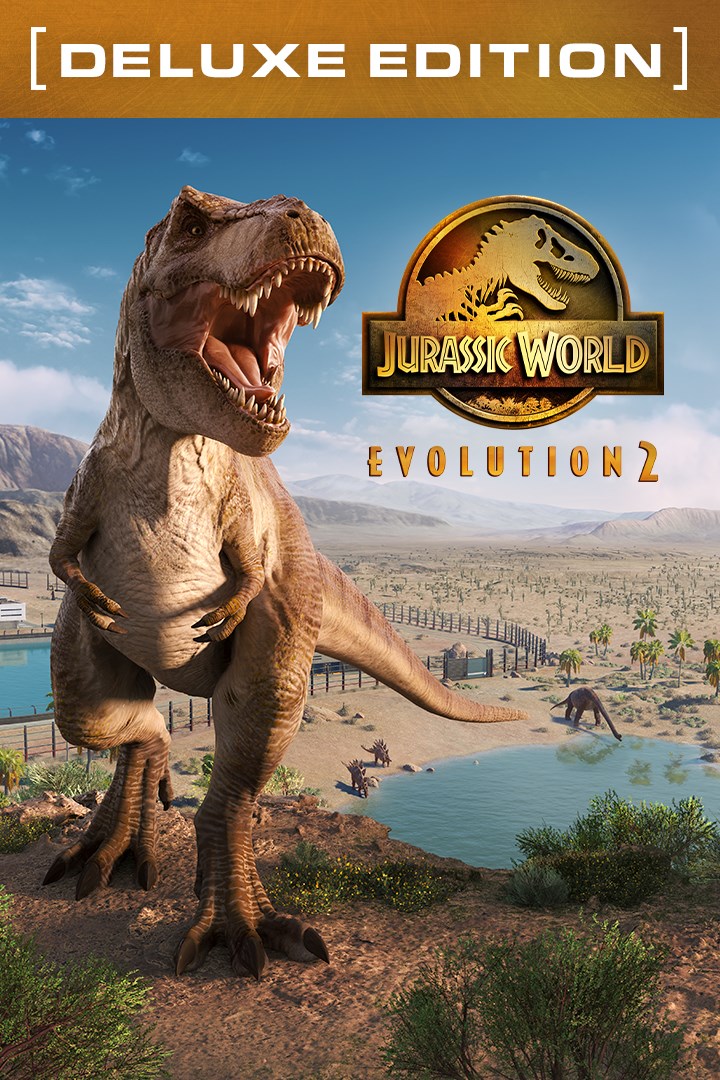
Jurassic World Evolution 2: Deluxe Edition
Details
- Publisher
- Frontier Developments
- Developer
- Frontier Developments
- Release date
- 09.11.2021
- Age rating
- ESRB:T
- Localization
- English
Purchase options
Platform
Primary: our account is set as the home Xbox of your console ("My home Xbox"), so the game is shared with your own profile and works offline — that is one slot on one console. Secondary: you sign in to our account and launch the game from it, and the console has to stay online. The activation code is an extra option: it is redeemed on your own account, and the game stays there forever.
You install the game from our account and set our account as the home one ("My home Xbox"): after that you play from your own profile, and the progress and achievements stay yours. It works offline.
You sign in to our account and play right from it. A permanent internet connection is required and only the issued profile can be used. It costs less than the primary access.
A bonus way to buy: you get a 25-character code and redeem it on your own account. The game stays with you forever, no other profiles and no sign-in to a shared account.
What happens after payment
About the game
Jurassic World Evolution 2: Deluxe Edition features five spectacular prehistoric animals, including all-new marine and flying reptiles, as well as six unique building signs, and three exciting vehicle skins inspired by the Dinosaur Protection Group to use across your Ranger Team, Capture Team, and Mobile Vet Unit teams in Challenge and Sandbox modes. Purchase the Deluxe Edition for the following species:
- Geosternbergia
- Attenborosaurus
- Pachyrhinosaurus
- Huayangosaurus
- Megalosaurus
Jurassic World Evolution 2 is the much-anticipated sequel to Frontier’s ground-breaking 2018 management simulation, Jurassic World Evolution, offering an all new narrative campaign voiced by cast members from across the Jurassic World film franchise, exciting new features, four engaging game modes, and an expanded roster of awe-inspiring dinosaurs.
An Original Jurassic World Story
Learn what it takes to be a park management master in Campaign mode, a compelling, original narrative that puts you at the heart of the action following the earth-shattering events of Jurassic World: Fallen Kingdom. Work alongside iconic characters from the films, including Dr. Ian Malcolm (voiced by Jeff Goldblum) and Claire Dearing (voiced by Bryce Dallas Howard), and lead the efforts to control, conserve, and contain wild dinosaurs now rampaging across the USA.
Create your own Jurassic World
Take control with deeper management tools and creative options. Construct a range of customisable new buildings and hire new Scientists, and shape your park to meet the needs of both your guests and dinosaurs. Unleash your creativity in Sandbox mode, or test your skills in Challenge mode as you deal with diverse locations and environmental calamities.
Play with Chaos Theory
Play through key moments of your favourite films - with a twist. Experience ‘what-if’ scenarios from iconic Jurassic World and Jurassic Park films, each level set across eras and locations from all five movies. Dive into the Jurassic World franchise and see how events unfold when you take control.
Discover Awe-Inspiring Dinosaurs
Over 75 different prehistoric species come to life in Jurassic World Evolution 2, including highly requested flying and marine reptiles. These animals feel more alive than ever as they preside over territory, fight for dominance, and react intelligently to the world around them. Use bioengineering to customise dinosaurs with bold new colours, and alter their genomes to unlock traits.
Screenshots
Click a frame to open it larger, use the arrows to browse
How to activate
Guide for Xbox One
Primary — the game is shared with your own profile
- 1Press the Xbox button, open "Profile & system" → "Add or switch" → "Add new" and sign in with the login and password from your order.
- 2Now open "Settings" → "General" → "Personalization" → "My home Xbox" and choose "Make this my home Xbox". This is what shares our games with every profile on your console.
- 3Switch back to your own profile, open "My games & apps" → "Library" and install the game. The internet is only needed for the download.
- 4Launch the game from your own profile: achievements, saves and progress stay yours, and after the installation the game works offline.
Only one console at a time can be the home Xbox for our account — that is the slot you bought. Please do not change the password, the email or the two-factor settings of the account, or the access will be blocked.
Secondary — you play from our account
- 1Press the Xbox button, open "Profile & system" → "Add or switch" → "Add new" and sign in with the login and password from your order.
- 2Open "My games & apps" → "Library", switch to our profile in the top-left corner and install the game.
- 3Launch the game while our profile stays signed in, and keep the console online: the licence is checked over the internet.
- 4Use your own profile for everything else — the game stays available as long as our account is signed in on this console.
Secondary costs less, but it needs a permanent internet connection and our account stays signed in on your console.
Activation code
- 1On the console open "Store" and go to the "Redeem code" section.
- 2Enter the 25-character code from your order and confirm the activation on your own account.
- 3After the activation the code is shown as "Used" — but you can reinstall the game from your library at any time.
Notes for Xbox One
Important
How to play online
Warranty and support
The warranty covers the whole period of use of the account. If the access stops working, we replace the account or refund your money.
- If the game stops launching, we replace the account or refund your money.
- Average support response time — 15–30 minutes during working hours.
- The warranty covers the whole rental period of the access.
Support
Telegram: @weskars
E-mail: support@gears.games
Working hours: daily 11:00 – 23:00 (UTC+3)
Every order goes through clear stages: "New" → "Awaiting payment" → "Paid" → "Delivered". You can follow the status in your account page.
Similar games
More games in the "Simulation" genre



