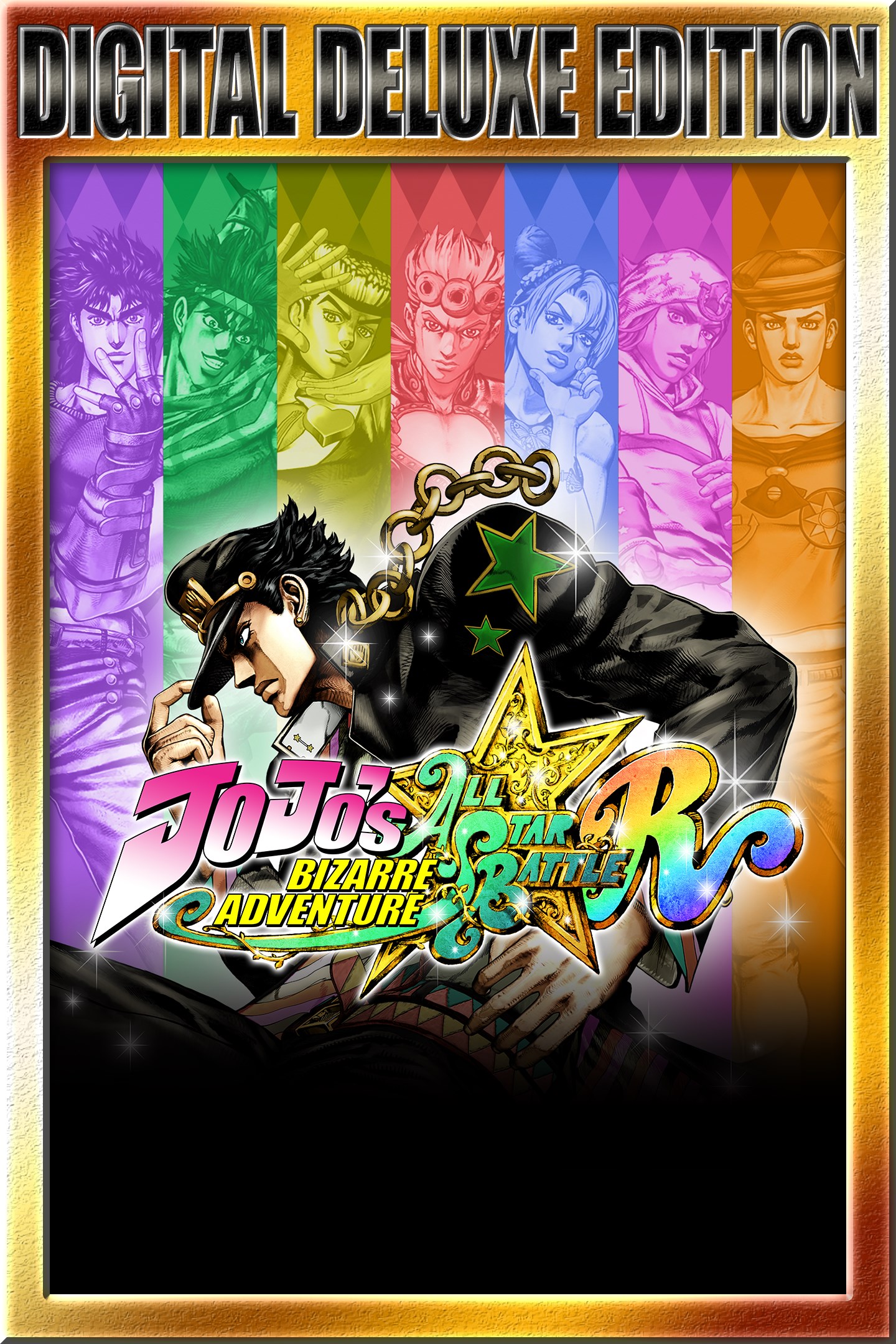
JoJo's Bizarre Adventure: All-Star Battle R Deluxe Edition
Details
- Publisher
- Bandai Namco Entertainment America Inc.
- Developer
- CyberConnect2 Co., Ltd.
- Release date
- 02.09.2022
- Age rating
- ESRB:T
- Localization
- English
Purchase options
Platform
Primary: our account is set as the home Xbox of your console ("My home Xbox"), so the game is shared with your own profile and works offline — that is one slot on one console. Secondary: you sign in to our account and launch the game from it, and the console has to stay online. The activation code is an extra option: it is redeemed on your own account, and the game stays there forever.
You install the game from our account and set our account as the home one ("My home Xbox"): after that you play from your own profile, and the progress and achievements stay yours. It works offline.
You sign in to our account and play right from it. A permanent internet connection is required and only the issued profile can be used. It costs less than the primary access.
A bonus way to buy: you get a 25-character code and redeem it on your own account. The game stays with you forever, no other profiles and no sign-in to a shared account.
What happens after payment
About the game
The Deluxe Edition includes:
• JoJo's Bizarre Adventure: All-Star Battle R (full game)
• Season Pass
Includes 4 playable characters. Experience the full JoJo universe with the All-Star Battle R Season Pass! Unlock new characters with new and bizarre abilities!
- Season Pass Bonuses
DLC Character early access
Rohan Kishibe First Appearance Costume - Become the famous manga artist in style with this season pass exclusive!
Mohammed Avdol's Father? Costume - Avdol's Father?? Yes, I am! Get the season pass exclusive costume!
• 5 Special Event Outfits
Contains the additional The Animation Special Event color set (5 types) costumes for use in-game.
Well known for its charismatic heroes, striking art style, and unforgettable catch phrases (“Yare yare daze…”), another installment of JoJo’s Bizarre Adventure is coming! JoJo's Bizarre Adventure: All-Star Battle R!
• Stunning visuals authentic to Hirohiko Araki’s Style
JoJo’s Bizarre Adventure: All-Star Battle R captures the over-the-top art style that is vintage JoJo, allowing you to experience the JoJo universe with powerful imagery as if Hirohiko Araki's manga had come to life. Now you too can freely move the characters created by Hirohiko Araki with your own hands, and feel as if you’re inside the manga where graphics and text meet to invoke the characteristic “ゴゴゴゴゴ“.
• 50 playable characters from all JoJo arcs
Jonathan Joestar, Jotaro Kujo, DIO, Jolyne Cujoh, and other characters from JoJo's Bizarre Adventure gather across multiple generations! With 50 playable characters from all arcs, you can experience popular battles from each story, and see characters from different universes interact for the first time!
• A variety of game modes
JoJo's Bizarre Adventure: All-Star Battle R consists of All-Star Battle Mode, Arcade Mode, Online Mode, Versus Mode, Practice Mode, and Gallery Mode. The main mode, All-Star Battle Mode, features not only clashes between characters from the original game, but also brand new battles that are unique to All-Star Battle R. You can play through over 100 battles with various settings and conditions. All-Star Battle Mode also offers special cosmetic skins for characters and unique illustrations that can be enjoyed in gallery mode.
• How the game has evolved from the original All-Star Battle
Based on the All-Star Battle system released in 2014, the game design of JoJo’s Bizarre Adventure: All-Star Battle R reinvigorates the experience with adjustments to the fighting tempo and the addition of hit stops and jump dashes. With new audio recordings from the Part 6 anime voice actors, the full atmosphere of the animated series is realized. Both fans who have played the original All-Star Battle and newcomers will be able to enjoy the experience.
*Individual season pass DLC will be available for purchase separately.
Screenshots
Click a frame to open it larger, use the arrows to browse
How to activate
Guide for Xbox One
Primary — the game is shared with your own profile
- 1Press the Xbox button, open "Profile & system" → "Add or switch" → "Add new" and sign in with the login and password from your order.
- 2Now open "Settings" → "General" → "Personalization" → "My home Xbox" and choose "Make this my home Xbox". This is what shares our games with every profile on your console.
- 3Switch back to your own profile, open "My games & apps" → "Library" and install the game. The internet is only needed for the download.
- 4Launch the game from your own profile: achievements, saves and progress stay yours, and after the installation the game works offline.
Only one console at a time can be the home Xbox for our account — that is the slot you bought. Please do not change the password, the email or the two-factor settings of the account, or the access will be blocked.
Secondary — you play from our account
- 1Press the Xbox button, open "Profile & system" → "Add or switch" → "Add new" and sign in with the login and password from your order.
- 2Open "My games & apps" → "Library", switch to our profile in the top-left corner and install the game.
- 3Launch the game while our profile stays signed in, and keep the console online: the licence is checked over the internet.
- 4Use your own profile for everything else — the game stays available as long as our account is signed in on this console.
Secondary costs less, but it needs a permanent internet connection and our account stays signed in on your console.
Activation code
- 1On the console open "Store" and go to the "Redeem code" section.
- 2Enter the 25-character code from your order and confirm the activation on your own account.
- 3After the activation the code is shown as "Used" — but you can reinstall the game from your library at any time.
Notes for Xbox One
Important
How to play online
Warranty and support
The warranty covers the whole period of use of the account. If the access stops working, we replace the account or refund your money.
- If the game stops launching, we replace the account or refund your money.
- Average support response time — 15–30 minutes during working hours.
- The warranty covers the whole rental period of the access.
Support
Telegram: @weskars
E-mail: support@gears.games
Working hours: daily 11:00 – 23:00 (UTC+3)
Every order goes through clear stages: "New" → "Awaiting payment" → "Paid" → "Delivered". You can follow the status in your account page.
Similar games
More games in the "Fighting" genre