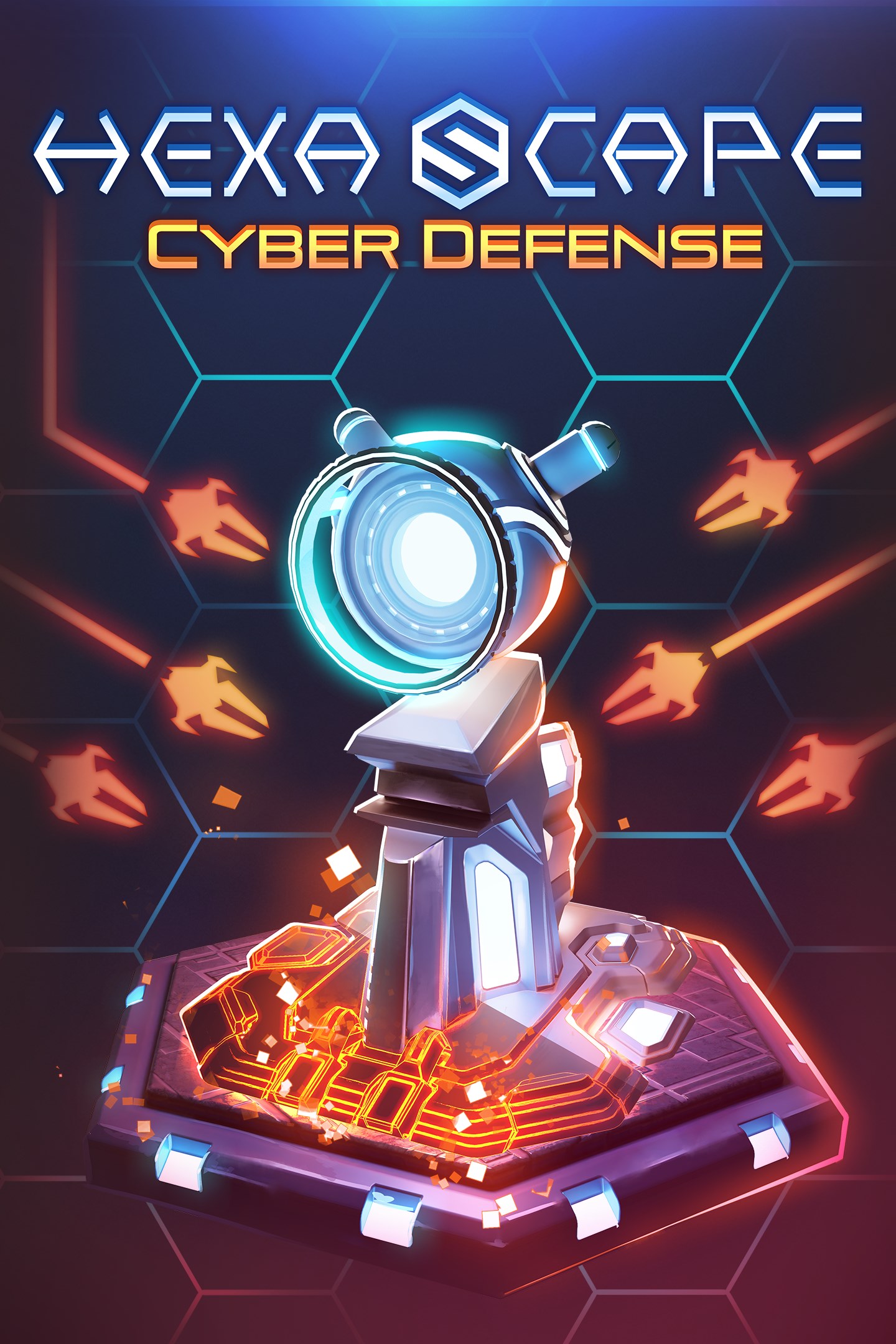
HexaScape: Cyber Defense
Details
- Publisher
- Clockwork Origins
- Developer
- Clockwork Origins
- Release date
- 15.04.2025
- Age rating
- ESRB:E
- Localization
- English
Purchase options
Primary: our account is set as the home Xbox of your console ("My home Xbox"), so the game is shared with your own profile and works offline — that is one slot on one console. Secondary: you sign in to our account and launch the game from it, and the console has to stay online. The activation code is an extra option: it is redeemed on your own account, and the game stays there forever.
You install the game from our account and set our account as the home one ("My home Xbox"): after that you play from your own profile, and the progress and achievements stay yours. It works offline.
You sign in to our account and play right from it. A permanent internet connection is required and only the issued profile can be used. It costs less than the primary access.
A bonus way to buy: you get a 25-character code and redeem it on your own account. The game stays with you forever, no other profiles and no sign-in to a shared account.
What happens after payment
About the game
Make yourself comfortable, put on your headphones, and get ready to conquer cyberspace! HexaScape: Cyber Defense is an addictive mix of hex grid puzzler and tower defense mechanics, creating a compelling turn-based strategy game.
- Board game-like mechanics -
If you know the board game classic Carcassonne, you’ll instantly feel at home in HexaScape. Players determine the course of the game by placing hexagon tiles: they explore cyberspace, expand the influence of the cyber core, and build a defense line with towers that can be strengthened and upgraded by power clusters.
As you increase the core’s reach, virus spawners will appear. They spawn viruses and grow stronger with each wave – unless you manage to disable them. Each run feels different: The more you expand into cyberspace, the more abilities the viruses can take on, testing your ability to constantly adapt to new game conditions.
- Build unique towers -
Cyber towers are your only defence against viruses. Place them wisely, buff them with power fields, upgrade them with new abilities by completing quests, and use skill points to customize them to your needs.
- Explore cyberspace -
By placing the hex tiles, you explore cyberspace, encountering six different biomes, many different events, and virus bosses hidden on the generator tiles. There’s a campaign with predefined scenarios, an endless mode with procedurally generated maps, maps of the week, and user-generated maps for nearly endless fun!
- Create your own maps -
Create custom maps for new challenges with the powerful editor! Determine where biomes, event fields, and boss fields are located, and add your own story. Play your maps yourself or share them with the community.
Screenshots
Click a frame to open it larger, use the arrows to browse
How to activate
Guide for Xbox Series X|S
Primary — the game is shared with your own profile
- 1Press the Xbox button, open "Profile & system" → "Add or switch" → "Add new" and sign in with the login and password from your order.
- 2Now open "Settings" → "General" → "Personalization" → "My home Xbox" and choose "Make this my home Xbox". This is what shares our games with every profile on your console.
- 3Switch back to your own profile, open "My games & apps" → "Library" and install the game. The internet is only needed for the download.
- 4Launch the game from your own profile: achievements, saves and progress stay yours, and after the installation the game works offline.
Only one console at a time can be the home Xbox for our account — that is the slot you bought. Please do not change the password, the email or the two-factor settings of the account, or the access will be blocked.
Secondary — you play from our account
- 1Press the Xbox button, open "Profile & system" → "Add or switch" → "Add new" and sign in with the login and password from your order.
- 2Open "My games & apps" → "Library", switch to our profile in the top-left corner and install the game.
- 3Launch the game while our profile stays signed in, and keep the console online: the licence is checked over the internet.
- 4Use your own profile for everything else — the game stays available as long as our account is signed in on this console.
Secondary costs less, but it needs a permanent internet connection and our account stays signed in on your console.
Activation code
- 1On the console open "Store" and go to the "Redeem code" section.
- 2Enter the 25-character code from your order and confirm the activation on your own account.
- 3After the activation the code is shown as "Used" — but you can reinstall the game from your library at any time.
Notes for Xbox Series
Important
How to play online
Warranty and support
The warranty covers the whole period of use of the account. If the access stops working, we replace the account or refund your money.
- If the game stops launching, we replace the account or refund your money.
- Average support response time — 15–30 minutes during working hours.
- The warranty covers the whole rental period of the access.
Support
Telegram: @weskars
E-mail: support@gears.games
Working hours: daily 11:00 – 23:00 (UTC+3)
Every order goes through clear stages: "New" → "Awaiting payment" → "Paid" → "Delivered". You can follow the status in your account page.
Similar games
More games in the "Puzzle & trivia" genre