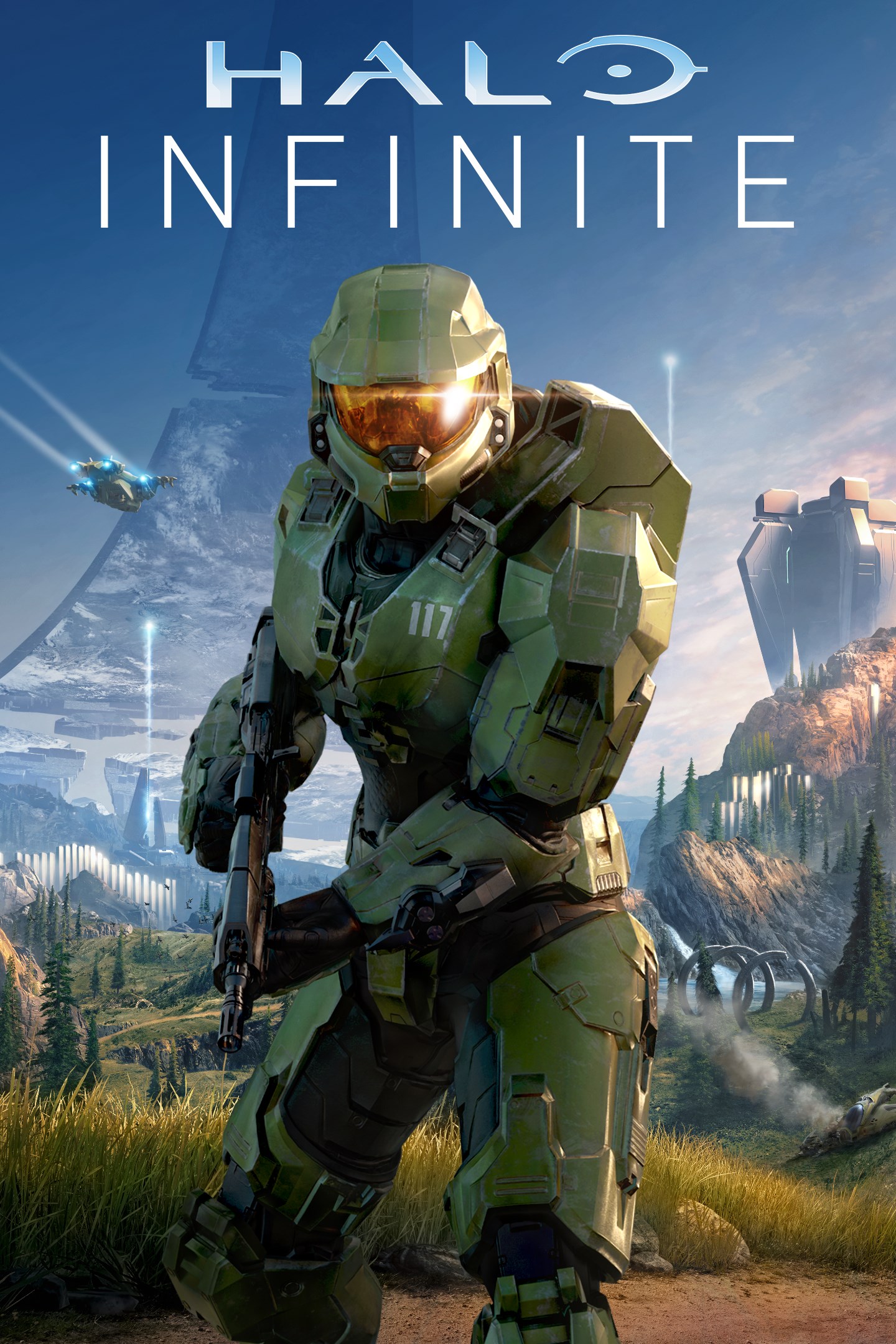
Halo Infinite
Details
- Publisher
- Xbox Game Studios
- Developer
- 343 Industries
- Release date
- 08.12.2021
- Age rating
- ESRB:T
- Localization
- English
Purchase options
Platform
Primary: our account is set as the home Xbox of your console ("My home Xbox"), so the game is shared with your own profile and works offline — that is one slot on one console. Secondary: you sign in to our account and launch the game from it, and the console has to stay online. The activation code is an extra option: it is redeemed on your own account, and the game stays there forever.
You install the game from our account and set our account as the home one ("My home Xbox"): after that you play from your own profile, and the progress and achievements stay yours. It works offline.
You sign in to our account and play right from it. A permanent internet connection is required and only the issued profile can be used. It costs less than the primary access.
A bonus way to buy: you get a 25-character code and redeem it on your own account. The game stays with you forever, no other profiles and no sign-in to a shared account.
What happens after payment
About the game
Free-to-Play Multiplayer:
Experience Halo’s celebrated multiplayer reimagined and free-to-play! With over 70 maps in matchmaking, billions of customization configurations, and countless community Forge creations to experience, Halo Infinite is the franchise’s most expansive multiplayer offering to date.
Enjoy an unprecedented variety of gameplay experiences, ranging from fast-paced intense ranked modes to whimsical mayhem in Custom Games, or even co-operative coordination in the wave-based survival mode Firefight: King of the Hill. With something to meet every player’s preference and playstyle, it’s time to suit up and assemble your Fireteam!
Forge Beta:
Halo’s legendary content creation tool is more powerful than ever with advanced features like a new visual scripting engine, mode editor, object scaling, lighting and audio tools as well as marked improvements in fidelity and object budget limits.
Forge also includes the powerful AI Toolkit, allowing players to add campaign AI to their creations. Whether it’s remaking iconic experiences from previous Halo entries or creating something entirely unique, the possibilities for thrilling custom maps and game modes are infinite.
Cross-Generation and Cross-Platform Gaming:
Halo Infinite provides an amazing experience across the Xbox One and newer family of consoles as well as PC with stunning 4k graphics and world-class cross-platform play. And, on Xbox Series X as well as supported PCs, enjoy enhanced features like up to 120FPS and greatly reduced load times creating seamless gameplay that usher in the next generation of gaming.*
*Up to 120FPS and 4K Ultra HD available on Xbox Series X consoles and compatible PCs only across supported maps and modes; compatible TV or monitor required.
Screenshots
Click a frame to open it larger, use the arrows to browse
How to activate
Guide for Xbox One
Primary — the game is shared with your own profile
- 1Press the Xbox button, open "Profile & system" → "Add or switch" → "Add new" and sign in with the login and password from your order.
- 2Now open "Settings" → "General" → "Personalization" → "My home Xbox" and choose "Make this my home Xbox". This is what shares our games with every profile on your console.
- 3Switch back to your own profile, open "My games & apps" → "Library" and install the game. The internet is only needed for the download.
- 4Launch the game from your own profile: achievements, saves and progress stay yours, and after the installation the game works offline.
Only one console at a time can be the home Xbox for our account — that is the slot you bought. Please do not change the password, the email or the two-factor settings of the account, or the access will be blocked.
Secondary — you play from our account
- 1Press the Xbox button, open "Profile & system" → "Add or switch" → "Add new" and sign in with the login and password from your order.
- 2Open "My games & apps" → "Library", switch to our profile in the top-left corner and install the game.
- 3Launch the game while our profile stays signed in, and keep the console online: the licence is checked over the internet.
- 4Use your own profile for everything else — the game stays available as long as our account is signed in on this console.
Secondary costs less, but it needs a permanent internet connection and our account stays signed in on your console.
Activation code
- 1On the console open "Store" and go to the "Redeem code" section.
- 2Enter the 25-character code from your order and confirm the activation on your own account.
- 3After the activation the code is shown as "Used" — but you can reinstall the game from your library at any time.
Notes for Xbox One
Important
How to play online
Warranty and support
The warranty covers the whole period of use of the account. If the access stops working, we replace the account or refund your money.
- If the game stops launching, we replace the account or refund your money.
- Average support response time — 15–30 minutes during working hours.
- The warranty covers the whole rental period of the access.
Support
Telegram: @weskars
E-mail: support@gears.games
Working hours: daily 11:00 – 23:00 (UTC+3)
Every order goes through clear stages: "New" → "Awaiting payment" → "Paid" → "Delivered". You can follow the status in your account page.
Similar games
More games in the "Shooter" genre