
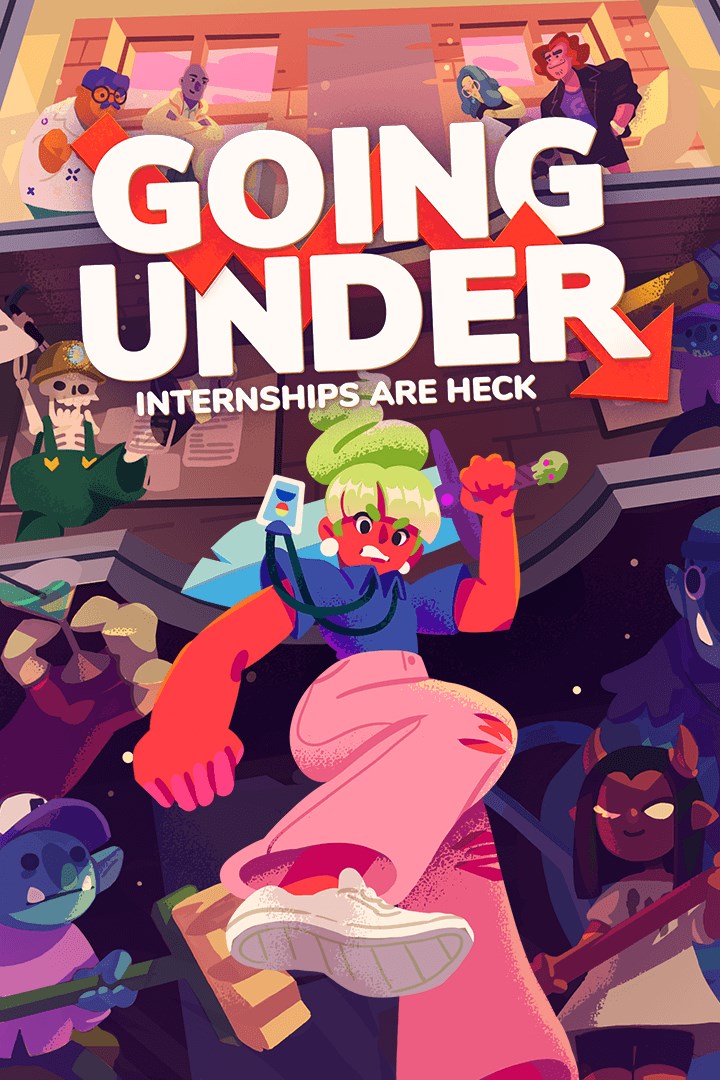
Going Under
Details
- Publisher
- Team17 Digital Ltd.
- Developer
- Aggro Crab Games
- Release date
- 24.09.2020
- Age rating
- ESRB:T
- Localization
- English
Purchase options
Platform
Primary: our account is set as the home Xbox of your console ("My home Xbox"), so the game is shared with your own profile and works offline — that is one slot on one console. Secondary: you sign in to our account and launch the game from it, and the console has to stay online. The activation code is an extra option: it is redeemed on your own account, and the game stays there forever.
You install the game from our account and set our account as the home one ("My home Xbox"): after that you play from your own profile, and the progress and achievements stay yours. It works offline.
You sign in to our account and play right from it. A permanent internet connection is required and only the issued profile can be used. It costs less than the primary access.
A bonus way to buy: you get a 25-character code and redeem it on your own account. The game stays with you forever, no other profiles and no sign-in to a shared account.
What happens after payment
About the game
Going Under is a satirical dungeon crawler about exploring the cursed ruins of failed tech startups. As an unpaid intern in the dystopian city of Neo-Cascadia, you’ll wield office junk as weaponry as you make your way through the offbeat procedural dungeons beneath your company campus.
[The Future is Wack]
Failed businesses no longer just cease to exist--they sink beneath the earth, and their employees are cursed to wander the halls for eternity as monsters. It’s your duty to put these monsters out of their misery and repossess their assets--so that your boss can afford a new car, or something.
[Not All Heroes Get Paychecks]
Battle through the remains of failed startups themed off of gig workers, dating sites, and cryptocurrency. Uncover the true motives of your employer, a carbonated drink startup known as Fizzle, and their parent company, a subscription box manufacturer with an army of helpful shipping drones. Make friends with your co-workers! Hire a freelance goblin! Date a slime! Invest in crypto! Set a rideshare on fire!
[Fight Flexibly]
In the dungeons of Going Under, almost everything can be used as a weapon, from laptops to brooms to body pillows. Proper weapons can be found as well, but even they can break at a moment’s notice if you aren’t careful. Playing cautiously and picking the right weapon for the situation are musts if you intend on surviving your internship.
[Horrible Bosses]
And you thought your boss was a monster. At the bottom of the dungeons lurk the founders of the cursed startups, getting rich off of investments while their employees fight amongst themselves. Defeat them and return to the surface with their enchanted relics to empower the company you work for.
[Get Paid in Experience]
As you explore, you’ll encounter powerful Skills that change the way you play. Learn them at the Cafe and they’ll show up in future runs. Use a Skill often enough, and you’ll get it “endorsed” and available to start your expeditions with. Combine multiple Skills for crazy synergies, and you’ll be cleaning house in no time.
[A World of Characters]
Complete Tasks for your co-workers to gain Clout with them and unlock their unique bonuses. Learn more about Neo-Cascadia, the origins of Fizzle, and how the drone shipping empire known as Cubicle came to dominate the city. Can you save your company and yourself from going under for good?
Screenshots
Click a frame to open it larger, use the arrows to browse
How to activate
Guide for Xbox One
Primary — the game is shared with your own profile
- 1Press the Xbox button, open "Profile & system" → "Add or switch" → "Add new" and sign in with the login and password from your order.
- 2Now open "Settings" → "General" → "Personalization" → "My home Xbox" and choose "Make this my home Xbox". This is what shares our games with every profile on your console.
- 3Switch back to your own profile, open "My games & apps" → "Library" and install the game. The internet is only needed for the download.
- 4Launch the game from your own profile: achievements, saves and progress stay yours, and after the installation the game works offline.
Only one console at a time can be the home Xbox for our account — that is the slot you bought. Please do not change the password, the email or the two-factor settings of the account, or the access will be blocked.
Secondary — you play from our account
- 1Press the Xbox button, open "Profile & system" → "Add or switch" → "Add new" and sign in with the login and password from your order.
- 2Open "My games & apps" → "Library", switch to our profile in the top-left corner and install the game.
- 3Launch the game while our profile stays signed in, and keep the console online: the licence is checked over the internet.
- 4Use your own profile for everything else — the game stays available as long as our account is signed in on this console.
Secondary costs less, but it needs a permanent internet connection and our account stays signed in on your console.
Activation code
- 1On the console open "Store" and go to the "Redeem code" section.
- 2Enter the 25-character code from your order and confirm the activation on your own account.
- 3After the activation the code is shown as "Used" — but you can reinstall the game from your library at any time.
Notes for Xbox One
Important
How to play online
Warranty and support
The warranty covers the whole period of use of the account. If the access stops working, we replace the account or refund your money.
- If the game stops launching, we replace the account or refund your money.
- Average support response time — 15–30 minutes during working hours.
- The warranty covers the whole rental period of the access.
Support
Telegram: @weskars
E-mail: support@gears.games
Working hours: daily 11:00 – 23:00 (UTC+3)
Every order goes through clear stages: "New" → "Awaiting payment" → "Paid" → "Delivered". You can follow the status in your account page.
Similar games
More games in the "Action & adventure" genre



