
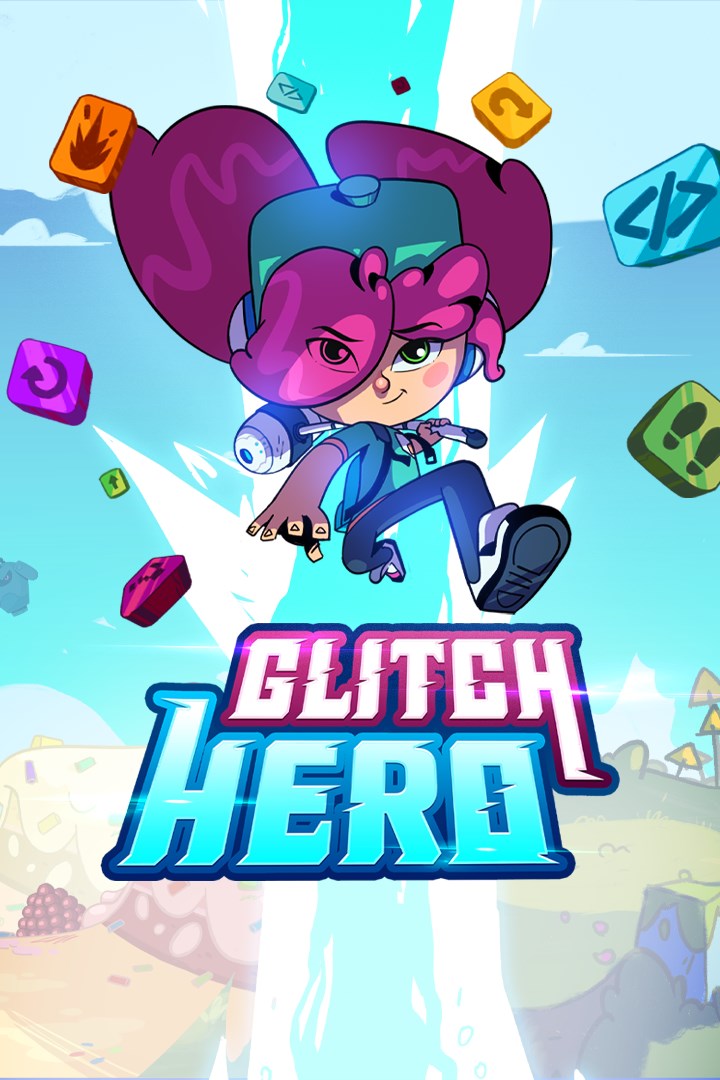
Glitch Hero
Details
- Publisher
- Artax Games
- Developer
- Didactoons
- Release date
- 28.11.2024
- Age rating
- ESRB:E
- Localization
- English
Purchase options
Platform
Primary: our account is set as the home Xbox of your console ("My home Xbox"), so the game is shared with your own profile and works offline — that is one slot on one console. Secondary: you sign in to our account and launch the game from it, and the console has to stay online. The activation code is an extra option: it is redeemed on your own account, and the game stays there forever.
You install the game from our account and set our account as the home one ("My home Xbox"): after that you play from your own profile, and the progress and achievements stay yours. It works offline.
You sign in to our account and play right from it. A permanent internet connection is required and only the issued profile can be used. It costs less than the primary access.
A bonus way to buy: you get a 25-character code and redeem it on your own account. The game stays with you forever, no other profiles and no sign-in to a shared account.
What happens after payment
About the game
Ada is a young yet bright girl who, after visiting her father’s laboratory, decides to
dive without his permission into Codeland, a virtual world being developed by him, just for fun but...
A fatal error, Codeland filled with bugs, an unfriendly bunny as a guide, her father and his colleagues are trapped and unresponsive, there are enemies and errors all around! Only someone worthy to wield the hammer.exe can debug it all!
Show your logical skills and quick mind to help Ada save Codeland by defeating enemies and clear dungeons in this fun and thrilling action adventure full of logical puzzles, loops, and fun visual algorithms suited for players of all ages.
FEATURES AND CONTENT
EXPLORE AND BEAT ENEMIES WITH THE HAMMER.EXE
• Run, dash, avoid traps and fly over cliffs to explore Codeland.
• Use the hammer.exe to defeat enemies, activate switches and open new paths
• 5 upgradeable skills (Glitch Dash, Super Strength, Glitch Bolt, Cyberspin & Glitch Trap)
• Different enemies, each with their own unique attack patterns!
• Thrilling battles against warped bosses. Show off your skills and clean the errors on their programming!
SOLVE FUN CODING ALGORITHMS AND SAVE THE DAY
• Use blocks to design easy algorithms and learn about loops, functions and other coding concepts in an easy and fun way.
• Learn programming jargon thanks to amusing dialogues between charismatic characters.
• All coding puzzles are adapted to age so everyone can enjoy and learn!
A DIGITAL WORLD FULL OF DANGERS AND PUZZLES!
• Three worlds to explore: Order, Candy and Music worlds!
• A digital world with bright 2D cartoon art style and visuals
• +10 levels with careful design and mechanics inside each world.
• Interact with the environment to collect bits, find more hearts and energy and improve Ada’s power!
• Know hilarious, charismatic and compelling characters in a story about friendship, courage and wits!
JOIN ADA AND SHOW YOUR SKILLS TO UNLOCK CODES AND DEFEAT ENEMIES!
Codeland is in your hands. Do you have what it takes to save it before it's too late? The fate of this digital world relies on you!
Screenshots
Click a frame to open it larger, use the arrows to browse
How to activate
Guide for Xbox One
Primary — the game is shared with your own profile
- 1Press the Xbox button, open "Profile & system" → "Add or switch" → "Add new" and sign in with the login and password from your order.
- 2Now open "Settings" → "General" → "Personalization" → "My home Xbox" and choose "Make this my home Xbox". This is what shares our games with every profile on your console.
- 3Switch back to your own profile, open "My games & apps" → "Library" and install the game. The internet is only needed for the download.
- 4Launch the game from your own profile: achievements, saves and progress stay yours, and after the installation the game works offline.
Only one console at a time can be the home Xbox for our account — that is the slot you bought. Please do not change the password, the email or the two-factor settings of the account, or the access will be blocked.
Secondary — you play from our account
- 1Press the Xbox button, open "Profile & system" → "Add or switch" → "Add new" and sign in with the login and password from your order.
- 2Open "My games & apps" → "Library", switch to our profile in the top-left corner and install the game.
- 3Launch the game while our profile stays signed in, and keep the console online: the licence is checked over the internet.
- 4Use your own profile for everything else — the game stays available as long as our account is signed in on this console.
Secondary costs less, but it needs a permanent internet connection and our account stays signed in on your console.
Activation code
- 1On the console open "Store" and go to the "Redeem code" section.
- 2Enter the 25-character code from your order and confirm the activation on your own account.
- 3After the activation the code is shown as "Used" — but you can reinstall the game from your library at any time.
Notes for Xbox One
Important
How to play online
Warranty and support
The warranty covers the whole period of use of the account. If the access stops working, we replace the account or refund your money.
- If the game stops launching, we replace the account or refund your money.
- Average support response time — 15–30 minutes during working hours.
- The warranty covers the whole rental period of the access.
Support
Telegram: @weskars
E-mail: support@gears.games
Working hours: daily 11:00 – 23:00 (UTC+3)
Every order goes through clear stages: "New" → "Awaiting payment" → "Paid" → "Delivered". You can follow the status in your account page.
Similar games
More games in the "Action & adventure" genre



