Gennady
Details
- Publisher
- Sobaka Studio LLP
- Developer
- Feed 64
- Release date
- 28.10.2026
- Age rating
- ESRB:T
- Localization
- English
Purchase options
Platform
Primary: our account is set as the home Xbox of your console ("My home Xbox"), so the game is shared with your own profile and works offline — that is one slot on one console. Secondary: you sign in to our account and launch the game from it, and the console has to stay online. The activation code is an extra option: it is redeemed on your own account, and the game stays there forever.
You install the game from our account and set our account as the home one ("My home Xbox"): after that you play from your own profile, and the progress and achievements stay yours. It works offline.
You sign in to our account and play right from it. A permanent internet connection is required and only the issued profile can be used. It costs less than the primary access.
A bonus way to buy: you get a 25-character code and redeem it on your own account. The game stays with you forever, no other profiles and no sign-in to a shared account.
What happens after payment
About the game
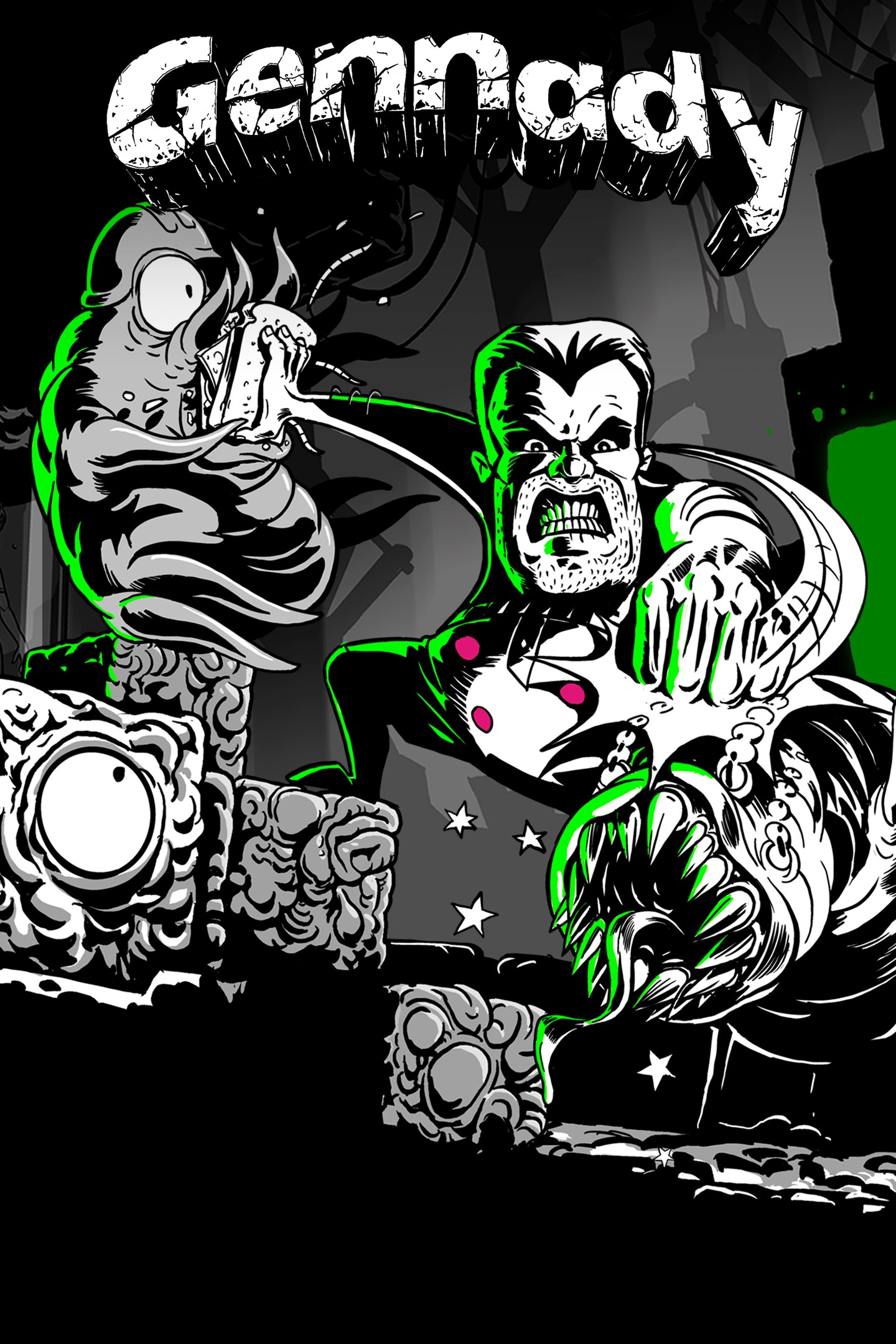
Gennady — dynamic roguelike platformer
Remember that dream where you find yourself on a crowded bus wearing nothing but your underwear?
Well, this isn’t a bus — and it’s not a dream either!
The blinding light fades, revealing a grim alien meat factory where you must break through compressed biomass with your own body — not to pay the fare, but to survive!
It’s time to hang the twitching remains of vile creatures on the ropes — those that crawled straight out of the moldy, green-stained pages of this grim comic book.
Better finish this quickly… though sometimes it’s tempting to stay here forever — or at least for the weekend.
Unique Visual Style
Hand-drawn frame-by-frame animation and a high-contrast black-and-white palette tremble under the pressure of pulsating splashes of color that frame this dark pseudo-noir world.
Fast-Paced Action
In addition to classic brawling, use furious dashes to not only overcome obstacles but also rip local inhabitants to pieces — turning your body into a living projectile.
Rage Mode
Enter a special state of insane speed and deadly attacks, fueled by absolute invulnerability. The better you do at exterminating the local fauna, the longer your rage lasts.
Tons of Artifacts and Upgrades
Trade your living currency for artifacts of varying usefulness. Upgrade your character and weapons to create unique builds for more efficient and spectacular gameplay.
Epic Boss Fights
Colossal beasts await you at the end of each biome — ready to test what you’re truly made of. Literally.
Alley of the Dead
Break the rule of permanent death: shoot off your collected artifacts and carry them into your next run — starting stronger and fully charged.
If, of course, you have enough ammo left.
Screenshots
Click a frame to open it larger, use the arrows to browse
How to activate
Guide for Xbox One
Primary — the game is shared with your own profile
- 1Press the Xbox button, open "Profile & system" → "Add or switch" → "Add new" and sign in with the login and password from your order.
- 2Now open "Settings" → "General" → "Personalization" → "My home Xbox" and choose "Make this my home Xbox". This is what shares our games with every profile on your console.
- 3Switch back to your own profile, open "My games & apps" → "Library" and install the game. The internet is only needed for the download.
- 4Launch the game from your own profile: achievements, saves and progress stay yours, and after the installation the game works offline.
Only one console at a time can be the home Xbox for our account — that is the slot you bought. Please do not change the password, the email or the two-factor settings of the account, or the access will be blocked.
Secondary — you play from our account
- 1Press the Xbox button, open "Profile & system" → "Add or switch" → "Add new" and sign in with the login and password from your order.
- 2Open "My games & apps" → "Library", switch to our profile in the top-left corner and install the game.
- 3Launch the game while our profile stays signed in, and keep the console online: the licence is checked over the internet.
- 4Use your own profile for everything else — the game stays available as long as our account is signed in on this console.
Secondary costs less, but it needs a permanent internet connection and our account stays signed in on your console.
Activation code
- 1On the console open "Store" and go to the "Redeem code" section.
- 2Enter the 25-character code from your order and confirm the activation on your own account.
- 3After the activation the code is shown as "Used" — but you can reinstall the game from your library at any time.
Notes for Xbox One
Important
How to play online
Warranty and support
The warranty covers the whole period of use of the account. If the access stops working, we replace the account or refund your money.
- If the game stops launching, we replace the account or refund your money.
- Average support response time — 15–30 minutes during working hours.
- The warranty covers the whole rental period of the access.
Support
Telegram: @weskars
E-mail: support@gears.games
Working hours: daily 11:00 – 23:00 (UTC+3)
Every order goes through clear stages: "New" → "Awaiting payment" → "Paid" → "Delivered". You can follow the status in your account page.
Similar games
More games in the "Platformer" genre