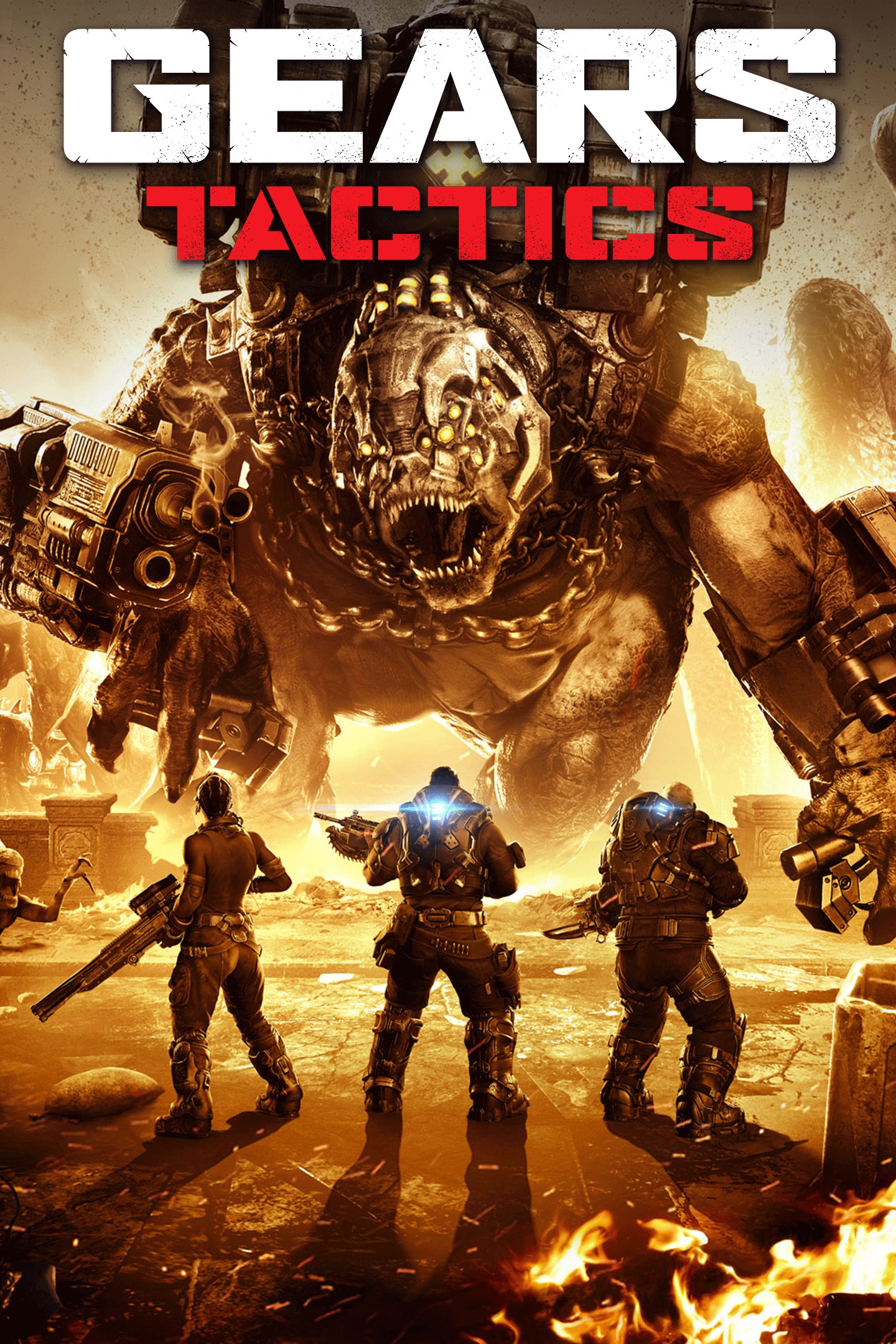
Gears Tactics
Details
- Publisher
- Xbox Game Studios
- Developer
- Splash Damage | The Coalition
- Release date
- 09.11.2020
- Age rating
- ESRB:M
- Localization
- English
- Metascore
- 80 / 100
Source: Steam
Purchase options
Platform
Primary: our account is set as the home Xbox of your console ("My home Xbox"), so the game is shared with your own profile and works offline — that is one slot on one console. Secondary: you sign in to our account and launch the game from it, and the console has to stay online. The activation code is an extra option: it is redeemed on your own account, and the game stays there forever.
You install the game from our account and set our account as the home one ("My home Xbox"): after that you play from your own profile, and the progress and achievements stay yours. It works offline.
You sign in to our account and play right from it. A permanent internet connection is required and only the issued profile can be used. It costs less than the primary access.
A bonus way to buy: you get a 25-character code and redeem it on your own account. The game stays with you forever, no other profiles and no sign-in to a shared account.
What happens after payment
About the game
Complete the Gears Tactics tutorial and get Armored Gabe Character Skin for multiplayer modes in Gears 5.
Gears Tactics is the fast-paced, turn-based strategy game set 12 years before the first Gears of War.
Cities on the planet Sera are beginning to fall to the monstrous threat rising from underground – the Locust Horde. With the government in disarray, a squad of survivors emerge as humanity's last hope. Play as Gabe Diaz, recruiting, equipping and commanding your squads on a desperate mission to hunt down the relentless and powerful leader of the Locust army: Ukkon, the evil mastermind who makes monsters. Against all odds and fighting for survival, outsmart your enemy in uniquely brutal, turn-based tactical combat. Experience the intensity of one of the most-acclaimed video game sagas in an exciting new way.
- Immersive and character-driven story: Play as the defiant soldier Gabe Diaz, rescuing and building your troops in a journey of leadership, survival and sacrifice.
- Customizable squad and equipment: Prepare your troops to face tough enemies, upgrading their skills and outfitting them with loot collected in challenging missions.
- Aggressive gameplay: Command your squad in fast paced, turn-based battles, advancing and surviving intense and visceral encounters with the unstoppable, swarming enemy.
- Massive boss battles: Defeat towering deadly bosses that defy your strategies and completely change the scale of the battle.
- New content: Jack joins the fight with over 20 skills to combat new, powerful enemies. Improve your weapons and armor with Supreme equipment.
- Optimized for Xbox Series X: Gears Tactics features Smart Delivery and plays in 4K Ultra HD at 60 frames per second.
Screenshots
Click a frame to open it larger, use the arrows to browse
How to activate
Guide for Xbox One
Primary — the game is shared with your own profile
- 1Press the Xbox button, open "Profile & system" → "Add or switch" → "Add new" and sign in with the login and password from your order.
- 2Now open "Settings" → "General" → "Personalization" → "My home Xbox" and choose "Make this my home Xbox". This is what shares our games with every profile on your console.
- 3Switch back to your own profile, open "My games & apps" → "Library" and install the game. The internet is only needed for the download.
- 4Launch the game from your own profile: achievements, saves and progress stay yours, and after the installation the game works offline.
Only one console at a time can be the home Xbox for our account — that is the slot you bought. Please do not change the password, the email or the two-factor settings of the account, or the access will be blocked.
Secondary — you play from our account
- 1Press the Xbox button, open "Profile & system" → "Add or switch" → "Add new" and sign in with the login and password from your order.
- 2Open "My games & apps" → "Library", switch to our profile in the top-left corner and install the game.
- 3Launch the game while our profile stays signed in, and keep the console online: the licence is checked over the internet.
- 4Use your own profile for everything else — the game stays available as long as our account is signed in on this console.
Secondary costs less, but it needs a permanent internet connection and our account stays signed in on your console.
Activation code
- 1On the console open "Store" and go to the "Redeem code" section.
- 2Enter the 25-character code from your order and confirm the activation on your own account.
- 3After the activation the code is shown as "Used" — but you can reinstall the game from your library at any time.
Notes for Xbox One
Important
How to play online
Warranty and support
The warranty covers the whole period of use of the account. If the access stops working, we replace the account or refund your money.
- If the game stops launching, we replace the account or refund your money.
- Average support response time — 15–30 minutes during working hours.
- The warranty covers the whole rental period of the access.
Support
Telegram: @weskars
E-mail: support@gears.games
Working hours: daily 11:00 – 23:00 (UTC+3)
Every order goes through clear stages: "New" → "Awaiting payment" → "Paid" → "Delivered". You can follow the status in your account page.
Similar games
More games in the "Strategy" genre