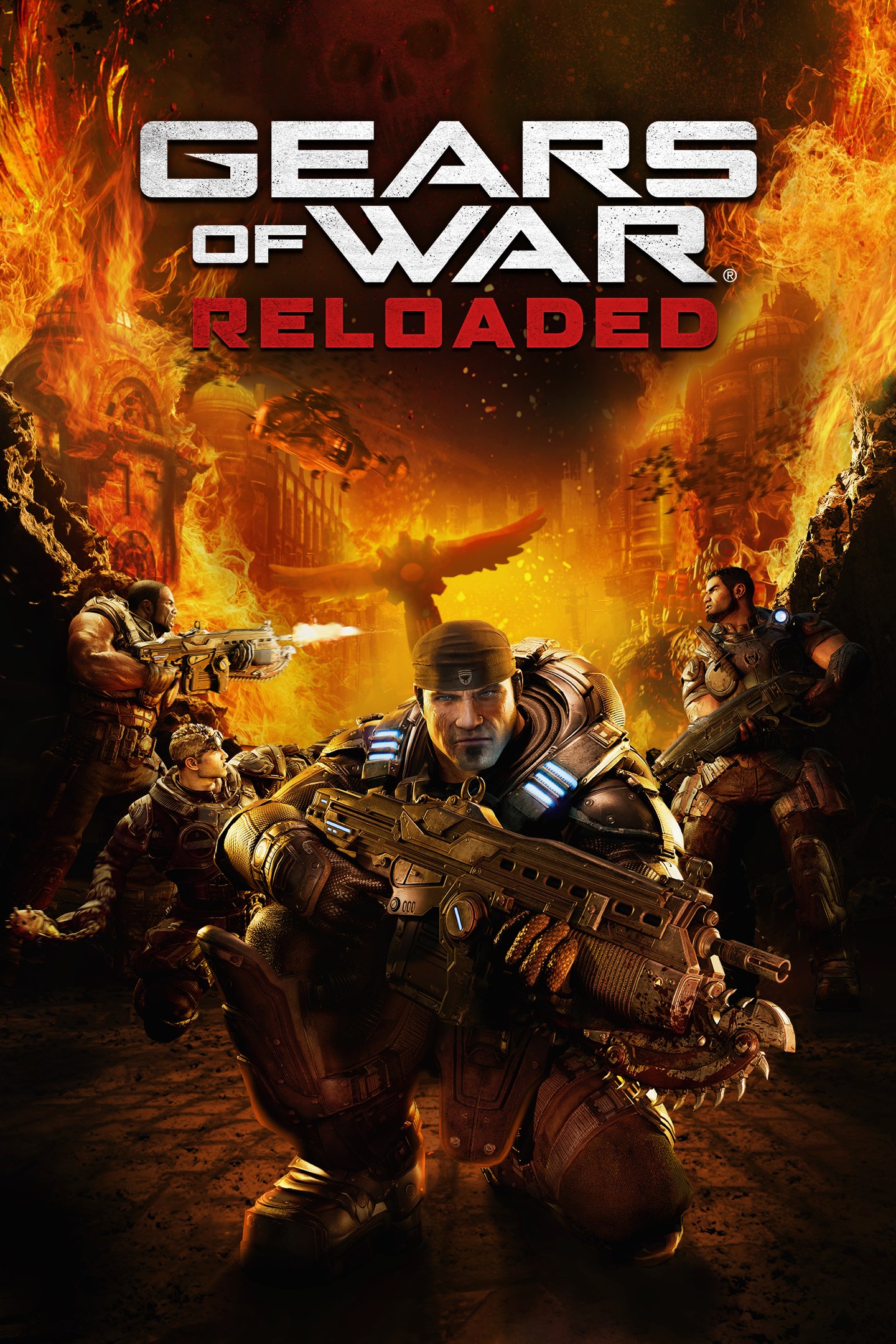
Gears of War: Reloaded
Details
- Publisher
- Xbox Game Studios
- Developer
- The Coalition
- Release date
- 26.08.2025
- Age rating
- ESRB:M
- Localization
- English
Purchase options
Primary: our account is set as the home Xbox of your console ("My home Xbox"), so the game is shared with your own profile and works offline — that is one slot on one console. Secondary: you sign in to our account and launch the game from it, and the console has to stay online. The activation code is an extra option: it is redeemed on your own account, and the game stays there forever.
You install the game from our account and set our account as the home one ("My home Xbox"): after that you play from your own profile, and the progress and achievements stay yours. It works offline.
You sign in to our account and play right from it. A permanent internet connection is required and only the issued profile can be used. It costs less than the primary access.
A bonus way to buy: you get a 25-character code and redeem it on your own account. The game stays with you forever, no other profiles and no sign-in to a shared account.
What happens after payment
About the game
THE DEFINITIVE RELEASE
The Original, Remastered: Powered by Unreal Engine, Gears of War: Reloaded is a remaster of the blockbuster first Gears of War, now fully optimized for the latest generation of gaming platforms.
All Included: Gears of War: Reloaded delivers all post-launch content for the original title, including a bonus campaign act, multiplayer maps, plus characters and cosmetics, at no additional cost.
Refined Controls: Newcomers can choose a modern, streamlined control layout, while veterans can relive the classic feel they love.
BUILT FOR BROTHERHOOD
Campaign Co-Op: Crush the Locust threat together through campaign split-screen or online co-op. Fight on with your squad in Versus multiplayer running at up to 120fps with unmatched clarity and visual fidelity.*
Cross Play: Gears of War: Reloaded supports cross-play across all platforms, allowing you and your friends to squad-up, regardless of where you play.*
Cross Progression: Jump from one platform to another and your campaign saves as well as multiplayer progression will come with you. Signing in with your Microsoft Account required is for cross progression.*
OPTIMIZED FOR XBOX & PC:
Natively Optimized for Xbox Series X|S: The iconic original now looks and plays better than ever with lightning-fast load times, 4K assets plus remastered textures, lighting, shadows and reflections, HDR and Dolby Vision, Dolby Atmos, as well as up to 120 FPS in multiplayer.*
Optimized for PC & Handhelds: In addition to stunning remastered visuals, Gears of War: Reloaded also delivers PC-first features such as ultrawide support, a benchmark mode, variable refresh rate, mouse and keyboard support, FSR3.1 and DLSS3.5 Super Resolution support as well as controller remapping.
*4K, HDR & 144FPS: requires capable display. Co-Op: campaign split-screen not available on PC or handhelds.
Screenshots
Click a frame to open it larger, use the arrows to browse
How to activate
Guide for Xbox Series X|S
Primary — the game is shared with your own profile
- 1Press the Xbox button, open "Profile & system" → "Add or switch" → "Add new" and sign in with the login and password from your order.
- 2Now open "Settings" → "General" → "Personalization" → "My home Xbox" and choose "Make this my home Xbox". This is what shares our games with every profile on your console.
- 3Switch back to your own profile, open "My games & apps" → "Library" and install the game. The internet is only needed for the download.
- 4Launch the game from your own profile: achievements, saves and progress stay yours, and after the installation the game works offline.
Only one console at a time can be the home Xbox for our account — that is the slot you bought. Please do not change the password, the email or the two-factor settings of the account, or the access will be blocked.
Secondary — you play from our account
- 1Press the Xbox button, open "Profile & system" → "Add or switch" → "Add new" and sign in with the login and password from your order.
- 2Open "My games & apps" → "Library", switch to our profile in the top-left corner and install the game.
- 3Launch the game while our profile stays signed in, and keep the console online: the licence is checked over the internet.
- 4Use your own profile for everything else — the game stays available as long as our account is signed in on this console.
Secondary costs less, but it needs a permanent internet connection and our account stays signed in on your console.
Activation code
- 1On the console open "Store" and go to the "Redeem code" section.
- 2Enter the 25-character code from your order and confirm the activation on your own account.
- 3After the activation the code is shown as "Used" — but you can reinstall the game from your library at any time.
Notes for Xbox Series
Important
How to play online
Warranty and support
The warranty covers the whole period of use of the account. If the access stops working, we replace the account or refund your money.
- If the game stops launching, we replace the account or refund your money.
- Average support response time — 15–30 minutes during working hours.
- The warranty covers the whole rental period of the access.
Support
Telegram: @weskars
E-mail: support@gears.games
Working hours: daily 11:00 – 23:00 (UTC+3)
Every order goes through clear stages: "New" → "Awaiting payment" → "Paid" → "Delivered". You can follow the status in your account page.
Similar games
More games in the "Shooter" genre