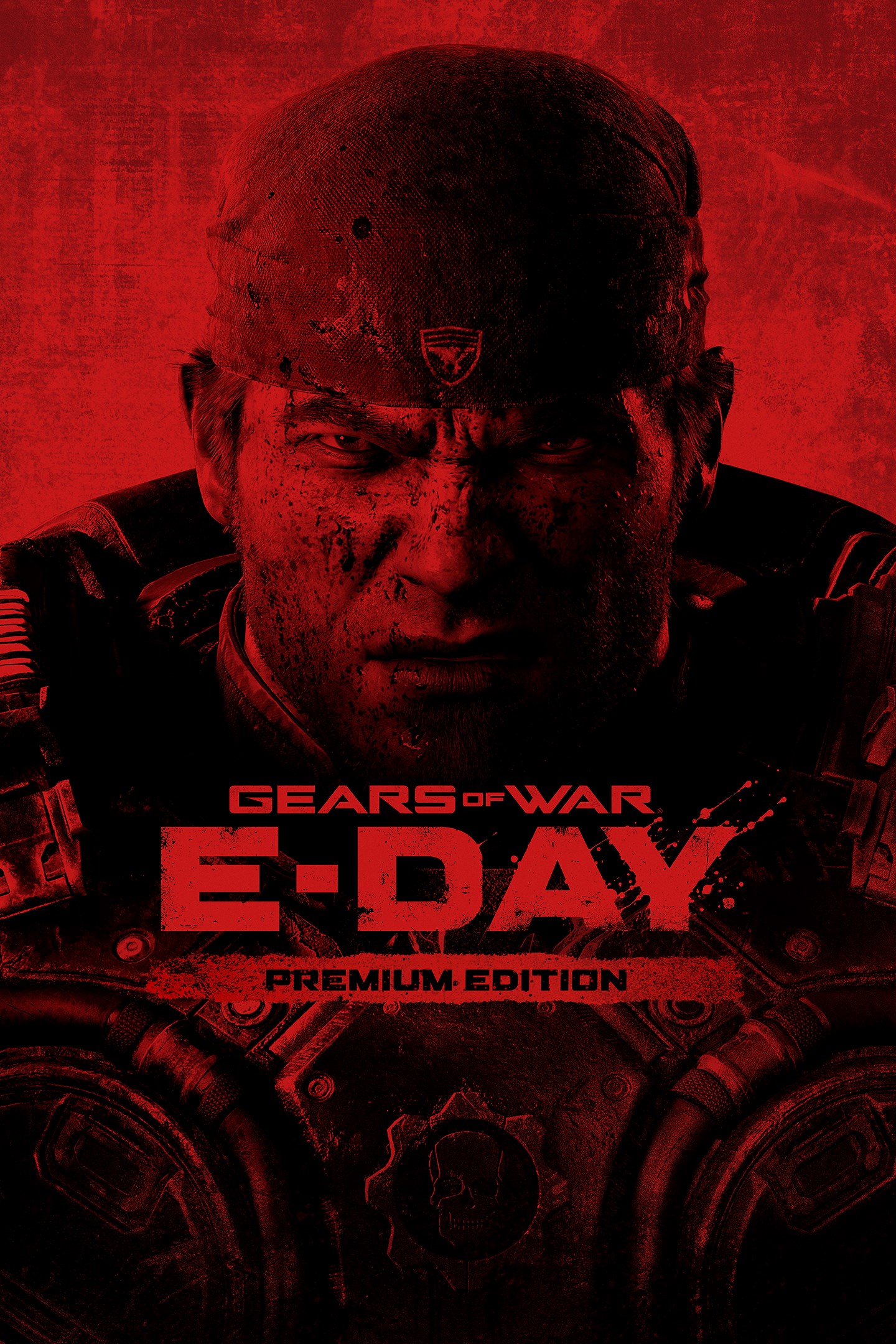
Gears of War: E-Day Premium Edition
Details
- Publisher
- Xbox Game Studios
- Developer
- The Coalition
- Release date
- 06.10.2026
- Age rating
- ESRB:M
- Localization
- English
Purchase options
Primary: our account is set as the home Xbox of your console ("My home Xbox"), so the game is shared with your own profile and works offline — that is one slot on one console. Secondary: you sign in to our account and launch the game from it, and the console has to stay online. The activation code is an extra option: it is redeemed on your own account, and the game stays there forever.
You install the game from our account and set our account as the home one ("My home Xbox"): after that you play from your own profile, and the progress and achievements stay yours. It works offline.
You sign in to our account and play right from it. A permanent internet connection is required and only the issued profile can be used. It costs less than the primary access.
A bonus way to buy: you get a 25-character code and redeem it on your own account. The game stays with you forever, no other profiles and no sign-in to a shared account.
What happens after payment
About the game
Emergence Begins
The Gears of War: E-Day Premium Edition Includes:
- Base Game
- Bravo Squad Signature Weapon Pack
- Five Seasonal Customization Packs, starting with the Emergence Pack at launch (the remaining packs will be available as released)
- 1,000 Iron (premium in-game currency)
Experience the horror and brutality of Emergence Day. Fourteen years before the original Gears of War, join Marcus Fenix and Dominic Santiago in a gripping origin-story campaign as the Locust Horde first erupt from below, igniting a desperate fight for survival. Rally your squad and fight on in multiplayer with a reimagination of Gears’ iconic PvE mode, Horde Siege, or go head-to-head with a refined Versus PvP.* Built from the ground up in Unreal Engine 5, Gears of War: E-Day delivers the most immersive Gears yet.
The Story of E-Day
Fight through the chaos of Emergence Day in a gripping origin story campaign.
Battle alone, side by side in two-player split-screen, or rally up to four players online across Campaign, Horde Siege, and Versus.*
Horde Siege PvE – Back and Bigger Than Ever
Survive a city under siege in an evolved take on Gears’ iconic co-op wave survival mode built for larger maps, more players, and bigger battles.
Choose your class - Assault, Marksman, Medic, or Breacher - then drop in as a 4-player squad to fight back the Locust.
Team up with multiple squads to conquer shared objectives and take down world bosses. Survive to earn rewards, unlock customization and improve your loadout for the next match.
Versus Returns – Refined and Focused PvP
Battle across all-new maps and refined fan-favorite 4v4 modes.
Choose your level of competition. Lock in and climb the ranks in Ranked or jump into Social playlists for a more relaxed match.
Modernized controls and movement make combat feel more fluid while retaining Gears’ signature cover-based feel. Jump, vault, slide, and flank with intent.
A Terrifying Threat from Below
A darker, grittier tone and reimagined enemies restore fear and dread to the series.
Atmosphere and detail are pushed further than ever. The world feels more grounded, believable, and dangerous.
Familiar enemies are more threatening, joined by all-new creatures and villains that reestablish a true sense of horror.
Feels Like Gears. Plays Like New.
Iconic cover‑based combat returns, enhanced with modernized movement and traversal that add freedom and verticality.
Fan‑favorite weapons return and are reimagined, alongside all‑new weapons built for brutal, close‑quarters combat.
Rebuilt in Unreal Engine 5
A new technical foundation for Gears. Built for modern performance with 4K resolution and up to 60FPS across Campaign and Multiplayer.*
*Important Information
Online Multiplayer: Online campaign co-op, Horde Siege, Versus, Open Beta and other multiplayer features require a Game Pass subscription that includes online multiplayer, sold separately.
2-Player Split-Screen: is available for console only.
4K and 60FPS: require a compatible display.
Game requires initial download. May require future updates (additional storage may be required). All downloads and updates require significant storage and broadband internet connection (ISP fees apply). You must accept the Microsoft Services Agreement (microsoft.com/msa). May require additional hardware and subscriptions. Content, features, services, online play (if applicable), and support not available in all regions (xbox.com/regions) and may vary, change, or terminate. Microsoft Account required.
WARNING: Some people may experience a seizure when exposed to flashing lights or patterns in video games. (xbox.com/healthandsafety).
Screenshots
Click a frame to open it larger, use the arrows to browse
How to activate
Guide for Xbox Series X|S
Primary — the game is shared with your own profile
- 1Press the Xbox button, open "Profile & system" → "Add or switch" → "Add new" and sign in with the login and password from your order.
- 2Now open "Settings" → "General" → "Personalization" → "My home Xbox" and choose "Make this my home Xbox". This is what shares our games with every profile on your console.
- 3Switch back to your own profile, open "My games & apps" → "Library" and install the game. The internet is only needed for the download.
- 4Launch the game from your own profile: achievements, saves and progress stay yours, and after the installation the game works offline.
Only one console at a time can be the home Xbox for our account — that is the slot you bought. Please do not change the password, the email or the two-factor settings of the account, or the access will be blocked.
Secondary — you play from our account
- 1Press the Xbox button, open "Profile & system" → "Add or switch" → "Add new" and sign in with the login and password from your order.
- 2Open "My games & apps" → "Library", switch to our profile in the top-left corner and install the game.
- 3Launch the game while our profile stays signed in, and keep the console online: the licence is checked over the internet.
- 4Use your own profile for everything else — the game stays available as long as our account is signed in on this console.
Secondary costs less, but it needs a permanent internet connection and our account stays signed in on your console.
Activation code
- 1On the console open "Store" and go to the "Redeem code" section.
- 2Enter the 25-character code from your order and confirm the activation on your own account.
- 3After the activation the code is shown as "Used" — but you can reinstall the game from your library at any time.
Notes for Xbox Series
Important
How to play online
Warranty and support
The warranty covers the whole period of use of the account. If the access stops working, we replace the account or refund your money.
- If the game stops launching, we replace the account or refund your money.
- Average support response time — 15–30 minutes during working hours.
- The warranty covers the whole rental period of the access.
Support
Telegram: @weskars
E-mail: support@gears.games
Working hours: daily 11:00 – 23:00 (UTC+3)
Every order goes through clear stages: "New" → "Awaiting payment" → "Paid" → "Delivered". You can follow the status in your account page.
Similar games
More games in the "Shooter" genre