
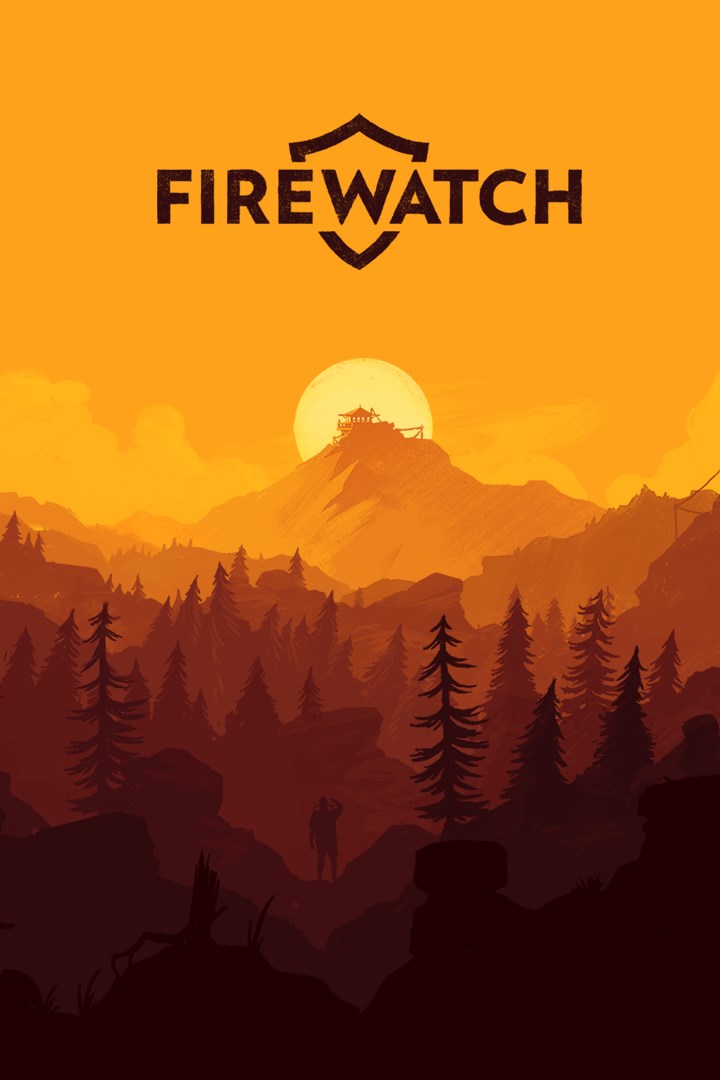
Firewatch
Details
- Publisher
- Campo Santo
- Developer
- Campo Santo
- Release date
- 21.09.2016
- Age rating
- ESRB:M
- Localization
- English
- Metascore
- 81 / 100
Source: Steam
Purchase options
Platform
Primary: our account is set as the home Xbox of your console ("My home Xbox"), so the game is shared with your own profile and works offline — that is one slot on one console. Secondary: you sign in to our account and launch the game from it, and the console has to stay online. The activation code is an extra option: it is redeemed on your own account, and the game stays there forever.
You install the game from our account and set our account as the home one ("My home Xbox"): after that you play from your own profile, and the progress and achievements stay yours. It works offline.
You sign in to our account and play right from it. A permanent internet connection is required and only the issued profile can be used. It costs less than the primary access.
A bonus way to buy: you get a 25-character code and redeem it on your own account. The game stays with you forever, no other profiles and no sign-in to a shared account.
What happens after payment
About the game
Firewatch is a single-player first-person mystery set in the Wyoming wilderness.
The year is 1989. You are a man named Henry who has retreated from your messy life to work as a fire lookout in the Wyoming wilderness. Perched high atop a mountain, it’s your job to look for smoke and keep the wilderness safe. An especially hot, dry summer has everyone on edge. Your supervisor, a woman named Delilah, is available to you at all times over a small, handheld radio—your only contact with the world you've left behind. But when something strange draws you out of your lookout tower and into the world, you’ll explore a wild and unknown environment, facing questions and making choices that can build or destroy the only meaningful relationship you have.
A Note: Firewatch is a video game about adults having adult conversations about adult things. If you plan on playing with a younger gamer, that might be good to know going in.
Includes
A stunningly beautiful wilderness environment that expands as you explore.
A tailor-made story: the choices you make shape the narrative and build relationships.
An edge-of-your-seat mystery.
Secrets and discoveries to be made over every hill.
Featuring
Living, breathing characters brought to life by Cissy Jones (The Walking Dead: Season 1) and Rich Sommer (Mad Men)
A spectacular wilderness environment by Olly Moss (Illustrator) and Jane Ng (The Cave, Brutal Legend)
A thrilling story and script by Sean Vanaman and Jake Rodkin (The Walking Dead: Season 1, Poker Night at the Inventory)
A stirring original soundtrack by Chris Remo (Gone Home, Spacebase DF-9)
Fluid first-person animation by James Benson (Ori & the Blind Forest)
Gameplay scripting and design work by Patrick Ewing (Twitter) and Nels Anderson (Mark of the Ninja)
Programming by Will Armstrong (Bioshock II) and Ben Burbank (Costume Quest 2, Spacebase DF-9)
Screenshots
Click a frame to open it larger, use the arrows to browse
How to activate
Guide for Xbox One
Primary — the game is shared with your own profile
- 1Press the Xbox button, open "Profile & system" → "Add or switch" → "Add new" and sign in with the login and password from your order.
- 2Now open "Settings" → "General" → "Personalization" → "My home Xbox" and choose "Make this my home Xbox". This is what shares our games with every profile on your console.
- 3Switch back to your own profile, open "My games & apps" → "Library" and install the game. The internet is only needed for the download.
- 4Launch the game from your own profile: achievements, saves and progress stay yours, and after the installation the game works offline.
Only one console at a time can be the home Xbox for our account — that is the slot you bought. Please do not change the password, the email or the two-factor settings of the account, or the access will be blocked.
Secondary — you play from our account
- 1Press the Xbox button, open "Profile & system" → "Add or switch" → "Add new" and sign in with the login and password from your order.
- 2Open "My games & apps" → "Library", switch to our profile in the top-left corner and install the game.
- 3Launch the game while our profile stays signed in, and keep the console online: the licence is checked over the internet.
- 4Use your own profile for everything else — the game stays available as long as our account is signed in on this console.
Secondary costs less, but it needs a permanent internet connection and our account stays signed in on your console.
Activation code
- 1On the console open "Store" and go to the "Redeem code" section.
- 2Enter the 25-character code from your order and confirm the activation on your own account.
- 3After the activation the code is shown as "Used" — but you can reinstall the game from your library at any time.
Notes for Xbox One
Important
How to play online
Warranty and support
The warranty covers the whole period of use of the account. If the access stops working, we replace the account or refund your money.
- If the game stops launching, we replace the account or refund your money.
- Average support response time — 15–30 minutes during working hours.
- The warranty covers the whole rental period of the access.
Support
Telegram: @weskars
E-mail: support@gears.games
Working hours: daily 11:00 – 23:00 (UTC+3)
Every order goes through clear stages: "New" → "Awaiting payment" → "Paid" → "Delivered". You can follow the status in your account page.
Similar games
More games in the "Action & adventure" genre



