FINAL FANTASY III
Details
- Publisher
- SQUARE ENIX
- Developer
- —
- Release date
- 26.09.2024
- Age rating
- ESRB:E10
- Localization
- English
Purchase options
Primary: our account is set as the home Xbox of your console ("My home Xbox"), so the game is shared with your own profile and works offline — that is one slot on one console. Secondary: you sign in to our account and launch the game from it, and the console has to stay online. The activation code is an extra option: it is redeemed on your own account, and the game stays there forever.
You install the game from our account and set our account as the home one ("My home Xbox"): after that you play from your own profile, and the progress and achievements stay yours. It works offline.
You sign in to our account and play right from it. A permanent internet connection is required and only the issued profile can be used. It costs less than the primary access.
A bonus way to buy: you get a 25-character code and redeem it on your own account. The game stays with you forever, no other profiles and no sign-in to a shared account.
What happens after payment
About the game
*This product is also contained within a bundle. Please take care not to purchase multiple copies of this product.*
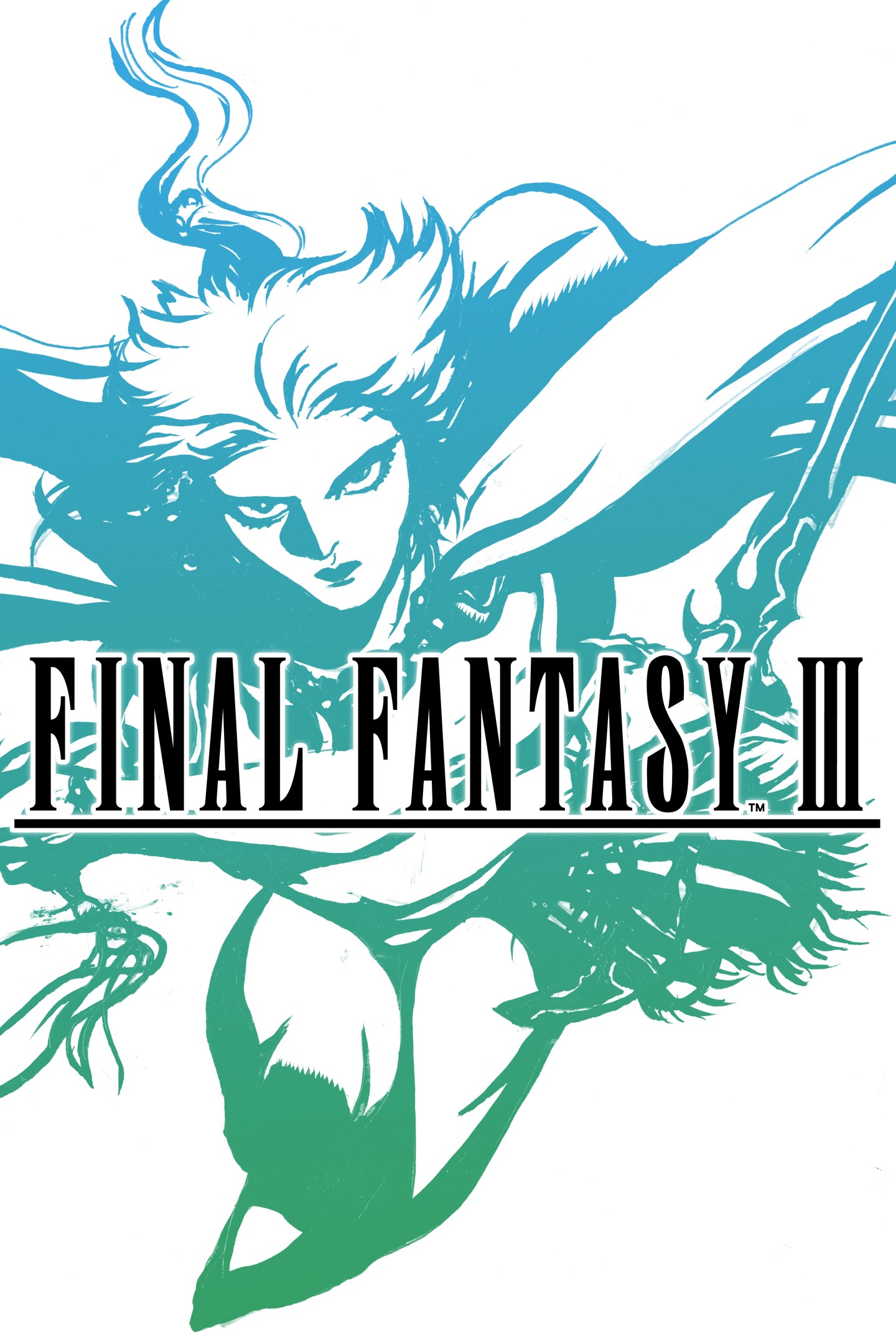
A remodeled 2D take on the third game in the world-renowned FINAL FANTASY series! Enjoy the timeless story told through charming retro graphics. All the magic of the original, with improved ease of play.
With the power of light nearly eclipsed by the power of darkness, only the crystals' four chosen adventurers can save the world.
Experience the iconic job changing system first introduced in FFIII - switch jobs at will and use various abilities as you progress in the game. Change into a variety of classes like Warrior, Monk, White Mage, Black Mage, Dragoon, Evoker, or even call monsters to do your bidding with as a Summoner.
Enjoy the exciting third installment in the FINAL FANTASY series!
--------------------------------------------------------------
■ Beautifully revived with new graphics and sound!
・Universally updated 2D pixel graphics, including the iconic FINAL FANTASY character pixel designs created by Kazuko Shibuya, the original artist and current collaborator.
・Beautifully rearranged soundtrack in a faithful FINAL FANTASY style, overseen by original composer Nobuo Uematsu.
■Improved gameplay!
・Including modernized UI, auto-battle options, and more.
・Switch the soundtrack between the rearranged version, created for the pixel remaster, or the original version, capturing the sound of the original game.
・Now possible to switch between different fonts, including the default font and a pixel-based font based on the atmosphere of the original game.
・Additional boost features to expand gameplay options, including switching off random encounters and adjusting experience gained multipliers between 0 and 4.
・Dive into the world of the game with supplemental extras like the bestiary, illustration gallery, and music player.
(This remaster is based on the original "FINAL FANTASY III" game released in 1990. Features and/or content may differ from previously rereleased versions of the game.)
Screenshots
Click a frame to open it larger, use the arrows to browse
How to activate
Guide for Xbox Series X|S
Primary — the game is shared with your own profile
- 1Press the Xbox button, open "Profile & system" → "Add or switch" → "Add new" and sign in with the login and password from your order.
- 2Now open "Settings" → "General" → "Personalization" → "My home Xbox" and choose "Make this my home Xbox". This is what shares our games with every profile on your console.
- 3Switch back to your own profile, open "My games & apps" → "Library" and install the game. The internet is only needed for the download.
- 4Launch the game from your own profile: achievements, saves and progress stay yours, and after the installation the game works offline.
Only one console at a time can be the home Xbox for our account — that is the slot you bought. Please do not change the password, the email or the two-factor settings of the account, or the access will be blocked.
Secondary — you play from our account
- 1Press the Xbox button, open "Profile & system" → "Add or switch" → "Add new" and sign in with the login and password from your order.
- 2Open "My games & apps" → "Library", switch to our profile in the top-left corner and install the game.
- 3Launch the game while our profile stays signed in, and keep the console online: the licence is checked over the internet.
- 4Use your own profile for everything else — the game stays available as long as our account is signed in on this console.
Secondary costs less, but it needs a permanent internet connection and our account stays signed in on your console.
Activation code
- 1On the console open "Store" and go to the "Redeem code" section.
- 2Enter the 25-character code from your order and confirm the activation on your own account.
- 3After the activation the code is shown as "Used" — but you can reinstall the game from your library at any time.
Notes for Xbox Series
Important
How to play online
Warranty and support
The warranty covers the whole period of use of the account. If the access stops working, we replace the account or refund your money.
- If the game stops launching, we replace the account or refund your money.
- Average support response time — 15–30 minutes during working hours.
- The warranty covers the whole rental period of the access.
Support
Telegram: @weskars
E-mail: support@gears.games
Working hours: daily 11:00 – 23:00 (UTC+3)
Every order goes through clear stages: "New" → "Awaiting payment" → "Paid" → "Delivered". You can follow the status in your account page.
Similar games
More games in the "Role playing" genre