
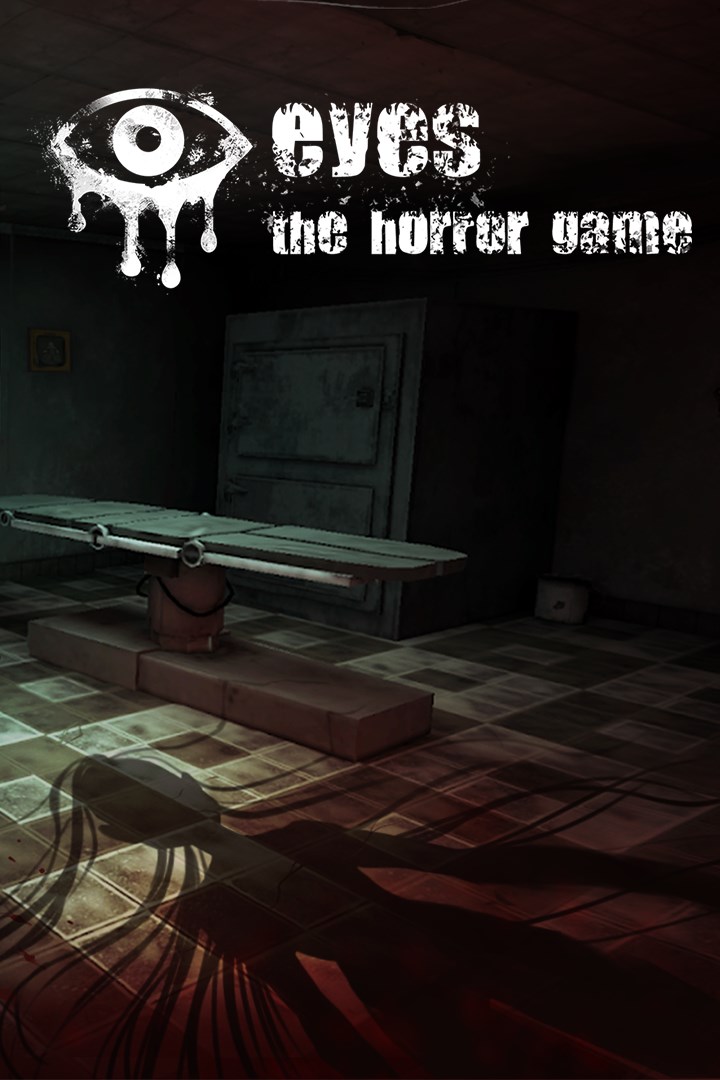
Eyes: The Horror Game
Details
- Publisher
- QubicGames S.A.
- Developer
- Fearless Sp. z o.o.
- Release date
- 09.05.2025
- Age rating
- ESRB:T
- Localization
- English
Purchase options
Platform
Primary: our account is set as the home Xbox of your console ("My home Xbox"), so the game is shared with your own profile and works offline — that is one slot on one console. Secondary: you sign in to our account and launch the game from it, and the console has to stay online. The activation code is an extra option: it is redeemed on your own account, and the game stays there forever.
You install the game from our account and set our account as the home one ("My home Xbox"): after that you play from your own profile, and the progress and achievements stay yours. It works offline.
You sign in to our account and play right from it. A permanent internet connection is required and only the issued profile can be used. It costs less than the primary access.
A bonus way to buy: you get a 25-character code and redeem it on your own account. The game stays with you forever, no other profiles and no sign-in to a shared account.
What happens after payment
About the game
All you need to know about that this place is that it was a really bad idea. You have to be brave and determined to learn all the secrets hidden in dark corners. Good luck, you will need it.
Do you dare to face the revenge-seeking, bloodthirsty Krasue or the haunting demon Charles? This is just the beginning, more monsters are waiting for you.
Collect as many bags of money as possible and escape from creatures. If by some miracle, you manage to find out where the threat came from and what is lurking around the corner, you will have a chance to solve this puzzle!
Discover the secrets of an abandoned homestead, try to survive in a haunted hospital and walk the corridors of the possessed school. There are traps at every side, you can't feel safe anywhere. Collect runes - eyes - painted on the walls. Thanks to them, you gain the ability to see through the eyes of your opponent and you can try to predict his movements.
- Unique designed and dynamically changing levels
- Mechanics referring to the beloved old games
- You can hide or run away from threats, your choice
- Use your map and Eye to survive
- Collect all the hidden notes to discover the mysterious history on each level
- A lot of gameplay modes and levels, The Mansion was just the beginning
- Try your hand at endless mode, where the monsters get stronger and your courage will be put to the test. You will be caught, you will die, but keep trying!
- Hunting Krasue, dangerous Charles and more
- Halloween mode, catch the pumpkins to collect extra money
Screenshots
Click a frame to open it larger, use the arrows to browse
How to activate
Guide for Xbox One
Primary — the game is shared with your own profile
- 1Press the Xbox button, open "Profile & system" → "Add or switch" → "Add new" and sign in with the login and password from your order.
- 2Now open "Settings" → "General" → "Personalization" → "My home Xbox" and choose "Make this my home Xbox". This is what shares our games with every profile on your console.
- 3Switch back to your own profile, open "My games & apps" → "Library" and install the game. The internet is only needed for the download.
- 4Launch the game from your own profile: achievements, saves and progress stay yours, and after the installation the game works offline.
Only one console at a time can be the home Xbox for our account — that is the slot you bought. Please do not change the password, the email or the two-factor settings of the account, or the access will be blocked.
Secondary — you play from our account
- 1Press the Xbox button, open "Profile & system" → "Add or switch" → "Add new" and sign in with the login and password from your order.
- 2Open "My games & apps" → "Library", switch to our profile in the top-left corner and install the game.
- 3Launch the game while our profile stays signed in, and keep the console online: the licence is checked over the internet.
- 4Use your own profile for everything else — the game stays available as long as our account is signed in on this console.
Secondary costs less, but it needs a permanent internet connection and our account stays signed in on your console.
Activation code
- 1On the console open "Store" and go to the "Redeem code" section.
- 2Enter the 25-character code from your order and confirm the activation on your own account.
- 3After the activation the code is shown as "Used" — but you can reinstall the game from your library at any time.
Notes for Xbox One
Important
How to play online
Warranty and support
The warranty covers the whole period of use of the account. If the access stops working, we replace the account or refund your money.
- If the game stops launching, we replace the account or refund your money.
- Average support response time — 15–30 minutes during working hours.
- The warranty covers the whole rental period of the access.
Support
Telegram: @weskars
E-mail: support@gears.games
Working hours: Daily 11:00–23:00 (UTC+3)
Every order goes through clear stages: "New" → "Awaiting payment" → "Paid" → "Delivered". You can follow the status in your account page.
Similar games
More games in the "Action & adventure" genre



