
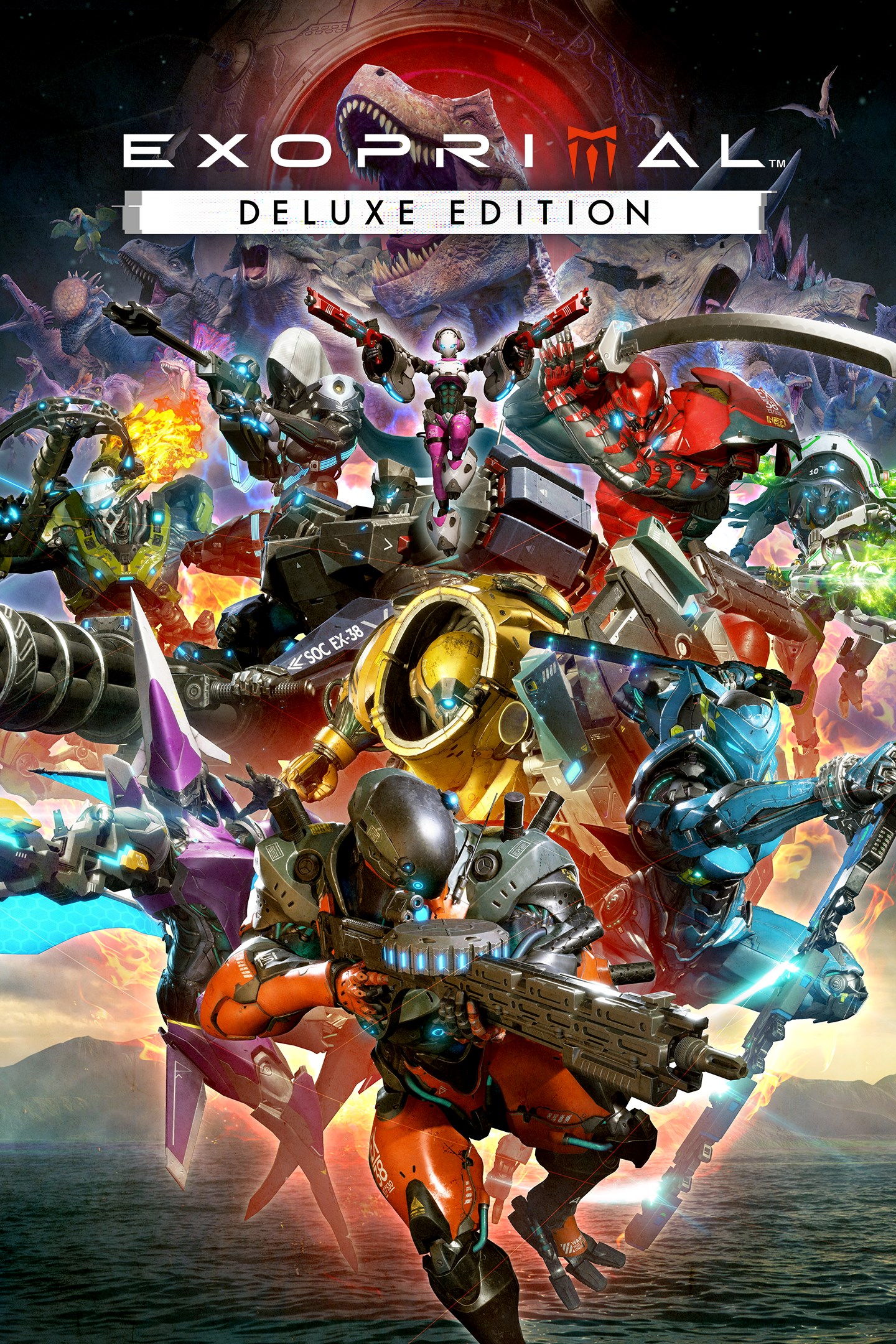
Exoprimal Deluxe Edition
Exoprimal: издание Deluxe
Details
- Publisher
- CAPCOM CO., LTD.
- Developer
- CAPCOM CO., LTD.
- Release date
- 18.10.2023
- Age rating
- ESRB:M
- Localization
- English
Purchase options
Platform
Primary: our account is set as the home Xbox of your console ("My home Xbox"), so the game is shared with your own profile and works offline — that is one slot on one console. Secondary: you sign in to our account and launch the game from it, and the console has to stay online. The activation code is an extra option: it is redeemed on your own account, and the game stays there forever.
You install the game from our account and set our account as the home one ("My home Xbox"): after that you play from your own profile, and the progress and achievements stay yours. It works offline.
You sign in to our account and play right from it. A permanent internet connection is required and only the issued profile can be used. It costs less than the primary access.
A bonus way to buy: you get a 25-character code and redeem it on your own account. The game stays with you forever, no other profiles and no sign-in to a shared account.
What happens after payment
About the game
* A Capcom ID and internet connection is required to play this game.
Exoprimal is an online, team-based action game that pits humanity's cutting-edge exosuit technology against history's most ferocious beasts – dinosaurs.
Exosuits are grouped into different roles, and players will pilot these exosuits to hold firm against overwhelming dinosaur swarms in online-only, team-based action game modes.
Dino Survival, the main game mode, sees two teams of five players compete in a variety of PvE and PvP missions.
Players will be transported to the scene of the latest dinosaur outbreak and follow Leviathan's guidance to complete objectives. The team that completes the mission first will emerge victorious.
Whether players are engaging the other team directly, or fighting alongside them against a common enemy, the aim is to accomplish objectives as quickly as possible. Missions vary depending on player skill and other factors, meaning no two matches will unfold the same way.
Product Information
- Exoprimal
- Head Start Kit
- Vigilant Early Unlock Ticket
- Murasame Early Unlock Ticket
- Nimbus Early Unlock Ticket
- Paladin exosuit skin (Vigilant)
- White Guardian exosuit skin (Murasame)
- Wonderland exosuit skin (Nimbus)
** Note: This DLC is only playable on the Microsoft account that purchases it. Even if you are the organizer of a family group, family member accounts will not receive it.
Note: Early Unlock Tickets can be purchased even if you have already unlocked the corresponding exosuit, or if you already satisfy its unlock conditions. Be careful not to purchase an Early Unlock Ticket for an exosuit you have unlocked.
Skins are cosmetic items that change the appearance of an exosuit and have no other effect.
The Head Start Kit may be purchased separately. Be careful not to purchase these products if you already own them.
Visit the official website for more details about the Head Start Kit.
Online Play
* For information on the services related to Capcom ID and how to use it, please visit the official Capcom ID website cid.capcom.com. Please note that there may be cases wherein use of Capcom ID is age-restricted.
* Capcom may temporarily suspend online services in the event of unforeseen circumstances.
Screenshots
Click a frame to open it larger, use the arrows to browse
How to activate
Guide for Xbox One
Primary — the game is shared with your own profile
- 1Press the Xbox button, open "Profile & system" → "Add or switch" → "Add new" and sign in with the login and password from your order.
- 2Now open "Settings" → "General" → "Personalization" → "My home Xbox" and choose "Make this my home Xbox". This is what shares our games with every profile on your console.
- 3Switch back to your own profile, open "My games & apps" → "Library" and install the game. The internet is only needed for the download.
- 4Launch the game from your own profile: achievements, saves and progress stay yours, and after the installation the game works offline.
Only one console at a time can be the home Xbox for our account — that is the slot you bought. Please do not change the password, the email or the two-factor settings of the account, or the access will be blocked.
Secondary — you play from our account
- 1Press the Xbox button, open "Profile & system" → "Add or switch" → "Add new" and sign in with the login and password from your order.
- 2Open "My games & apps" → "Library", switch to our profile in the top-left corner and install the game.
- 3Launch the game while our profile stays signed in, and keep the console online: the licence is checked over the internet.
- 4Use your own profile for everything else — the game stays available as long as our account is signed in on this console.
Secondary costs less, but it needs a permanent internet connection and our account stays signed in on your console.
Activation code
- 1On the console open "Store" and go to the "Redeem code" section.
- 2Enter the 25-character code from your order and confirm the activation on your own account.
- 3After the activation the code is shown as "Used" — but you can reinstall the game from your library at any time.
Notes for Xbox One
Important
How to play online
Warranty and support
The warranty covers the whole period of use of the account. If the access stops working, we replace the account or refund your money.
- If the game stops launching, we replace the account or refund your money.
- Average support response time — 15–30 minutes during working hours.
- The warranty covers the whole rental period of the access.
Support
Telegram: @weskars
E-mail: support@gears.games
Working hours: daily 11:00 – 23:00 (UTC+3)
Every order goes through clear stages: "New" → "Awaiting payment" → "Paid" → "Delivered". You can follow the status in your account page.
Similar games
More games in the "Action & adventure" genre



