
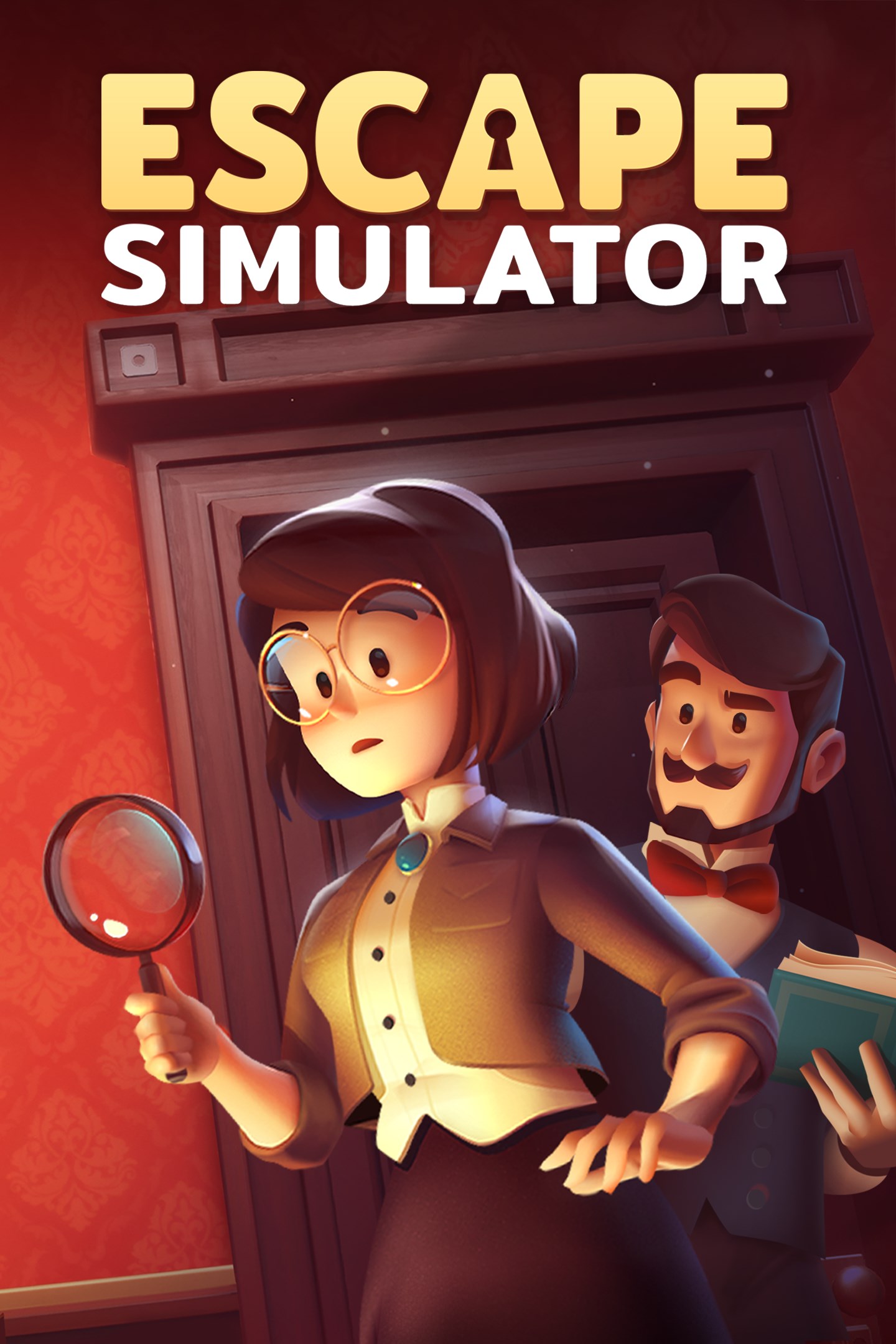
Escape Simulator
Details
- Publisher
- Pine Studio
- Developer
- Pine Studio
- Release date
- 26.05.2026
- Age rating
- ESRB:E
- Localization
- English
- Metascore
- 82 / 100
Source: Steam
Purchase options
Platform
Primary: our account is set as the home Xbox of your console ("My home Xbox"), so the game is shared with your own profile and works offline — that is one slot on one console. Secondary: you sign in to our account and launch the game from it, and the console has to stay online. The activation code is an extra option: it is redeemed on your own account, and the game stays there forever.
You install the game from our account and set our account as the home one ("My home Xbox"): after that you play from your own profile, and the progress and achievements stay yours. It works offline.
You sign in to our account and play right from it. A permanent internet connection is required and only the issued profile can be used. It costs less than the primary access.
A bonus way to buy: you get a 25-character code and redeem it on your own account. The game stays with you forever, no other profiles and no sign-in to a shared account.
What happens after payment
About the game
Escape Simulator is a first-person puzzler you can play solo or in an online co-op. Explore a growing set of highly interactive escape rooms. Move furniture, pick up and examine everything, smash pots and break locks! Supports community-made rooms through the level editor.
Interactive Puzzles: Rummage through 28 rooms filled with puzzles designed by real-life escape room operators. If something is not nailed to the wall, you can pick it up.
Online Co-Op: All the rooms are playable in an online co-op. We recommend to play built-in rooms with up to 3 players (but you're welcome to play with more). Community rooms have been tested with up to 10 people. Customize your character and join with friends to work-out puzzles together. More heads are better than one!
Examine Everything: Read through books, examine ancient artifacts and find clues to riddles. Need to cross-reference a clue? No, problem - just pin it to the screen.
Community-Made Rooms: The game includes a room editor with which you can design your own escape rooms and puzzles. Through workshop integration, you get to play awesome things the community has created. Currently, there are more than 4000 community-rooms available!
The rooms are arranged into packs:
Labyrinth of Egypt
"You and your mentor discovered the ancient Labyrinth of Egypt. By accident, he activated a trap, and you got separated, with no way out in sight."
Adrift in Space
"An explosion wakes you up. Your spaceship has been hit by debris, and you're heading straight into the sun."
Edgewood Mansion
"You were invited to attend a special dinner at Dr. Edgewood's mansion. Instead of eating food, you'll be solving a victorian mystery."
Omega Corporation
"Your friend disappeared while investigating the mysterious Omega Corporation. Follow their tracks and uncover the truth."
Extras
Escape Aperture Science Laboratories in a Portal themed room, escape the iconic Among Us spaceship, find a way out of Santa's Workshop, play with Cats in Time, visit a spooky Graveyard, a funky 70's Room, escape Leonardo da Vinci's workshop, find the pirate treasure on The Island, and in our latest room you can finally play Versus your friends!
Screenshots
Click a frame to open it larger, use the arrows to browse
How to activate
Guide for Xbox One
Primary — the game is shared with your own profile
- 1Press the Xbox button, open "Profile & system" → "Add or switch" → "Add new" and sign in with the login and password from your order.
- 2Now open "Settings" → "General" → "Personalization" → "My home Xbox" and choose "Make this my home Xbox". This is what shares our games with every profile on your console.
- 3Switch back to your own profile, open "My games & apps" → "Library" and install the game. The internet is only needed for the download.
- 4Launch the game from your own profile: achievements, saves and progress stay yours, and after the installation the game works offline.
Only one console at a time can be the home Xbox for our account — that is the slot you bought. Please do not change the password, the email or the two-factor settings of the account, or the access will be blocked.
Secondary — you play from our account
- 1Press the Xbox button, open "Profile & system" → "Add or switch" → "Add new" and sign in with the login and password from your order.
- 2Open "My games & apps" → "Library", switch to our profile in the top-left corner and install the game.
- 3Launch the game while our profile stays signed in, and keep the console online: the licence is checked over the internet.
- 4Use your own profile for everything else — the game stays available as long as our account is signed in on this console.
Secondary costs less, but it needs a permanent internet connection and our account stays signed in on your console.
Activation code
- 1On the console open "Store" and go to the "Redeem code" section.
- 2Enter the 25-character code from your order and confirm the activation on your own account.
- 3After the activation the code is shown as "Used" — but you can reinstall the game from your library at any time.
Notes for Xbox One
Important
How to play online
Warranty and support
The warranty covers the whole period of use of the account. If the access stops working, we replace the account or refund your money.
- If the game stops launching, we replace the account or refund your money.
- Average support response time — 15–30 minutes during working hours.
- The warranty covers the whole rental period of the access.
Support
Telegram: @weskars
E-mail: support@gears.games
Working hours: daily 11:00 – 23:00 (UTC+3)
Every order goes through clear stages: "New" → "Awaiting payment" → "Paid" → "Delivered". You can follow the status in your account page.
Similar games
More games in the "Action & adventure" genre



