
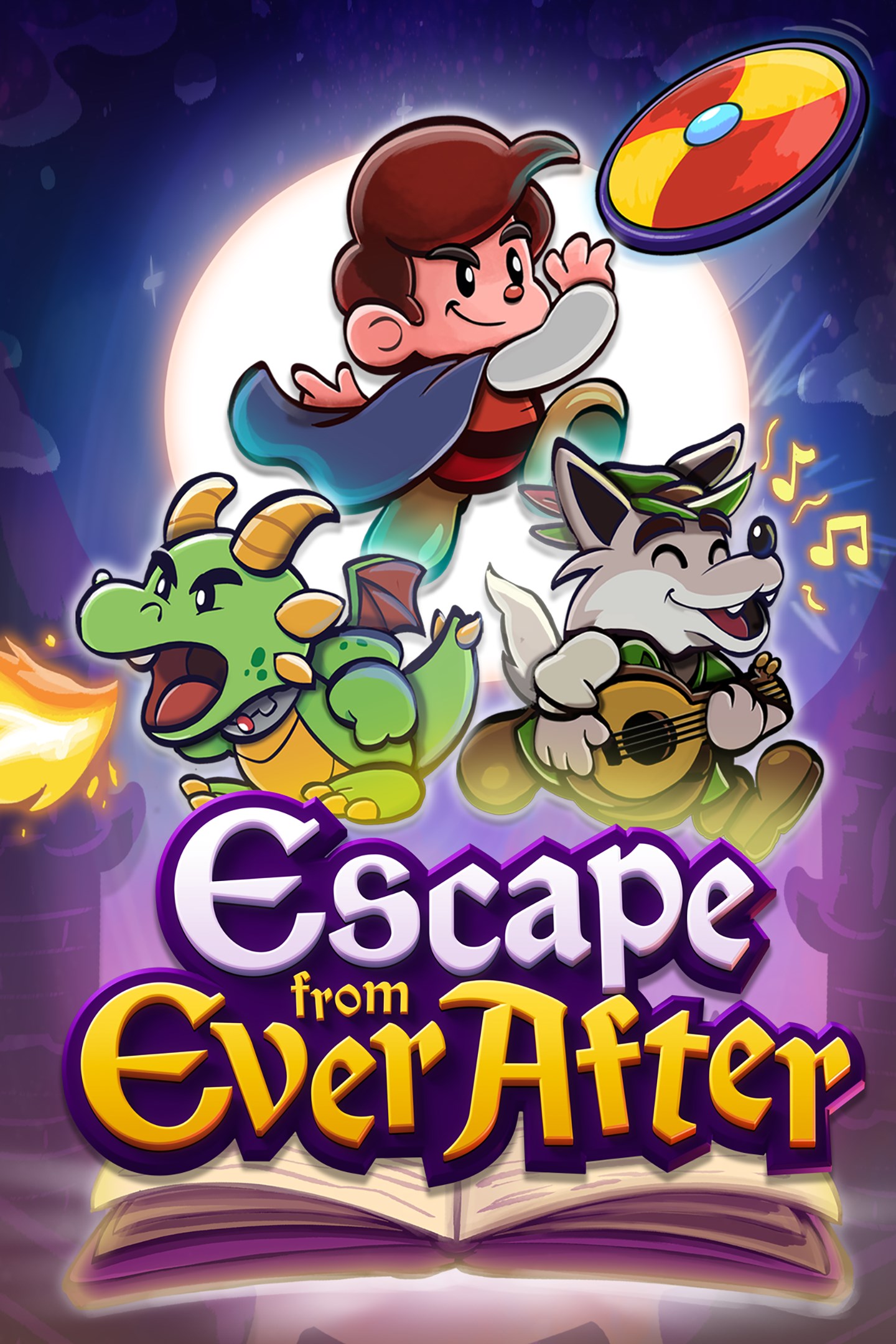
Escape from Ever After
Details
- Publisher
- HypeTrain Digital
- Developer
- Sleepy Castle Studio, Wing-It! Creative
- Release date
- 23.01.2026
- Age rating
- ESRB:E
- Localization
- English
- Metascore
- 82 / 100
Source: Steam
Purchase options
Primary: our account is set as the home Xbox of your console ("My home Xbox"), so the game is shared with your own profile and works offline — that is one slot on one console. Secondary: you sign in to our account and launch the game from it, and the console has to stay online. The activation code is an extra option: it is redeemed on your own account, and the game stays there forever.
You install the game from our account and set our account as the home one ("My home Xbox"): after that you play from your own profile, and the progress and achievements stay yours. It works offline.
You sign in to our account and play right from it. A permanent internet connection is required and only the issued profile can be used. It costs less than the primary access.
A bonus way to buy: you get a 25-character code and redeem it on your own account. The game stays with you forever, no other profiles and no sign-in to a shared account.
What happens after payment
About the game
Escape from Ever After is an adventure RPG inspired by the classic Paper Mario games, where fairytale and storybook characters must fight back against capitalism!
When Flynt Buckler, a classic fairytale adventurer, storms the castle of his evil dragon arch-nemesis Tinder, he finds the once intimidating fortress has been converted into… corporate offices? The villainous dragon is nowhere to be found and her castle is full of mindless coffee-sipping, report-filing drones. What happened?
It turns out that storybooks are an untapped market ripe with valuable resources, cheap labor, and profit to be had—so naturally, real-world conglomerate Ever After Inc.™ found a way to intervene! With Tinder’s Castle as their new corporate headquarters, Ever After Inc. is hellbent on taking over every storybook they can. With no choice but to get a job, Flynt Buckler must team up with his former nemesis Tinder in order to climb the corporate ladder and take down Ever After Inc. from the inside!
Dive into storybook worlds packed to the brim with colorful characters, captivating locales, and electrifying secrets! One moment you’ll be fleeing Lovecraftian terrors while solving a noir murder mystery, and the next you’ll be up against villainous versions of The Three Little Pigs as they try to bulldoze a fairytale forest for their real estate developments. The rules are always changing!
Face off against hordes of wacky enemies in snappy turn-based gameplay! Perfectly-timed action commands allow Flynt to finish off his foes with style, and an assortment of items, badges, and partners ensure there’s always a trick up his sleeve.
Fight in a fun, fast-paced battle system that rewards experimentation and strategy
Build and customize your party—every character has unique skills that can be equipped and upgraded throughout your journey
Engage in office banter, help your storybook coworkers, and decorate your office as you climb the corporate ladder
Explore vast storybook worlds brimming with sidequests, treasures, and secrets
Stories within stories: experience a charming and lively narrative where the rules are constantly changing
A jazzy, big-band soundtrack that keeps the energy pumping throughout
Screenshots
Click a frame to open it larger, use the arrows to browse
How to activate
Guide for Xbox Series X|S
Primary — the game is shared with your own profile
- 1Press the Xbox button, open "Profile & system" → "Add or switch" → "Add new" and sign in with the login and password from your order.
- 2Now open "Settings" → "General" → "Personalization" → "My home Xbox" and choose "Make this my home Xbox". This is what shares our games with every profile on your console.
- 3Switch back to your own profile, open "My games & apps" → "Library" and install the game. The internet is only needed for the download.
- 4Launch the game from your own profile: achievements, saves and progress stay yours, and after the installation the game works offline.
Only one console at a time can be the home Xbox for our account — that is the slot you bought. Please do not change the password, the email or the two-factor settings of the account, or the access will be blocked.
Secondary — you play from our account
- 1Press the Xbox button, open "Profile & system" → "Add or switch" → "Add new" and sign in with the login and password from your order.
- 2Open "My games & apps" → "Library", switch to our profile in the top-left corner and install the game.
- 3Launch the game while our profile stays signed in, and keep the console online: the licence is checked over the internet.
- 4Use your own profile for everything else — the game stays available as long as our account is signed in on this console.
Secondary costs less, but it needs a permanent internet connection and our account stays signed in on your console.
Activation code
- 1On the console open "Store" and go to the "Redeem code" section.
- 2Enter the 25-character code from your order and confirm the activation on your own account.
- 3After the activation the code is shown as "Used" — but you can reinstall the game from your library at any time.
Notes for Xbox Series
Important
How to play online
Warranty and support
The warranty covers the whole period of use of the account. If the access stops working, we replace the account or refund your money.
- If the game stops launching, we replace the account or refund your money.
- Average support response time — 15–30 minutes during working hours.
- The warranty covers the whole rental period of the access.
Support
Telegram: @weskars
E-mail: support@gears.games
Working hours: daily 11:00 – 23:00 (UTC+3)
Every order goes through clear stages: "New" → "Awaiting payment" → "Paid" → "Delivered". You can follow the status in your account page.
Similar games
More games in the "Action & adventure" genre



