
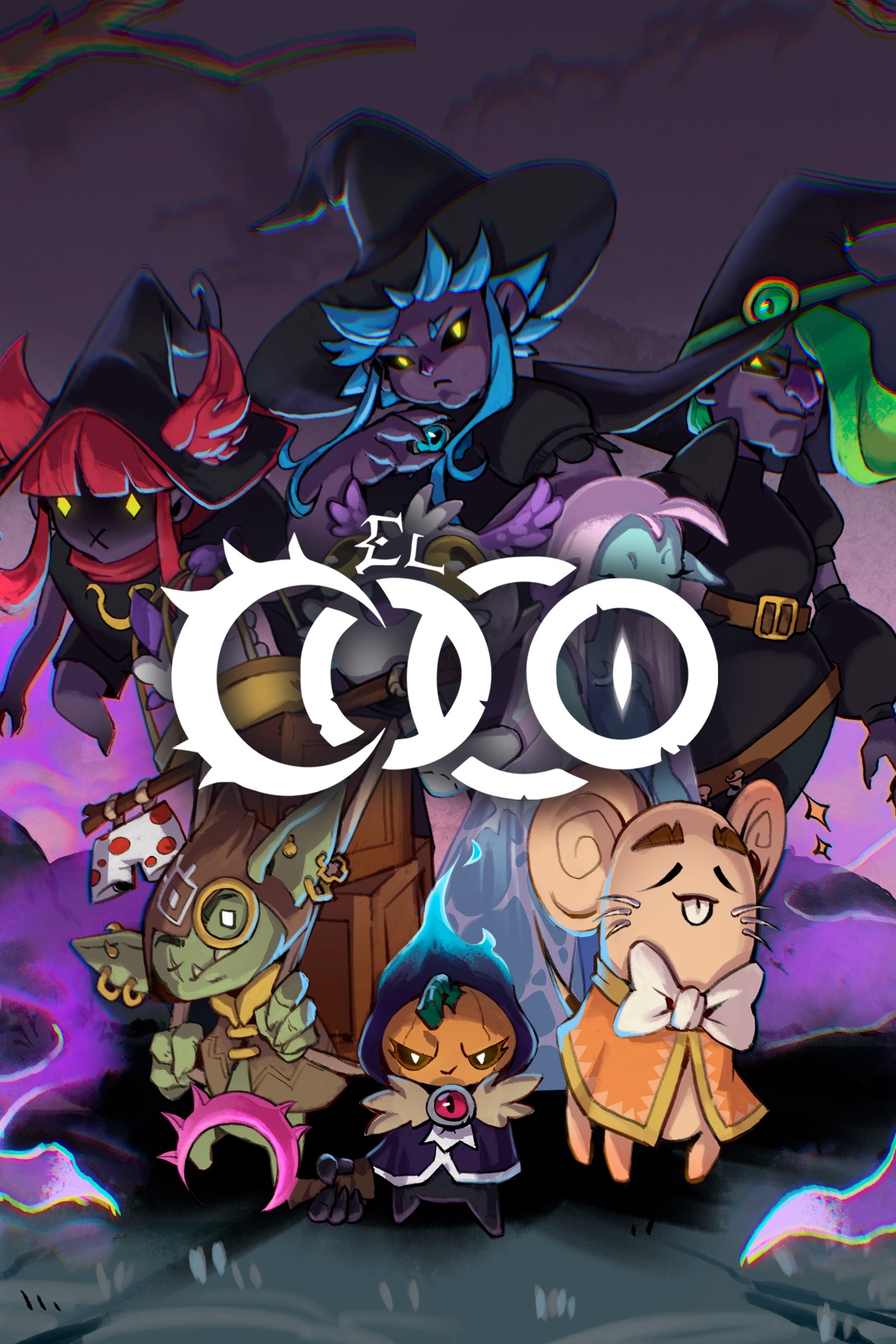
El Coco
Details
- Publisher
- Recotechnology SL
- Developer
- Recotechnology SL
- Release date
- 28.11.2025
- Age rating
- ESRB:E10
- Localization
- English
Purchase options
Platform
Primary: our account is set as the home Xbox of your console ("My home Xbox"), so the game is shared with your own profile and works offline — that is one slot on one console. Secondary: you sign in to our account and launch the game from it, and the console has to stay online. The activation code is an extra option: it is redeemed on your own account, and the game stays there forever.
You install the game from our account and set our account as the home one ("My home Xbox"): after that you play from your own profile, and the progress and achievements stay yours. It works offline.
You sign in to our account and play right from it. A permanent internet connection is required and only the issued profile can be used. It costs less than the primary access.
A bonus way to buy: you get a 25-character code and redeem it on your own account. The game stays with you forever, no other profiles and no sign-in to a shared account.
What happens after payment
About the game
EL COCO is a 3D action roguelike that plunges you into a world of dreams, broken memories, and living nightmares. Descend into The Uncertain, a place as strange as it is dangerous, and fight to recover what you’ve lost—if you can trust your guide.
FACE YOUR NIGHTMARES
You awaken without memories, trapped in an impossible realm. A strange host:: El Coco, a disturbing figure who promises answers… but only if you dare to descend into the Pit and face horrors born from your own mind. With fast, fluid combat, every move counts. Dodge, strike, and adapt in real-time as relentless enemies swarm from all sides.
DESCEND INTO THE HOLE
Each escape attempt is unique. Face different levels that will test your skill and mettle. Hordes, darkness, time trials... The Hole shifts with every descent, offering new threats, obstacles, and choices. The deeper you go, the closer you get to the truth… and the more dangerous it becomes.
HARNESS FORGOTTEN POWERS
Wield a variety of weapons, unlock PowerUps, and discover mysterious trinkets and relics with unique effects that transform your playstyle. Absorb the strength of mythical creatures and use their powers to your advantage. Combine abilities and bonuses to carve your own path to survival—or madness.
EVERY DESCENT CHANGES YOU
With every run, you’ll uncover fragments of your past, new power combinations, and hidden secrets buried deep below. The choices you make shape your journey—and your fate. Can you remember who you are before you become what you fear most?
MYTHICAL ALLIES AND NIGHTMARE BOSSES
Legends walk beside you—though not always on your side. Creatures like Ratoncito Pérez, El Martinico, or La Xana may offer aid on your descent into the depths. But beware: the Meigas, twisted wardens of the Pit, will stop at nothing to shatter your body and mind.
Screenshots
Click a frame to open it larger, use the arrows to browse
How to activate
Guide for Xbox One
Primary — the game is shared with your own profile
- 1Press the Xbox button, open "Profile & system" → "Add or switch" → "Add new" and sign in with the login and password from your order.
- 2Now open "Settings" → "General" → "Personalization" → "My home Xbox" and choose "Make this my home Xbox". This is what shares our games with every profile on your console.
- 3Switch back to your own profile, open "My games & apps" → "Library" and install the game. The internet is only needed for the download.
- 4Launch the game from your own profile: achievements, saves and progress stay yours, and after the installation the game works offline.
Only one console at a time can be the home Xbox for our account — that is the slot you bought. Please do not change the password, the email or the two-factor settings of the account, or the access will be blocked.
Secondary — you play from our account
- 1Press the Xbox button, open "Profile & system" → "Add or switch" → "Add new" and sign in with the login and password from your order.
- 2Open "My games & apps" → "Library", switch to our profile in the top-left corner and install the game.
- 3Launch the game while our profile stays signed in, and keep the console online: the licence is checked over the internet.
- 4Use your own profile for everything else — the game stays available as long as our account is signed in on this console.
Secondary costs less, but it needs a permanent internet connection and our account stays signed in on your console.
Activation code
- 1On the console open "Store" and go to the "Redeem code" section.
- 2Enter the 25-character code from your order and confirm the activation on your own account.
- 3After the activation the code is shown as "Used" — but you can reinstall the game from your library at any time.
Notes for Xbox One
Important
How to play online
Warranty and support
The warranty covers the whole period of use of the account. If the access stops working, we replace the account or refund your money.
- If the game stops launching, we replace the account or refund your money.
- Average support response time — 15–30 minutes during working hours.
- The warranty covers the whole rental period of the access.
Support
Telegram: @weskars
E-mail: support@gears.games
Working hours: daily 11:00 – 23:00 (UTC+3)
Every order goes through clear stages: "New" → "Awaiting payment" → "Paid" → "Delivered". You can follow the status in your account page.
Similar games
More games in the "Action & adventure" genre



