
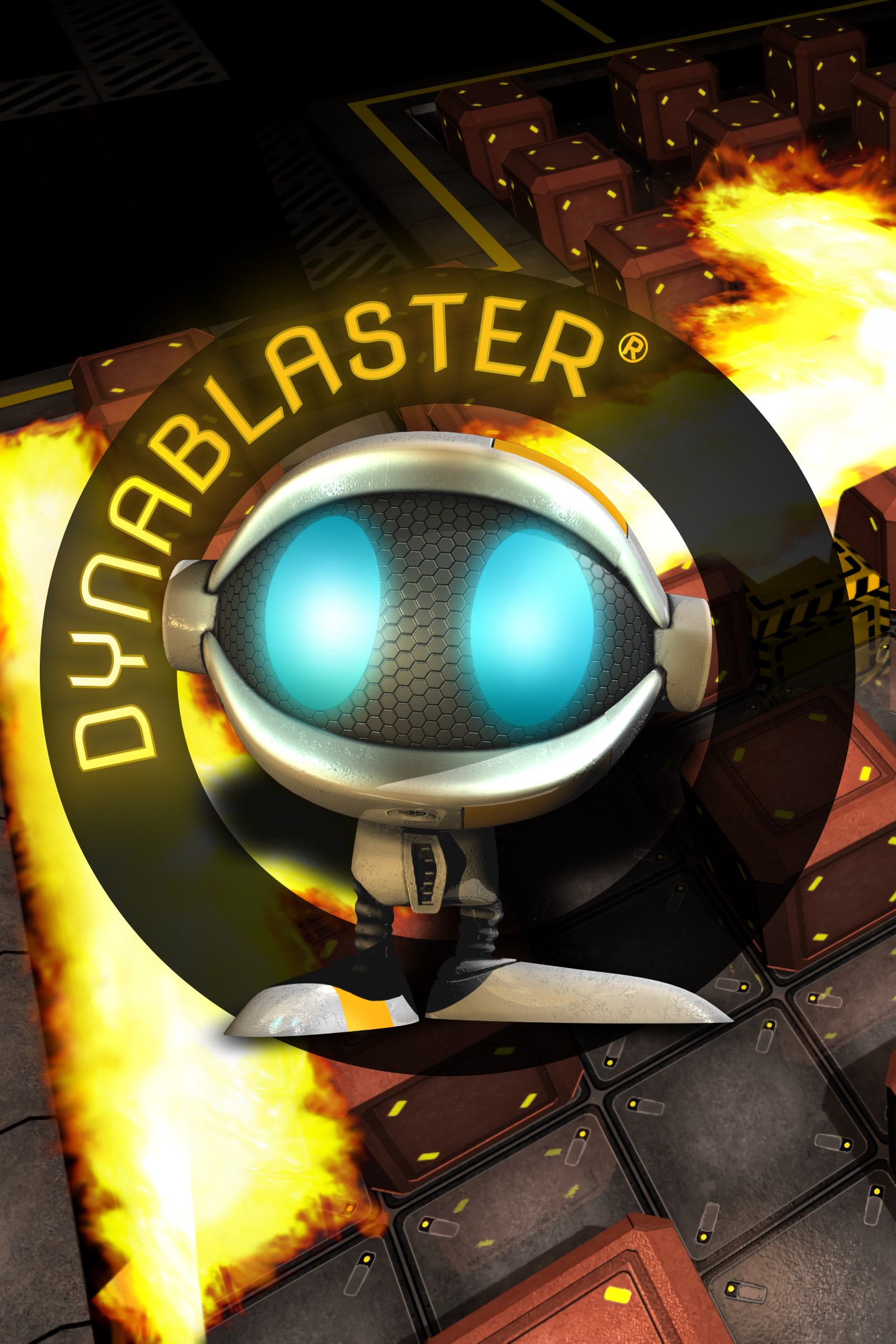
DYNABLASTER
Details
- Publisher
- BBG Entertainment GmbH
- Developer
- BBG Entertainment GmbH
- Release date
- 14.09.2023
- Age rating
- ESRB:E
- Localization
- English
Purchase options
Platform
Primary: our account is set as the home Xbox of your console ("My home Xbox"), so the game is shared with your own profile and works offline — that is one slot on one console. Secondary: you sign in to our account and launch the game from it, and the console has to stay online. The activation code is an extra option: it is redeemed on your own account, and the game stays there forever.
You install the game from our account and set our account as the home one ("My home Xbox"): after that you play from your own profile, and the progress and achievements stay yours. It works offline.
You sign in to our account and play right from it. A permanent internet connection is required and only the issued profile can be used. It costs less than the primary access.
A bonus way to buy: you get a 25-character code and redeem it on your own account. The game stays with you forever, no other profiles and no sign-in to a shared account.
What happens after payment
About the game
The legendary classic bomber is back as a new and improved 3D multiplayer game!
The legendary classic bomber is back: DYNABLASTER® is now available as a new and improved 3D action and multiplayer game!
DYNABLASTER® at a glance:
• One of the best BOMBER GAMES ever
• Modern 3D and fresh-looking game based on the ORIGINAL
• Local MULTIPLAYER up to 4 players
• Online MULTIPLAYER up to 4 players
• NEW very special COOPERATIVE keys collecting mode
• Well balanced SINGLE PLAYER mode
• 50 exciting LEVELS in 5 stunning WORLDS
• CUSTOMIZATION of your own character
• 9 unique BONUSES and POWER UPS
• A lot of awesome VISUAL and SOUND effects
Having been a blockbuster, DYNABLASTER® is a game for the strategic thinker whose smart tactics will instill fear in his competitors – playing online or local against others or against the computer. In this captivating action game, destroy your enemies with cleverly placed bombs. Playing in groups of up to 4 players total, he who survives longest wins! You always have to be on your toes and be extremely swift. But being fast is not enough. You need top place bombs with strategy to effectively kill your enemies.
The game features a variety of items, such as PowerUps, that are hidden under blocks. You need to destroy the walls to free these coveted PowerUps, as these PowerUps give you additional features, such as:
• Nitro: You can move about faster
• Flame: Your bombs are more effective and have higher detonation energy
• Multi Bomb: Will allow you to lay multiple bombs, creating a chain reaction
• Shield: Turns you into an immortal for a few seconds
• Water Can: Use to prevent bombs from detonating
• TNT: Destroy all competitors within a certain perimeter
• Mine: Set the mine like a trap so that no one can step on it
• Glue: Use glue to stick opponents for a while on the spot
• Invisibility: You are hidden for a few moments
• Teleport: Moves you back to your starting point
• Sickness: Can slow you down, speed you up, reduce the flame of your bombs or other accidental disadvantages
• Keys: Collect the keys of your colors, help find and clear the way to the keys of your teammates in special cooperative mode
DYNABLASTER® offers various game modes, including local multiplayer for 2 to 4 players. Here is a selection of available game modes:
• VS Mode - Local- and Online-Multiplayer: The game is over when only one (or none) player is left
• Single player Mode: Play against three players, which are guided by the computer
• Cooperative keys collecting mode
Furthermore, you could customize your character with different addons like various hats, helmets, hair, horns and many more.
Screenshots
Click a frame to open it larger, use the arrows to browse
How to activate
Guide for Xbox One
Primary — the game is shared with your own profile
- 1Press the Xbox button, open "Profile & system" → "Add or switch" → "Add new" and sign in with the login and password from your order.
- 2Now open "Settings" → "General" → "Personalization" → "My home Xbox" and choose "Make this my home Xbox". This is what shares our games with every profile on your console.
- 3Switch back to your own profile, open "My games & apps" → "Library" and install the game. The internet is only needed for the download.
- 4Launch the game from your own profile: achievements, saves and progress stay yours, and after the installation the game works offline.
Only one console at a time can be the home Xbox for our account — that is the slot you bought. Please do not change the password, the email or the two-factor settings of the account, or the access will be blocked.
Secondary — you play from our account
- 1Press the Xbox button, open "Profile & system" → "Add or switch" → "Add new" and sign in with the login and password from your order.
- 2Open "My games & apps" → "Library", switch to our profile in the top-left corner and install the game.
- 3Launch the game while our profile stays signed in, and keep the console online: the licence is checked over the internet.
- 4Use your own profile for everything else — the game stays available as long as our account is signed in on this console.
Secondary costs less, but it needs a permanent internet connection and our account stays signed in on your console.
Activation code
- 1On the console open "Store" and go to the "Redeem code" section.
- 2Enter the 25-character code from your order and confirm the activation on your own account.
- 3After the activation the code is shown as "Used" — but you can reinstall the game from your library at any time.
Notes for Xbox One
Important
How to play online
Warranty and support
The warranty covers the whole period of use of the account. If the access stops working, we replace the account or refund your money.
- If the game stops launching, we replace the account or refund your money.
- Average support response time — 15–30 minutes during working hours.
- The warranty covers the whole rental period of the access.
Support
Telegram: @weskars
E-mail: support@gears.games
Working hours: daily 11:00 – 23:00 (UTC+3)
Every order goes through clear stages: "New" → "Awaiting payment" → "Paid" → "Delivered". You can follow the status in your account page.
Similar games
More games in the "Action & adventure" genre



