
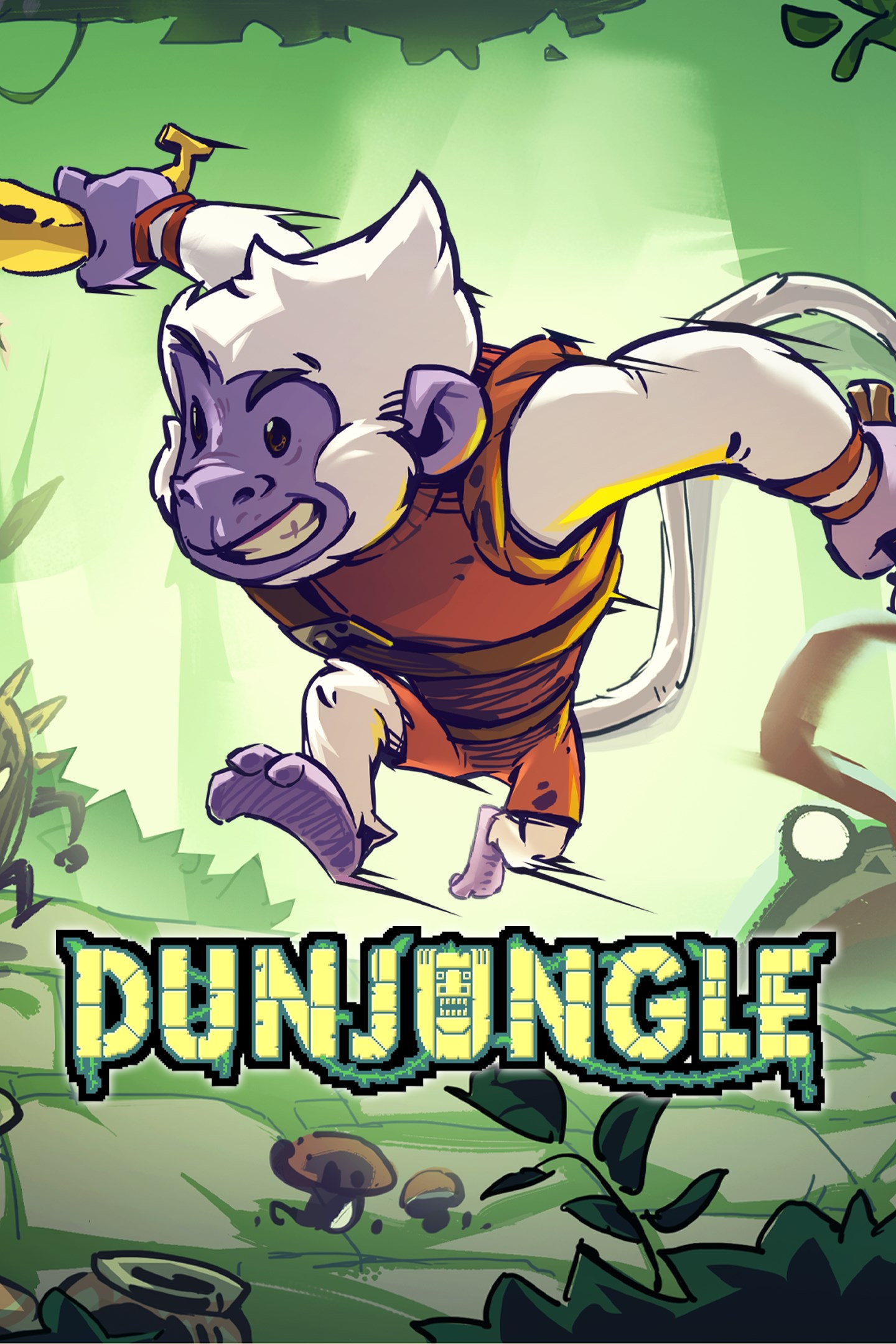
Dunjungle
Details
- Publisher
- Astrolabe Games
- Developer
- Patapez Interactive
- Release date
- 11.12.2025
- Age rating
- ESRB:E10
- Localization
- English
Purchase options
Primary: our account is set as the home Xbox of your console ("My home Xbox"), so the game is shared with your own profile and works offline — that is one slot on one console. Secondary: you sign in to our account and launch the game from it, and the console has to stay online. The activation code is an extra option: it is redeemed on your own account, and the game stays there forever.
You install the game from our account and set our account as the home one ("My home Xbox"): after that you play from your own profile, and the progress and achievements stay yours. It works offline.
You sign in to our account and play right from it. A permanent internet connection is required and only the issued profile can be used. It costs less than the primary access.
A bonus way to buy: you get a 25-character code and redeem it on your own account. The game stays with you forever, no other profiles and no sign-in to a shared account.
What happens after payment
About the game
Overview
Dunjungle is an action-packed roguelite about a monkey hero, adventuring into a jungle under the menace of a corruptive power that is transforming its peaceful creatures and destroying everything on its way.
You'll explore continuously changing dungeons, temples, crypts, and other mysterious places, where you'll find all sort of weird enemies and an arsenal of weapons, spells, and relics, granting you a different experience every time you play.
Features
Lots of weapons, spells and relics with unique effects.
Equipment can also be merged with several elements, to create new and powerful versions.
Burn monsters with fire, use ice to slow them down, shock them with thunder, or just get them off you using wind to blow them away!
Classes to customize your runs
You will unlock several classes with a variety of strengths and weaknesses. You can choose the class before starting the run and play in your preferred style!
Dungeons are procedurally generated, made from big collection of hand-crafted rooms.
These rooms are filled with all sort of weird creatures, valuable treasures, dangerous traps, and of course, challenging bosses!
Fast Game Loop
There are no checkpoints in Dunjungle. You die, you start over. Die again, try again!
But don't worry too much. Several things will remain for your next run.
Maybe you unlocked a new weapon? Maybe a new spell? Maybe you saved a trapped character, who will now lend you a hand.
Along your way, you may find characters who are lost, trapped, or maybe just chilling in there. Help them out, and you might become friends!
More importantly, each time you die, you'll know more about Dunjungle's world, so don't despair, and use what you've learned to get further on your next adventure.
Screenshots
Click a frame to open it larger, use the arrows to browse
How to activate
Guide for Xbox Series X|S
Primary — the game is shared with your own profile
- 1Press the Xbox button, open "Profile & system" → "Add or switch" → "Add new" and sign in with the login and password from your order.
- 2Now open "Settings" → "General" → "Personalization" → "My home Xbox" and choose "Make this my home Xbox". This is what shares our games with every profile on your console.
- 3Switch back to your own profile, open "My games & apps" → "Library" and install the game. The internet is only needed for the download.
- 4Launch the game from your own profile: achievements, saves and progress stay yours, and after the installation the game works offline.
Only one console at a time can be the home Xbox for our account — that is the slot you bought. Please do not change the password, the email or the two-factor settings of the account, or the access will be blocked.
Secondary — you play from our account
- 1Press the Xbox button, open "Profile & system" → "Add or switch" → "Add new" and sign in with the login and password from your order.
- 2Open "My games & apps" → "Library", switch to our profile in the top-left corner and install the game.
- 3Launch the game while our profile stays signed in, and keep the console online: the licence is checked over the internet.
- 4Use your own profile for everything else — the game stays available as long as our account is signed in on this console.
Secondary costs less, but it needs a permanent internet connection and our account stays signed in on your console.
Activation code
- 1On the console open "Store" and go to the "Redeem code" section.
- 2Enter the 25-character code from your order and confirm the activation on your own account.
- 3After the activation the code is shown as "Used" — but you can reinstall the game from your library at any time.
Notes for Xbox Series
Important
How to play online
Warranty and support
The warranty covers the whole period of use of the account. If the access stops working, we replace the account or refund your money.
- If the game stops launching, we replace the account or refund your money.
- Average support response time — 15–30 minutes during working hours.
- The warranty covers the whole rental period of the access.
Support
Telegram: @weskars
E-mail: support@gears.games
Working hours: daily 11:00 – 23:00 (UTC+3)
Every order goes through clear stages: "New" → "Awaiting payment" → "Paid" → "Delivered". You can follow the status in your account page.
Similar games
More games in the "Action & adventure" genre



