
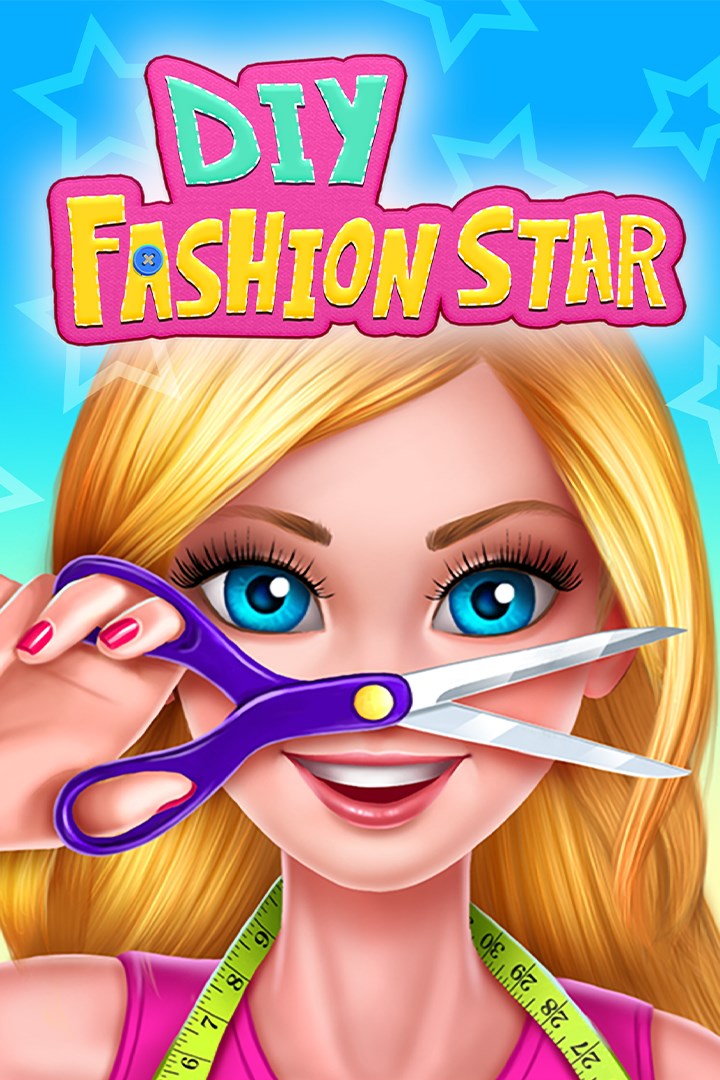
DIY Fashion Star
Details
- Publisher
- QubicGames S.A.
- Developer
- Crazy Labs Ltd.
- Release date
- 10.10.2025
- Age rating
- ESRB:E
- Localization
- English
Purchase options
Platform
Primary: our account is set as the home Xbox of your console ("My home Xbox"), so the game is shared with your own profile and works offline — that is one slot on one console. Secondary: you sign in to our account and launch the game from it, and the console has to stay online. The activation code is an extra option: it is redeemed on your own account, and the game stays there forever.
You install the game from our account and set our account as the home one ("My home Xbox"): after that you play from your own profile, and the progress and achievements stay yours. It works offline.
You sign in to our account and play right from it. A permanent internet connection is required and only the issued profile can be used. It costs less than the primary access.
A bonus way to buy: you get a 25-character code and redeem it on your own account. The game stays with you forever, no other profiles and no sign-in to a shared account.
What happens after payment
About the game
Got a boring old blouse? Reshape it, style it, decorate it, and make it a trendy new tank top with some clothing design hacks!
You're about to blow the world away with all of your fabulously stylish DIY fashion design skills to give your followers the ultimate doll makeover. Get creative with super-fun, sweet doll dress-up projects. Use your outfit designer imagination and turn your ordinary clothes into OMG-to-die-for stylish DIY dress-up outfits!
Take selfies with your new DIY clothes and compete in selfie contests! Run your own fashion designer channel and post videos of your DIY outfits to gain a huge fan base!
Features:
- Complete awesome DIY fashion design dress-up clothing projects. Turn your boring old clothes into amazing new stylish outfits!
- Cut out patterns, sew on decorations, and add splashes of color onto your fashion designs! Unleash the inner fashionista you've always been destined to be!
- Manage your very own DIY fashion dreamhouse studio from the comfort of your home and make videos of your dolly creations to gain followers. Become a famous fashion super stylist!
- Take pictures of your doll dressed in your DIY designer outfits and compete in selfie contests with other DIYers!
- Get a stunning, sweet doll makeover to look extra pretty in your DIY clothing. Dye your doll's hair, get her a new hairstyle, and do her makeup!
To all DIY game lovers - unleash your creativity and dive into the world of doll dress-up inspired outfits!
Screenshots
Click a frame to open it larger, use the arrows to browse
How to activate
Guide for Xbox One
Primary — the game is shared with your own profile
- 1Press the Xbox button, open "Profile & system" → "Add or switch" → "Add new" and sign in with the login and password from your order.
- 2Now open "Settings" → "General" → "Personalization" → "My home Xbox" and choose "Make this my home Xbox". This is what shares our games with every profile on your console.
- 3Switch back to your own profile, open "My games & apps" → "Library" and install the game. The internet is only needed for the download.
- 4Launch the game from your own profile: achievements, saves and progress stay yours, and after the installation the game works offline.
Only one console at a time can be the home Xbox for our account — that is the slot you bought. Please do not change the password, the email or the two-factor settings of the account, or the access will be blocked.
Secondary — you play from our account
- 1Press the Xbox button, open "Profile & system" → "Add or switch" → "Add new" and sign in with the login and password from your order.
- 2Open "My games & apps" → "Library", switch to our profile in the top-left corner and install the game.
- 3Launch the game while our profile stays signed in, and keep the console online: the licence is checked over the internet.
- 4Use your own profile for everything else — the game stays available as long as our account is signed in on this console.
Secondary costs less, but it needs a permanent internet connection and our account stays signed in on your console.
Activation code
- 1On the console open "Store" and go to the "Redeem code" section.
- 2Enter the 25-character code from your order and confirm the activation on your own account.
- 3After the activation the code is shown as "Used" — but you can reinstall the game from your library at any time.
Notes for Xbox One
Important
How to play online
Warranty and support
The warranty covers the whole period of use of the account. If the access stops working, we replace the account or refund your money.
- If the game stops launching, we replace the account or refund your money.
- Average support response time — 15–30 minutes during working hours.
- The warranty covers the whole rental period of the access.
Support
Telegram: @weskars
E-mail: support@gears.games
Working hours: daily 11:00 – 23:00 (UTC+3)
Every order goes through clear stages: "New" → "Awaiting payment" → "Paid" → "Delivered". You can follow the status in your account page.
Similar games
More games in the "Simulation" genre



