
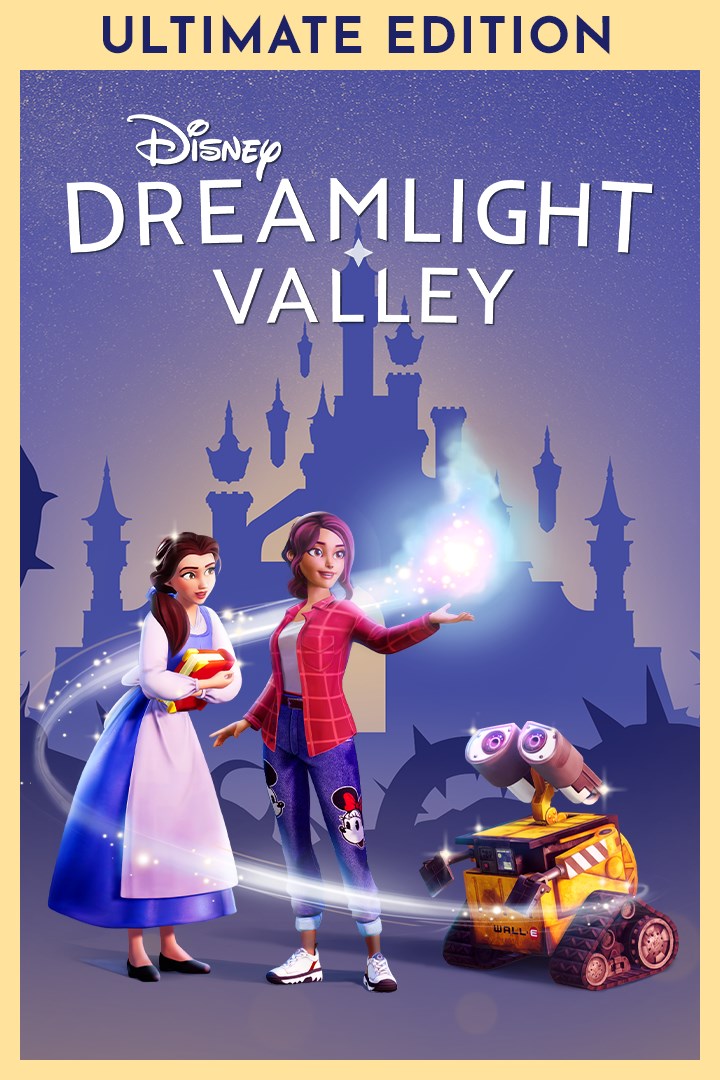
Disney Dreamlight Valley—Ultimate Edition
Details
- Publisher
- Gameloft SE
- Developer
- Gameloft SE
- Release date
- 19.11.2025
- Age rating
- ESRB:E
- Localization
- English
Purchase options
Platform
Primary: our account is set as the home Xbox of your console ("My home Xbox"), so the game is shared with your own profile and works offline — that is one slot on one console. Secondary: you sign in to our account and launch the game from it, and the console has to stay online. The activation code is an extra option: it is redeemed on your own account, and the game stays there forever.
You install the game from our account and set our account as the home one ("My home Xbox"): after that you play from your own profile, and the progress and achievements stay yours. It works offline.
You sign in to our account and play right from it. A permanent internet connection is required and only the issued profile can be used. It costs less than the primary access.
A bonus way to buy: you get a 25-character code and redeem it on your own account. The game stays with you forever, no other profiles and no sign-in to a shared account.
What happens after payment
About the game
Live your Disney dream life with the Ultimate Edition, which includes the base game and two Expansions. This edition also contains exclusive digital items.
· Access to Disney Dreamlight Valley, Disney Dreamlight Valley: Wishblossom Ranch and Disney Dreamlight Valley: The Storybook Vale
· 18,000 Moonstones*
· Exclusive Mount: Sven from Disney’s Frozen
· Exclusive Arendellian riding ensemble outfit
· Exclusive snowy alpine House Style
Disney Dreamlight Valley is a hybrid between a life-sim and an adventure game rich with quests, exploration, and engaging activities featuring Disney and Pixar friends, both old and new. Once an idyllic land, Dreamlight Valley was a place where Disney and Pixar characters lived in harmony—until the Forgetting. Night Thorns grew across the land and severed the wonderful memories tied to this magical place. With nowhere else to go, the hopeless inhabitants of Dreamlight Valley retreated behind locked doors in the Dream Castle. Now it's up to you to discover the stories of this world and bring the magic back to Dreamlight Valley!
In Disney Dreamlight Valley: Wishblossom Ranch, rebuild the ranch of your dreams, forge bonds with your horses, and befriend new Villagers as you saddle up for a new Disney adventure! Nestled amongst the Wishblossom Mountains is a special place powered by the heart’s deepest wishes, where horses once roamed free and stables were full of life. That was until the Ranch fell into the hands of someone who neglected it, causing a mysterious phenomenon—the Decay. Saddle up for an adventure with your magical new Disney friends to find the missing horses, reverse the effects of the Decay, and restore the Ranch back to its former glory.
In Disney Dreamlight Valley: The Storybook Vale, discover a land made up of legendary stories, where myths and fairy tales sprang to life… until Maleficent and Hades tore the Vale apart. With the guidance of the Lorekeeper, journey to the Vale and meet heroes and villains who will bring epic trials to undertake, stories to reassemble, and friendships to recover.
*Moonstones are an in-game currency that can be collected for free by performing tasks in the game or be purchased using real money. They are used to unlock the premium track of the Star Path (a battle-pass-inspired system that grants in-game cosmetic items as a player completes various tasks and missions). Moonstones can also be used to accelerate progress in the Star Path. Additionally, Moonstones can be used to purchase cosmetic items from the in-game store.
Screenshots
Click a frame to open it larger, use the arrows to browse
How to activate
Guide for Xbox One
Primary — the game is shared with your own profile
- 1Press the Xbox button, open "Profile & system" → "Add or switch" → "Add new" and sign in with the login and password from your order.
- 2Now open "Settings" → "General" → "Personalization" → "My home Xbox" and choose "Make this my home Xbox". This is what shares our games with every profile on your console.
- 3Switch back to your own profile, open "My games & apps" → "Library" and install the game. The internet is only needed for the download.
- 4Launch the game from your own profile: achievements, saves and progress stay yours, and after the installation the game works offline.
Only one console at a time can be the home Xbox for our account — that is the slot you bought. Please do not change the password, the email or the two-factor settings of the account, or the access will be blocked.
Secondary — you play from our account
- 1Press the Xbox button, open "Profile & system" → "Add or switch" → "Add new" and sign in with the login and password from your order.
- 2Open "My games & apps" → "Library", switch to our profile in the top-left corner and install the game.
- 3Launch the game while our profile stays signed in, and keep the console online: the licence is checked over the internet.
- 4Use your own profile for everything else — the game stays available as long as our account is signed in on this console.
Secondary costs less, but it needs a permanent internet connection and our account stays signed in on your console.
Activation code
- 1On the console open "Store" and go to the "Redeem code" section.
- 2Enter the 25-character code from your order and confirm the activation on your own account.
- 3After the activation the code is shown as "Used" — but you can reinstall the game from your library at any time.
Notes for Xbox One
Important
How to play online
Warranty and support
The warranty covers the whole period of use of the account. If the access stops working, we replace the account or refund your money.
- If the game stops launching, we replace the account or refund your money.
- Average support response time — 15–30 minutes during working hours.
- The warranty covers the whole rental period of the access.
Support
Telegram: @weskars
E-mail: support@gears.games
Working hours: daily 11:00 – 23:00 (UTC+3)
Every order goes through clear stages: "New" → "Awaiting payment" → "Paid" → "Delivered". You can follow the status in your account page.
Similar games
More games in the "Simulation" genre



