
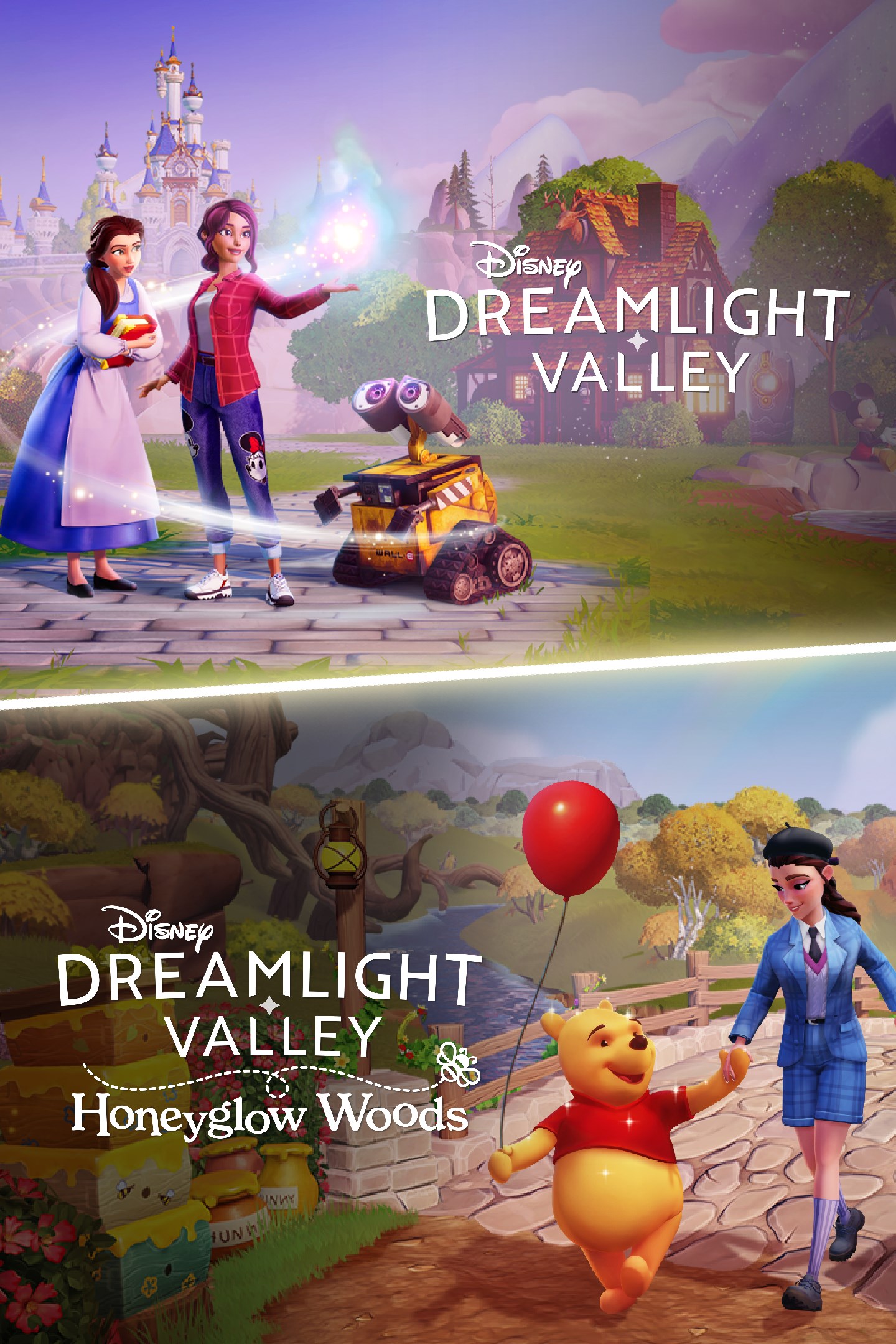
Disney Dreamlight Valley—Honeyglow Woods Edition
Details
- Publisher
- Gameloft SE
- Developer
- —
- Release date
- 08.07.2026
- Age rating
- ESRB:E
- Localization
- English
Purchase options
Platform
Primary: our account is set as the home Xbox of your console ("My home Xbox"), so the game is shared with your own profile and works offline — that is one slot on one console. Secondary: you sign in to our account and launch the game from it, and the console has to stay online. The activation code is an extra option: it is redeemed on your own account, and the game stays there forever.
You install the game from our account and set our account as the home one ("My home Xbox"): after that you play from your own profile, and the progress and achievements stay yours. It works offline.
You sign in to our account and play right from it. A permanent internet connection is required and only the issued profile can be used. It costs less than the primary access.
A bonus way to buy: you get a 25-character code and redeem it on your own account. The game stays with you forever, no other profiles and no sign-in to a shared account.
What happens after payment
About the game
Explore the Honeyglow Woods, and reconnect with Disney's Winnie the Pooh, Eeyore and Piglet in a brand-new Adventure Pack!
This bundle includes the Disney Dreamlight Valley base game; the new Adventure Pack, Disney Dreamlight Valley: Honeyglow Woods; and 10,000 Moonstones.
Disney Dreamlight Valley is a hybrid between a life-sim and an adventure game rich with quests, exploration, and engaging activities featuring Disney and Pixar friends, both old and new. Once an idyllic land, Dreamlight Valley was a place where Disney and Pixar characters lived in harmony -- until the Forgetting. Night Thorns grew across the land and severed the wonderful memories tied to this magical place. With nowhere else to go, the hopeless inhabitants of Dreamlight Valley retreated behind locked doors in the Dream Castle. Now it's up to you to discover the stories of this world and bring the magic back to Dreamlight Valley!
Disney Dreamlight Valley: Honeyglow Woods is a brand-new Adventure Pack for Disney Dreamlight Valley, perfect for newcomers to the Valley or seasoned Dreamlight players. Befriend 3 beloved Winnie the Pooh Characters, explore and decorate 4 brand-new areas, and solve puzzles in the mysterious Everoak Tree. Reconnect with childlike curiosity, rediscover the joys of friendship with a playful game of Pooh Sticks, and bring a touch of honey to your Valley as you perfect the art of beekeeping, which unlocks dozens of new crafting recipes!
Meet Friends Old and New
Deep within Dreamlight Valley lies the Honeyglow Woods, where you once spent lazy afternoons with long-lost friends. Rediscover this idyllic place, and you’ll quickly find Winnie the Pooh, radiating with optimism even on the gloomiest days. Nearby, the courageous Piglet is ready to face his fears, and the thoughtful Eeyore quietly accepts the Woods' melancholy... though a little cheering up would be most welcome!
This whimsical world isn't just about reconnecting with old friends; you'll also be making new ones. Befriend a delightful family of colorful hedgehogs, ready to join you on your adventures.
A Touch of Sweetness
At the heart of the Honeyglow Woods lies its golden secret: honey! Learn the art of beekeeping, crafting Busy Bees’ Houses and placing them among vibrant flowers to gather Golden Honey. Use it to create whimsical Honeyglow Furniture, bake delicious treats, and unlock new recipes. You'll soon be spreading a little sweetness to every corner of the Valley.
The Mystery of the Everoak Tree
The Everoak Tree stands tall in the middle of the Woods, surrounded by four entirely unique, enchanting areas. Wander through Drowsybloom Acre, venture into the blooming Braveheart Grove, wade through the delightfully swampy Gloommeadow, and step into the Nectar Apiary and its giant honeycombs. As you restore each area and uncover the secrets within the Everoak Tree, you'll mend the land and unravel the mystery at the heart of the Honeyglow Woods.
A brand-new mini-game!
Disney Dreamlight Valley: Honeyglow Woods includes a brand-new mini-game you can play with all your Villagers: Pooh Sticks, inspired by the game as it appears in classic Winnie the Pooh stories! To play Pooh Sticks, find a bridge in the Gloommeadow and gather four Villagers. Each will choose an object and drop it over the bridge downstream. Whoever's object reaches the finish line on the river first wins! Pooh Sticks is a wholesome new way of creating lasting friendship bonds with your friends and neighbors in the Valley.
Screenshots
Click a frame to open it larger, use the arrows to browse
How to activate
Guide for Xbox One
Primary — the game is shared with your own profile
- 1Press the Xbox button, open "Profile & system" → "Add or switch" → "Add new" and sign in with the login and password from your order.
- 2Now open "Settings" → "General" → "Personalization" → "My home Xbox" and choose "Make this my home Xbox". This is what shares our games with every profile on your console.
- 3Switch back to your own profile, open "My games & apps" → "Library" and install the game. The internet is only needed for the download.
- 4Launch the game from your own profile: achievements, saves and progress stay yours, and after the installation the game works offline.
Only one console at a time can be the home Xbox for our account — that is the slot you bought. Please do not change the password, the email or the two-factor settings of the account, or the access will be blocked.
Secondary — you play from our account
- 1Press the Xbox button, open "Profile & system" → "Add or switch" → "Add new" and sign in with the login and password from your order.
- 2Open "My games & apps" → "Library", switch to our profile in the top-left corner and install the game.
- 3Launch the game while our profile stays signed in, and keep the console online: the licence is checked over the internet.
- 4Use your own profile for everything else — the game stays available as long as our account is signed in on this console.
Secondary costs less, but it needs a permanent internet connection and our account stays signed in on your console.
Activation code
- 1On the console open "Store" and go to the "Redeem code" section.
- 2Enter the 25-character code from your order and confirm the activation on your own account.
- 3After the activation the code is shown as "Used" — but you can reinstall the game from your library at any time.
Notes for Xbox One
Important
How to play online
Warranty and support
The warranty covers the whole period of use of the account. If the access stops working, we replace the account or refund your money.
- If the game stops launching, we replace the account or refund your money.
- Average support response time — 15–30 minutes during working hours.
- The warranty covers the whole rental period of the access.
Support
Telegram: @weskars
E-mail: support@gears.games
Working hours: daily 11:00 – 23:00 (UTC+3)
Every order goes through clear stages: "New" → "Awaiting payment" → "Paid" → "Delivered". You can follow the status in your account page.
Similar games
More games in the "Simulation" genre



