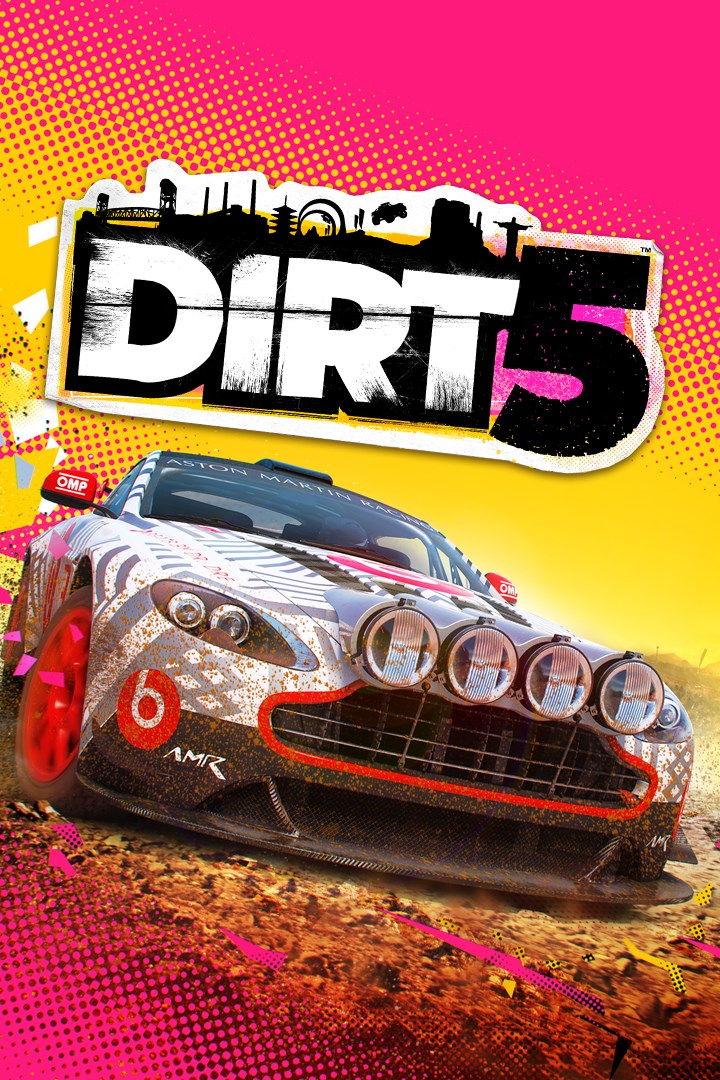
DIRT 5
Details
- Publisher
- Codemasters
- Developer
- Codemasters
- Release date
- 06.11.2020
- Age rating
- ESRB:E
- Localization
- English
- Metascore
- 72 / 100
Source: Steam
Purchase options
Platform
Primary: our account is set as the home Xbox of your console ("My home Xbox"), so the game is shared with your own profile and works offline — that is one slot on one console. Secondary: you sign in to our account and launch the game from it, and the console has to stay online. The activation code is an extra option: it is redeemed on your own account, and the game stays there forever.
You install the game from our account and set our account as the home one ("My home Xbox"): after that you play from your own profile, and the progress and achievements stay yours. It works offline.
You sign in to our account and play right from it. A permanent internet connection is required and only the issued profile can be used. It costs less than the primary access.
A bonus way to buy: you get a 25-character code and redeem it on your own account. The game stays with you forever, no other profiles and no sign-in to a shared account.
What happens after payment
About the game
Let Loose
Whilst respecting the heritage and retaining the DNA of the franchise, DIRT 5 writes a new chapter in the legacy of DIRT – bolder and braver than ever before. New features, new innovations and a fresh approach make DIRT 5 a hub of off-road racing, style and culture, where you can constantly create highlight-reel moments.
Blaze a Trail Across the Globe
Take a trip around the world to and race on over 70+ unique routes across 10 different global locations in stunning, dynamic environments. From racing on the frozen East River in New York, to under the Christ the Redeemer in Brazil, to shining by the Northern Lights at Norway, take on opponents, the terrain and extreme, everchanging conditions.
Push The Limits with Incredible Cars
Get behind the wheel of an eclectic and exciting roster of cars. Conquer the toughest of terrain with boulder-beating machines, take iconic rally cars to new locations, or feel the power of 900bhp sprint cars. Rallycross, GT, unlimited trucks, buggies and muscle cars complete the ultimate off-road garage.
Own the Spotlight in a Star-Studded Career
Under the tutelage of an icon, all eyes are on you to become the new star of an amplified world of off-road racing. Earn sponsorships and unique rewards, conquer all locations, and take on a fierce rival in our biggest ever Career.
Compete or Co-Operate in Off-Road Action
Local split-screen up to four players on offline modes, including Career, makes DIRT 5 the perfect couch multiplayer racing game as you battle for position with your friends. Online, throw down in curated race playlists for up to 12 players, and compete in innovative objective-based modes.
Create, Share and Discover with Playgrounds
For the first time in a DIRT game, you can now create your own Gymkhana, Smash Attack and Time Attack challenges and share them online with friends and the DIRT community.
Game leverages Smart Delivery allowing access to both the Xbox One title on 3rd November and the Xbox Series X|S title on 10th November.
Screenshots
Click a frame to open it larger, use the arrows to browse
How to activate
Guide for Xbox One
Primary — the game is shared with your own profile
- 1Press the Xbox button, open "Profile & system" → "Add or switch" → "Add new" and sign in with the login and password from your order.
- 2Now open "Settings" → "General" → "Personalization" → "My home Xbox" and choose "Make this my home Xbox". This is what shares our games with every profile on your console.
- 3Switch back to your own profile, open "My games & apps" → "Library" and install the game. The internet is only needed for the download.
- 4Launch the game from your own profile: achievements, saves and progress stay yours, and after the installation the game works offline.
Only one console at a time can be the home Xbox for our account — that is the slot you bought. Please do not change the password, the email or the two-factor settings of the account, or the access will be blocked.
Secondary — you play from our account
- 1Press the Xbox button, open "Profile & system" → "Add or switch" → "Add new" and sign in with the login and password from your order.
- 2Open "My games & apps" → "Library", switch to our profile in the top-left corner and install the game.
- 3Launch the game while our profile stays signed in, and keep the console online: the licence is checked over the internet.
- 4Use your own profile for everything else — the game stays available as long as our account is signed in on this console.
Secondary costs less, but it needs a permanent internet connection and our account stays signed in on your console.
Activation code
- 1On the console open "Store" and go to the "Redeem code" section.
- 2Enter the 25-character code from your order and confirm the activation on your own account.
- 3After the activation the code is shown as "Used" — but you can reinstall the game from your library at any time.
Notes for Xbox One
Important
How to play online
Warranty and support
The warranty covers the whole period of use of the account. If the access stops working, we replace the account or refund your money.
- If the game stops launching, we replace the account or refund your money.
- Average support response time — 15–30 minutes during working hours.
- The warranty covers the whole rental period of the access.
Support
Telegram: @weskars
E-mail: support@gears.games
Working hours: daily 11:00 – 23:00 (UTC+3)
Every order goes through clear stages: "New" → "Awaiting payment" → "Paid" → "Delivered". You can follow the status in your account page.
Similar games
More games in the "Racing & flying" genre