
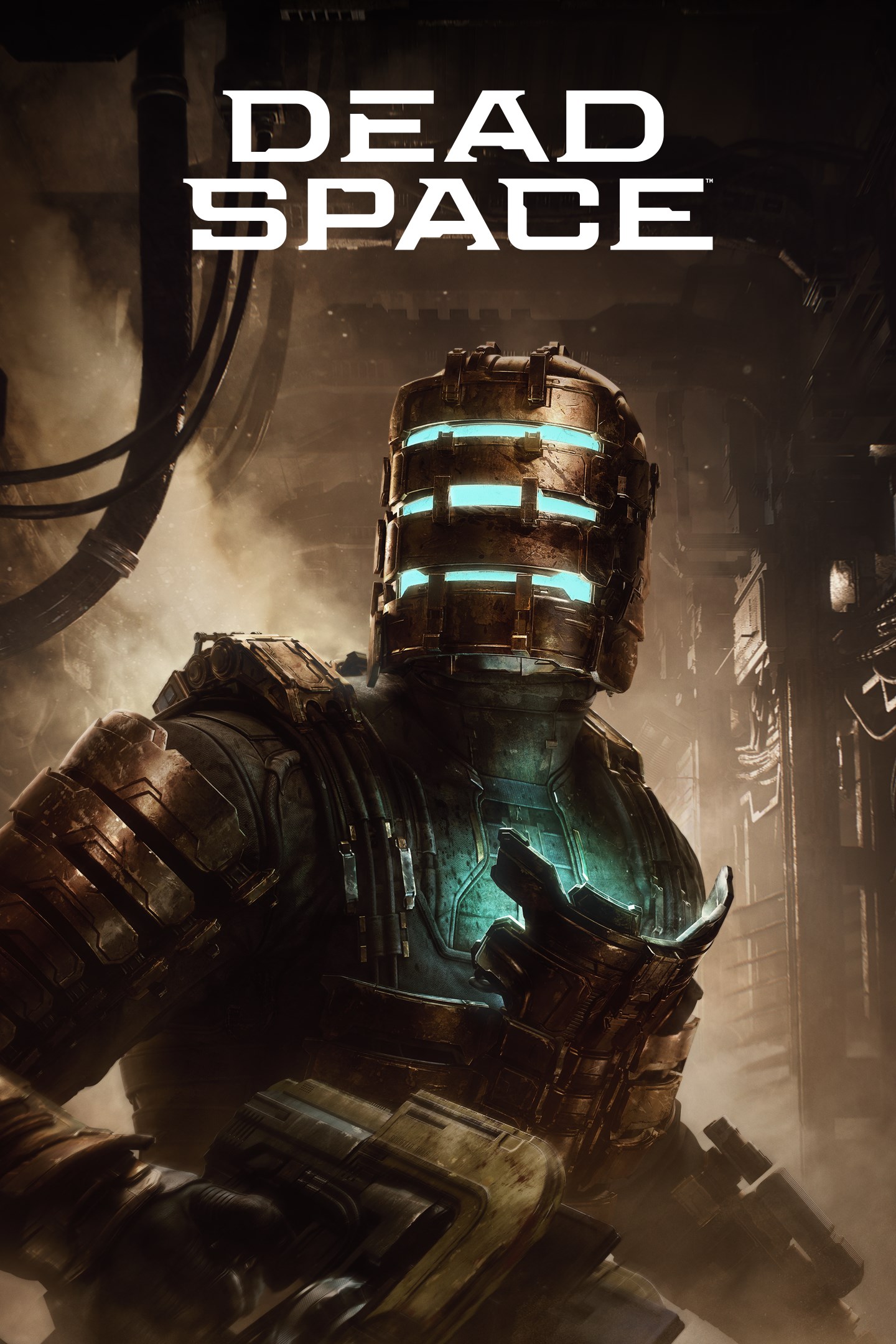
Dead Space
Details
- Publisher
- Electronic Arts
- Developer
- Motive
- Release date
- 27.01.2023
- Age rating
- ESRB:M
- Localization
- English
Purchase options
Primary: our account is set as the home Xbox of your console ("My home Xbox"), so the game is shared with your own profile and works offline — that is one slot on one console. Secondary: you sign in to our account and launch the game from it, and the console has to stay online. The activation code is an extra option: it is redeemed on your own account, and the game stays there forever.
You install the game from our account and set our account as the home one ("My home Xbox"): after that you play from your own profile, and the progress and achievements stay yours. It works offline.
You sign in to our account and play right from it. A permanent internet connection is required and only the issued profile can be used. It costs less than the primary access.
A bonus way to buy: you get a 25-character code and redeem it on your own account. The game stays with you forever, no other profiles and no sign-in to a shared account.
What happens after payment
About the game
The sci-fi survival horror classic Dead Space™ returns, completely rebuilt from the ground up to offer a deeper and more immersive experience. This remake brings jaw-dropping visual fidelity, suspenseful atmospheric audio, and improvements to gameplay while staying faithful to the original game’s thrilling vision.
Isaac Clarke is an everyman engineer on a mission to repair a vast mining ship, the USG Ishimura, only to discover something has gone horribly wrong. The ship's crew has been slaughtered and Isaac’s beloved partner, Nicole, is lost somewhere on board.
Now alone and armed with only his engineering tools and skills, Isaac races to find Nicole as the nightmarish mystery of what happened aboard the Ishimura unravels around him. Trapped with hostile creatures called Necromorphs, Isaac faces a battle for survival, not only against the escalating terrors of the ship but his own crumbling sanity.
IMMERSE YOURSELF IN NEXT-GEN SCI-FI HORROR
A sci-fi horror classic returns fully rebuilt from the ground up with elevated visual fidelity and 3D atmospheric audio. From the frighteningly detailed rooms and workspaces of a slaughtered crew to the eerie atmospheric sounds of a desolate spaceship, you’ll explore a stunning sci-fi setting full of unpredictable and tense moments without interruption.
UNRAVEL THE MYSTERY ABOARD THE USG ISHIMURA
What starts as a routine repair mission for engineer Isaac Clarke and the crew of the USG Kellion quickly turns into a battle for survival as the truth behind the horrors on board begins to unravel. Following an expanded narrative experience, uncover the dark secrets behind the events aboard the USG Ishimura through the final logs of the ill-fated crew and your encounters with the few survivors that remain.
IMPROVISE TO SURVIVE
Confront the nightmare aboard the USG Ishimura with genre-defining strategic gameplay. Repurpose and upgrade Isaac’s engineering tools to creatively defeat enemies with precision.
Conditions & restrictions apply. See ea.com/legal for details.
Screenshots
Click a frame to open it larger, use the arrows to browse
How to activate
Guide for Xbox Series X|S
Primary — the game is shared with your own profile
- 1Press the Xbox button, open "Profile & system" → "Add or switch" → "Add new" and sign in with the login and password from your order.
- 2Now open "Settings" → "General" → "Personalization" → "My home Xbox" and choose "Make this my home Xbox". This is what shares our games with every profile on your console.
- 3Switch back to your own profile, open "My games & apps" → "Library" and install the game. The internet is only needed for the download.
- 4Launch the game from your own profile: achievements, saves and progress stay yours, and after the installation the game works offline.
Only one console at a time can be the home Xbox for our account — that is the slot you bought. Please do not change the password, the email or the two-factor settings of the account, or the access will be blocked.
Secondary — you play from our account
- 1Press the Xbox button, open "Profile & system" → "Add or switch" → "Add new" and sign in with the login and password from your order.
- 2Open "My games & apps" → "Library", switch to our profile in the top-left corner and install the game.
- 3Launch the game while our profile stays signed in, and keep the console online: the licence is checked over the internet.
- 4Use your own profile for everything else — the game stays available as long as our account is signed in on this console.
Secondary costs less, but it needs a permanent internet connection and our account stays signed in on your console.
Activation code
- 1On the console open "Store" and go to the "Redeem code" section.
- 2Enter the 25-character code from your order and confirm the activation on your own account.
- 3After the activation the code is shown as "Used" — but you can reinstall the game from your library at any time.
Notes for Xbox Series
Important
How to play online
Warranty and support
The warranty covers the whole period of use of the account. If the access stops working, we replace the account or refund your money.
- If the game stops launching, we replace the account or refund your money.
- Average support response time — 15–30 minutes during working hours.
- The warranty covers the whole rental period of the access.
Support
Telegram: @weskars
E-mail: support@gears.games
Working hours: daily 11:00 – 23:00 (UTC+3)
Every order goes through clear stages: "New" → "Awaiting payment" → "Paid" → "Delivered". You can follow the status in your account page.
Similar games
More games in the "Action & adventure" genre



