
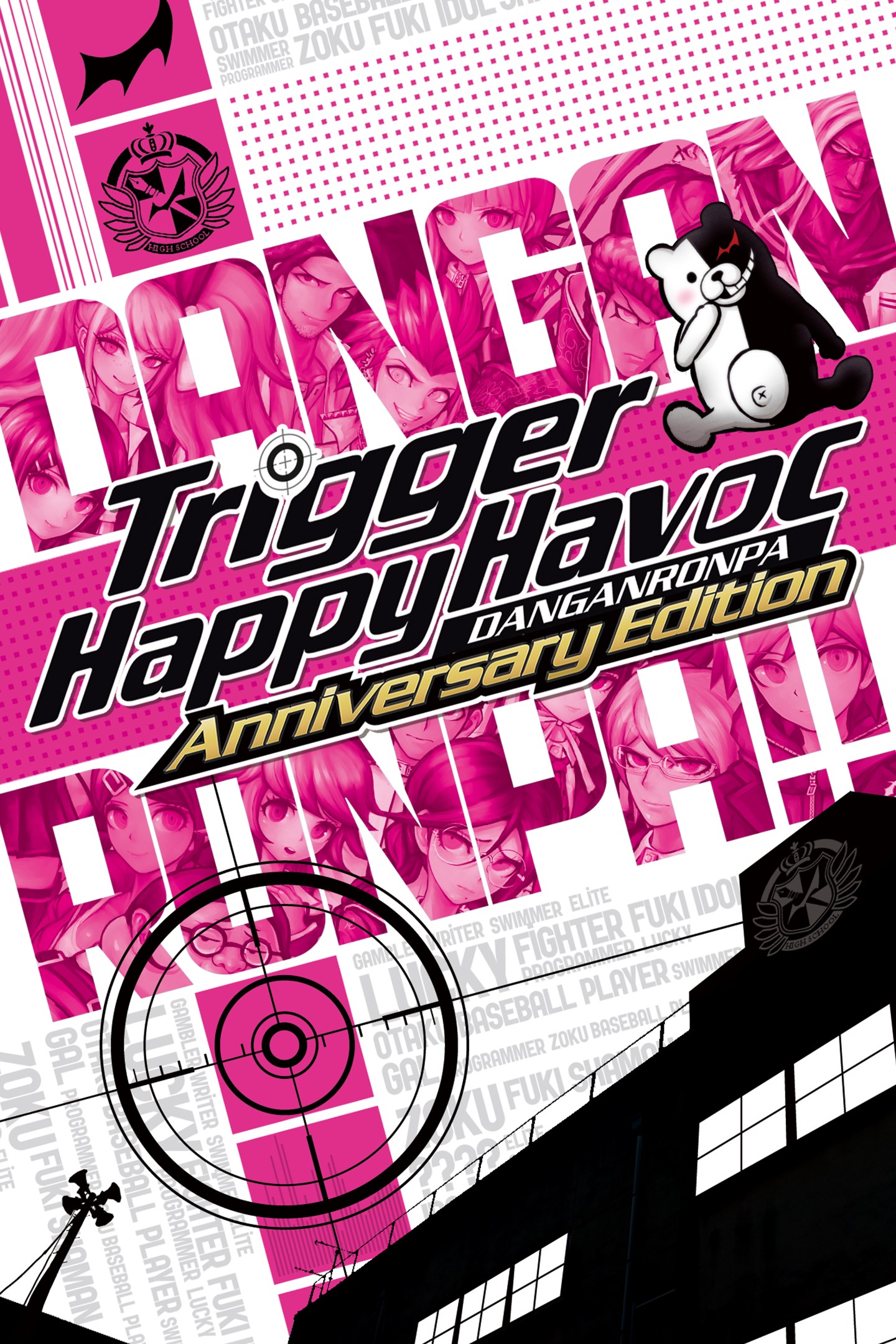
Danganronpa: Trigger Happy Havoc Anniversary Edition
Details
- Publisher
- Spike Chunsoft
- Developer
- Spike Chunsoft
- Release date
- 18.01.2022
- Age rating
- ESRB:M
- Localization
- English
Purchase options
Platform
Primary: our account is set as the home Xbox of your console ("My home Xbox"), so the game is shared with your own profile and works offline — that is one slot on one console. Secondary: you sign in to our account and launch the game from it, and the console has to stay online. The activation code is an extra option: it is redeemed on your own account, and the game stays there forever.
You install the game from our account and set our account as the home one ("My home Xbox"): after that you play from your own profile, and the progress and achievements stay yours. It works offline.
You sign in to our account and play right from it. A permanent internet connection is required and only the issued profile can be used. It costs less than the primary access.
A bonus way to buy: you get a 25-character code and redeem it on your own account. The game stays with you forever, no other profiles and no sign-in to a shared account.
What happens after payment
About the game
In celebration of its 10-year anniversary, Danganronpa is now available!
Please enjoy this Danganronpa reborn
with improved gameplay systems and a new gallery feature.
Hope's Peak Academy is home to Japan's best and brightest high school students—the beacons of hope for the future. But that hope suddenly dies when Makoto Naegi and his classmates find themselves imprisoned in the school, cut off from the outside world and subject to the whims of a strange, murderous little bear named Monokuma. He pits the students against each other, promising freedom to anyone who can murder a fellow classmate and get away with it.
It's up to you to find out who Monokuma really is, and why you've been taken from the world you once knew. But be careful what you wish for—sometimes there’s nothing more deadly than the truth...
Key Features
Daily Life, Deadly Life: Trapped in a school-turned-prison, students are murdering each other one by one. You’ll have to investigate each incident, search for clues, and talk to your classmates to try and get to the bottom of each brutal case!
Mock Trial: The nefarious Monokuma serves as judge, jury, and executioner as you engage in deadly wordplay, going back and forth with suspects, dissecting their statements and firing their words back at them to expose their lies!
Popularity Contest: Sway classmates to your side in each investigation, squeezing information from them to figure out who did it. And when you do, turn up the heat in a variety of timing and reflex-based game systems to uncover the truth and save your skin!
■ Additional Contents
・Intimacy Gallery
Intimacy Events have been compiled in gallery form!
Replay your favorite characters and events whenever you want, as many times as you want.
・Character Gallery
Allows players to view character sprites and lines in a gallery.
If you ever get the urge to hear that one line, now you can!
・Ultimate Gallery
A gallery full of promotional illustrations and character sheets from the official art book.
JASRAC license number
9013239080Y43030
9013239081Y43030
Screenshots
Click a frame to open it larger, use the arrows to browse
How to activate
Guide for Xbox One
Primary — the game is shared with your own profile
- 1Press the Xbox button, open "Profile & system" → "Add or switch" → "Add new" and sign in with the login and password from your order.
- 2Now open "Settings" → "General" → "Personalization" → "My home Xbox" and choose "Make this my home Xbox". This is what shares our games with every profile on your console.
- 3Switch back to your own profile, open "My games & apps" → "Library" and install the game. The internet is only needed for the download.
- 4Launch the game from your own profile: achievements, saves and progress stay yours, and after the installation the game works offline.
Only one console at a time can be the home Xbox for our account — that is the slot you bought. Please do not change the password, the email or the two-factor settings of the account, or the access will be blocked.
Secondary — you play from our account
- 1Press the Xbox button, open "Profile & system" → "Add or switch" → "Add new" and sign in with the login and password from your order.
- 2Open "My games & apps" → "Library", switch to our profile in the top-left corner and install the game.
- 3Launch the game while our profile stays signed in, and keep the console online: the licence is checked over the internet.
- 4Use your own profile for everything else — the game stays available as long as our account is signed in on this console.
Secondary costs less, but it needs a permanent internet connection and our account stays signed in on your console.
Activation code
- 1On the console open "Store" and go to the "Redeem code" section.
- 2Enter the 25-character code from your order and confirm the activation on your own account.
- 3After the activation the code is shown as "Used" — but you can reinstall the game from your library at any time.
Notes for Xbox One
Important
How to play online
Warranty and support
The warranty covers the whole period of use of the account. If the access stops working, we replace the account or refund your money.
- If the game stops launching, we replace the account or refund your money.
- Average support response time — 15–30 minutes during working hours.
- The warranty covers the whole rental period of the access.
Support
Telegram: @weskars
E-mail: support@gears.games
Working hours: daily 11:00 – 23:00 (UTC+3)
Every order goes through clear stages: "New" → "Awaiting payment" → "Paid" → "Delivered". You can follow the status in your account page.
Similar games
More games in the "Action & adventure" genre



