
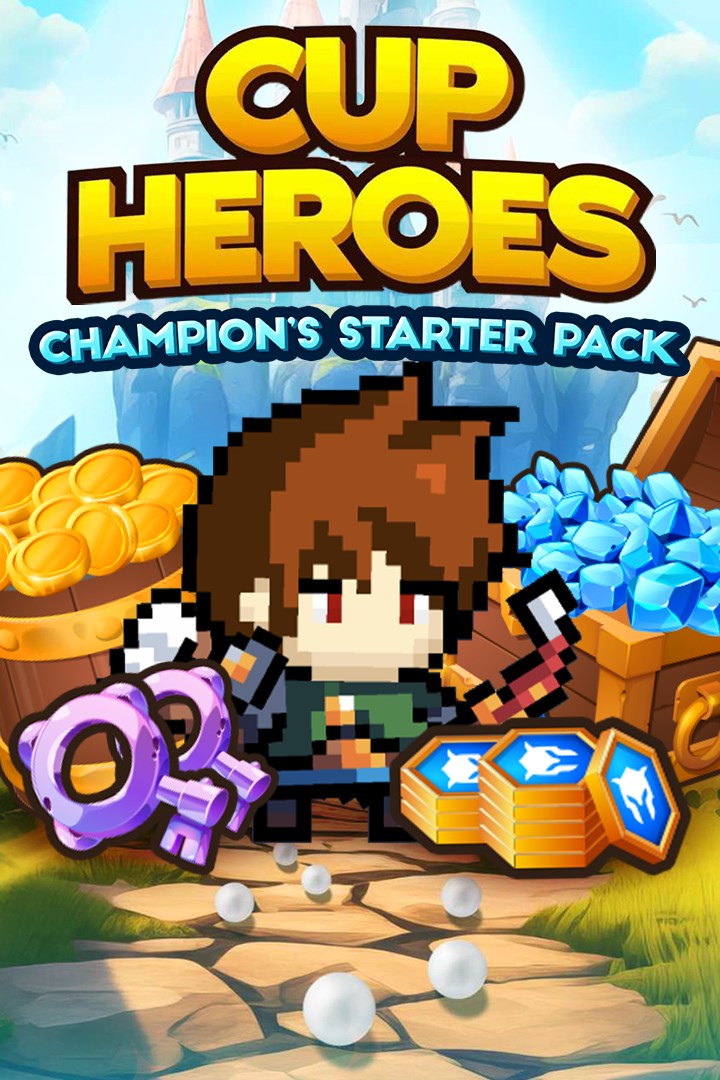
Cup Heroes: Champion's Starter Pack
Details
- Publisher
- QubicGames S.A.
- Developer
- QubicGames
- Release date
- 14.03.2026
- Age rating
- ESRB:T
- Localization
- English
Purchase options
Platform
Primary: our account is set as the home Xbox of your console ("My home Xbox"), so the game is shared with your own profile and works offline — that is one slot on one console. Secondary: you sign in to our account and launch the game from it, and the console has to stay online. The activation code is an extra option: it is redeemed on your own account, and the game stays there forever.
You install the game from our account and set our account as the home one ("My home Xbox"): after that you play from your own profile, and the progress and achievements stay yours. It works offline.
You sign in to our account and play right from it. A permanent internet connection is required and only the issued profile can be used. It costs less than the primary access.
A bonus way to buy: you get a 25-character code and redeem it on your own account. The game stays with you forever, no other profiles and no sign-in to a shared account.
What happens after payment
About the game
Step into the whimsical world of Cup Heroes, where everyday cups turn into mighty heroes on an epic quest to save their beloved Queen!
How to Play:
- Control Your Heroes: Navigate your heroes through various obstacles and puzzles.
- Save the Queen: Your ultimate goal is to rescue the Queen who has been captured by evil forces.
- Unlock and Upgrade Characters: Collect coins and gems to unlock a diverse cast of characters, each with unique abilities. Upgrade their skills to make them even more powerful and adaptable to different challenges.
Features:
- Premium Currency: Use 1000 Diamonds to unlock new heroes, purchase keys to open exclusive chests, obtain high-rarity gear, and gain a powerful edge in battle.
- Base Currency: Use 1600 Coins to upgrade your gear and permanent stats.
- Epic Keys: Open 30 epic crates! (Epic crate contains Uncommon, Rare or Epic gear. Guaranteed Epic gear after 6 opens)
- Hero Tokens: Use 1600 tokens to upgrade your hero and unlock new perks
- Unique Characters: Meet a colourful cast of cup heroes, from the brave Knight Cup to the cunning Ninja Cup. Each character brings their own special skills and personality to the team.
- Epic Adventures: Explore various enchanting worlds, from mystical forests to fiery volcanoes. Every level is a new adventure filled with hidden secrets and dangerous foes.
- Challenging Puzzles: Test your brain with mind-bending puzzles that require clever solutions. Use your heroes’ abilities to overcome obstacles and progress through the game.
- Exciting Battles: Engage in thrilling combat with evil minions and powerful bosses. Use your heroes’ special moves and teamwork to defeat enemies and save the Queen.
- Beautiful Graphics: Enjoy stunning, colourful graphics that bring the world of Cup Heroes to life. Each scene is meticulously designed to enhance your gaming experience.
- Daily Quests: Log in every day to participate in limited-time quests to earn multiple resources
- Addictive Gameplay: Easy to learn but hard to master
Your Cup Heroes are waiting for you to lead them to victory!
Screenshots
Click a frame to open it larger, use the arrows to browse
How to activate
Guide for Xbox One
Primary — the game is shared with your own profile
- 1Press the Xbox button, open "Profile & system" → "Add or switch" → "Add new" and sign in with the login and password from your order.
- 2Now open "Settings" → "General" → "Personalization" → "My home Xbox" and choose "Make this my home Xbox". This is what shares our games with every profile on your console.
- 3Switch back to your own profile, open "My games & apps" → "Library" and install the game. The internet is only needed for the download.
- 4Launch the game from your own profile: achievements, saves and progress stay yours, and after the installation the game works offline.
Only one console at a time can be the home Xbox for our account — that is the slot you bought. Please do not change the password, the email or the two-factor settings of the account, or the access will be blocked.
Secondary — you play from our account
- 1Press the Xbox button, open "Profile & system" → "Add or switch" → "Add new" and sign in with the login and password from your order.
- 2Open "My games & apps" → "Library", switch to our profile in the top-left corner and install the game.
- 3Launch the game while our profile stays signed in, and keep the console online: the licence is checked over the internet.
- 4Use your own profile for everything else — the game stays available as long as our account is signed in on this console.
Secondary costs less, but it needs a permanent internet connection and our account stays signed in on your console.
Activation code
- 1On the console open "Store" and go to the "Redeem code" section.
- 2Enter the 25-character code from your order and confirm the activation on your own account.
- 3After the activation the code is shown as "Used" — but you can reinstall the game from your library at any time.
Notes for Xbox One
Important
How to play online
Warranty and support
The warranty covers the whole period of use of the account. If the access stops working, we replace the account or refund your money.
- If the game stops launching, we replace the account or refund your money.
- Average support response time — 15–30 minutes during working hours.
- The warranty covers the whole rental period of the access.
Support
Telegram: @weskars
E-mail: support@gears.games
Working hours: daily 11:00 – 23:00 (UTC+3)
Every order goes through clear stages: "New" → "Awaiting payment" → "Paid" → "Delivered". You can follow the status in your account page.
Similar games
More games in the "Action & adventure" genre



