Crossout – Steel shield bundle
Crossout – комплект «Стальной щит»
Details
- Publisher
- Gaijin Distribution Kft
- Developer
- Targem Games
- Release date
- 01.12.2022
- Age rating
- ESRB:T
- Localization
- English
Purchase options
Platform
Primary: our account is set as the home Xbox of your console ("My home Xbox"), so the game is shared with your own profile and works offline — that is one slot on one console. Secondary: you sign in to our account and launch the game from it, and the console has to stay online. The activation code is an extra option: it is redeemed on your own account, and the game stays there forever.
You install the game from our account and set our account as the home one ("My home Xbox"): after that you play from your own profile, and the progress and achievements stay yours. It works offline.
You sign in to our account and play right from it. A permanent internet connection is required and only the issued profile can be used. It costs less than the primary access.
A bonus way to buy: you get a 25-character code and redeem it on your own account. The game stays with you forever, no other profiles and no sign-in to a shared account.
What happens after payment
About the game
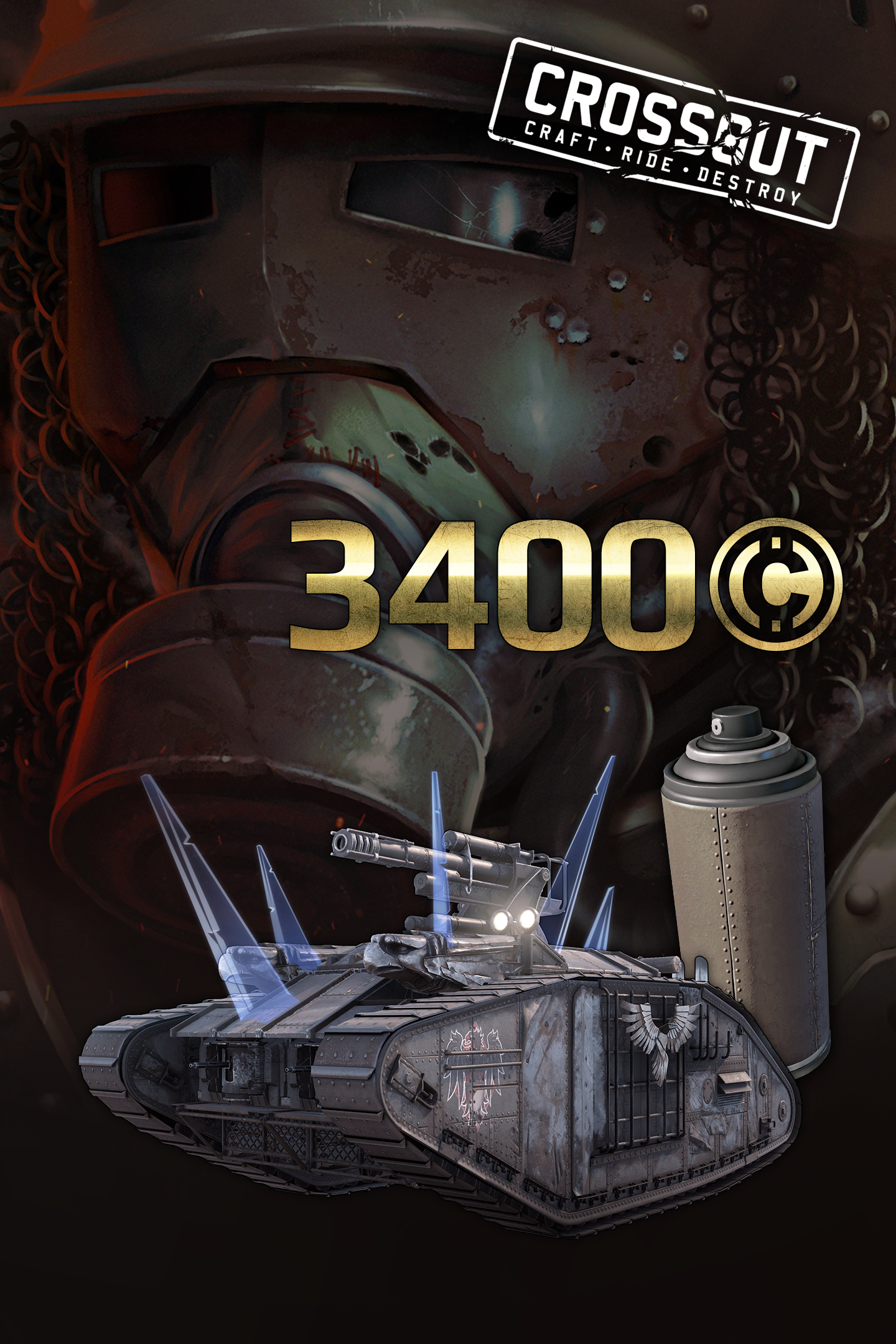
— Armoured car: “Mark XO”;
— Unique tracks of epic rarity: “Goliath” (2 pcs.);
— Weapons: frontal machine gun of special rarity “M-25 Guardian” and epic cannon “Executioner 88mm”;
— Cabin: “Jawbreaker”;
— Character portrait: “Old fellow Mitch”;
— Unique hologram;
— Unique paint can “Protective cover”;
— New sticker: “Eagle and shield”;
— Early access to a new structural part: “King of birds”;
— Unique background and logo for profile customization;
— Maximum number of parts increased to 65.
— 3400 in-game coins.
Life in the Wasteland has taken its toll on Mitchell. Dozens of years had passed since he replaced his father at the controls of his trusty tank. All this time he has remained faithful to his principle — to never attack first — despite the fact that it’s dangerous to follow it in the Wasteland. Old Mitch found himself on the brink of life and death more than once, and his tank was repaired so often that it no longer looked like its old self neither inside nor outside. One thing remained unchanged — the steel will of the defender of the innocents, returning to action after every wound and always ready to lead as many people away from danger as possible.
The unique armoured car presented in the pack is known for its balance of weapons, combination of modules and speed in combat. To put the car in the garage, go to the “Packs” tab, select the desired armoured car and click the “Assemble” button.
When you purchase this pack, the number of parts that can be used to build a vehicle increases up to 65. Attention! Storage overflow is possible under certain conditions.
Buying the pack also gives early access to several structural parts. Some parts are unique and can only exist in a single copy.
Unique portraits provide an excellent opportunity to stand out among the survivors.
Paint cans are a way to make your armored car different from the pack.
Coins — is the in-game currency, which is used on the market to purchase armoured car parts from other survivors and to pay for the rent of part-building workbenches. Attention! When buying multiple packs, the acquired coins stack!
Screenshots
Click a frame to open it larger, use the arrows to browse
How to activate
Guide for Xbox One
Primary — the game is shared with your own profile
- 1Press the Xbox button, open "Profile & system" → "Add or switch" → "Add new" and sign in with the login and password from your order.
- 2Now open "Settings" → "General" → "Personalization" → "My home Xbox" and choose "Make this my home Xbox". This is what shares our games with every profile on your console.
- 3Switch back to your own profile, open "My games & apps" → "Library" and install the game. The internet is only needed for the download.
- 4Launch the game from your own profile: achievements, saves and progress stay yours, and after the installation the game works offline.
Only one console at a time can be the home Xbox for our account — that is the slot you bought. Please do not change the password, the email or the two-factor settings of the account, or the access will be blocked.
Secondary — you play from our account
- 1Press the Xbox button, open "Profile & system" → "Add or switch" → "Add new" and sign in with the login and password from your order.
- 2Open "My games & apps" → "Library", switch to our profile in the top-left corner and install the game.
- 3Launch the game while our profile stays signed in, and keep the console online: the licence is checked over the internet.
- 4Use your own profile for everything else — the game stays available as long as our account is signed in on this console.
Secondary costs less, but it needs a permanent internet connection and our account stays signed in on your console.
Activation code
- 1On the console open "Store" and go to the "Redeem code" section.
- 2Enter the 25-character code from your order and confirm the activation on your own account.
- 3After the activation the code is shown as "Used" — but you can reinstall the game from your library at any time.
Notes for Xbox One
Important
How to play online
Warranty and support
The warranty covers the whole period of use of the account. If the access stops working, we replace the account or refund your money.
- If the game stops launching, we replace the account or refund your money.
- Average support response time — 15–30 minutes during working hours.
- The warranty covers the whole rental period of the access.
Support
Telegram: @weskars
E-mail: support@gears.games
Working hours: daily 11:00 – 23:00 (UTC+3)
Every order goes through clear stages: "New" → "Awaiting payment" → "Paid" → "Delivered". You can follow the status in your account page.
Similar games
More games in the "Shooter" genre