Crossout - Insomnia Bundle
Crossout - Комплект Бессонница
Details
- Publisher
- Gaijin Distribution Kft
- Developer
- Targem Games
- Release date
- 19.07.2022
- Age rating
- ESRB:T
- Localization
- English
Purchase options
Platform
Primary: our account is set as the home Xbox of your console ("My home Xbox"), so the game is shared with your own profile and works offline — that is one slot on one console. Secondary: you sign in to our account and launch the game from it, and the console has to stay online. The activation code is an extra option: it is redeemed on your own account, and the game stays there forever.
You install the game from our account and set our account as the home one ("My home Xbox"): after that you play from your own profile, and the progress and achievements stay yours. It works offline.
You sign in to our account and play right from it. A permanent internet connection is required and only the issued profile can be used. It costs less than the primary access.
A bonus way to buy: you get a 25-character code and redeem it on your own account. The game stays with you forever, no other profiles and no sign-in to a shared account.
What happens after payment
About the game
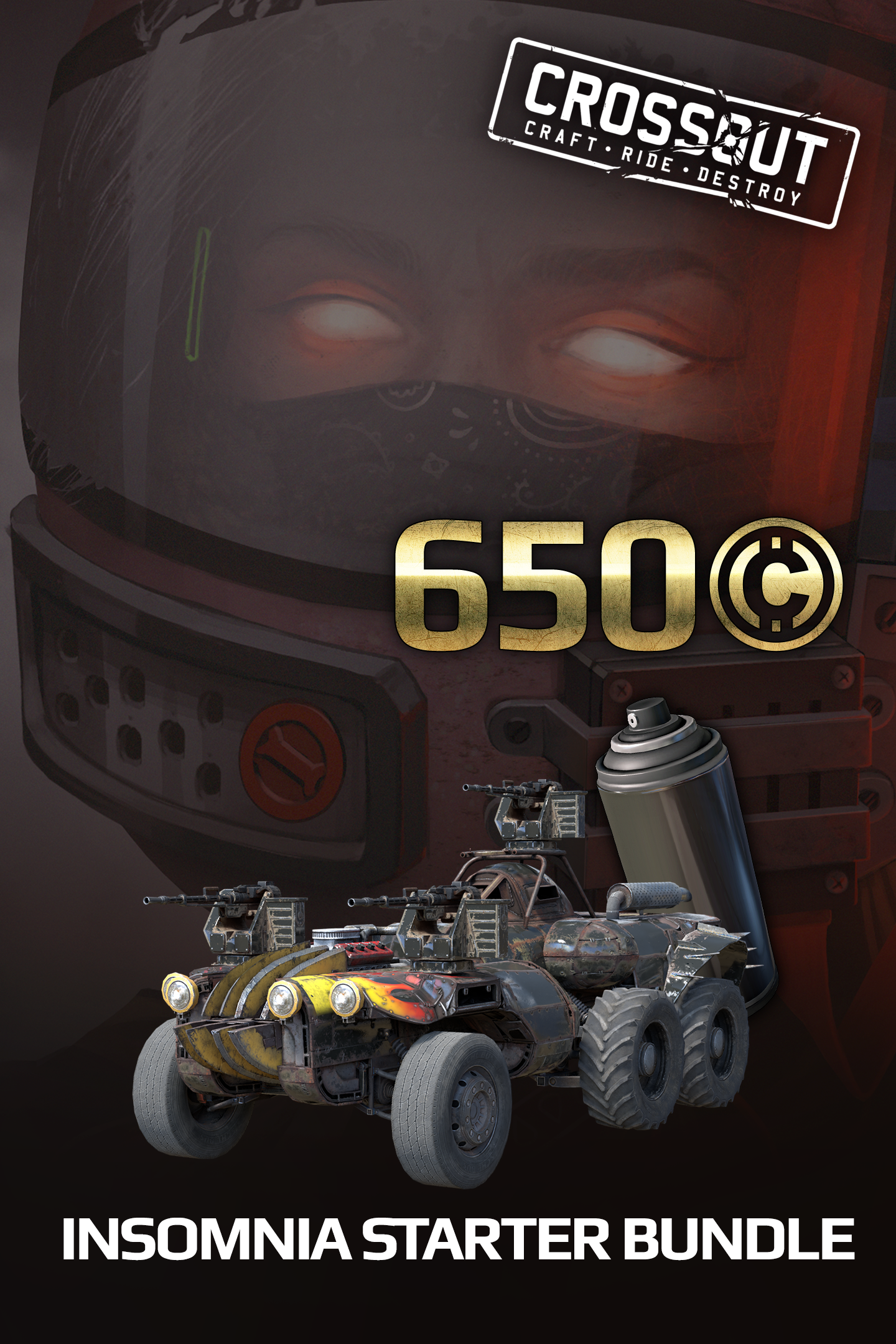
- Unique armored car: ‘Spirit’;
- Weapons: 3 machine guns ‘MM5-4 Vector’;
- Cabin ‘Wyvern’ and engine ‘Hardcore’;
- Unique hero portrait: ‘Maxine’;
- Unique sticker: ‘Spectral Flame’;
- Unique paint can: ‘Half-light';
- Increases the maximum number of parts used to 55;
- 650 in-game coins.
We all had to stay home alone. But not Maxine. Even in her early childhood, she decided to always keep a walkie-talkie with her. None of the parents could remember when exactly the child got this thing. Nevertheless, the let her keep the radio — what's wrong about a kid being interested in technology?
The voice came from the radio only at night. It told Maxine amazing stories: about stars shimmering in the sky, worlds without mankind, and about formidable unknown ships that had to be watched.
The quiet life came to an end in a couple of years, when the voice ordered Maxine to smash all the TVs in the house and escape to the forest, fleeing from something terrible that would soon come. It was hard to find the girl. The final decision about her fate was made when Maxine refused to return and give away the radio. Obeying the will of her parents, she checked into a clinic far from the city, where she encountered crossout. Was this what the voice warned her about?
Much blood has flown under the bridge since then. The voice became different, and now Maxine is different too. But they are always together. Over the years, the voice's requests become stranger and stranger, but Maxine trusts her old friend and always waits for it to warn her about something terrible again. It's amazing how tenacious batteries are in old radios...
The unique armored cars presented in the packs are noted for particular balance of weapons, armor and speed characteristics in combat. To put the car in the garage, after starting the game open the blueprint meny (‘B’ key ), go to the ‘Packs’ tab, select the desired armored car and click the ‘Load’ button.
When you buy this pack, the number of parts that can be used to build an armored car rises to 55.
Also buying a pack additionally gives early access to some structural faction parts. These parts become available immediately upon purchase and are not re-issued once the appropriate reputation level is reached. Some parts can only be in a single copy. When purchasing multiple packs, such parts are not duplicated.
Unique portraits are an excellent opportunity to stand out among the survivors.
Paint cans are a way to make your armored car unlike the others.
Coin is the in-game currency that is used on the market to purchase armored vehicle parts from other players and to rent workbenches for part production. Attention! When buying multiple packs, the number of coins is added together!
Screenshots
Click a frame to open it larger, use the arrows to browse
How to activate
Guide for Xbox One
Primary — the game is shared with your own profile
- 1Press the Xbox button, open "Profile & system" → "Add or switch" → "Add new" and sign in with the login and password from your order.
- 2Now open "Settings" → "General" → "Personalization" → "My home Xbox" and choose "Make this my home Xbox". This is what shares our games with every profile on your console.
- 3Switch back to your own profile, open "My games & apps" → "Library" and install the game. The internet is only needed for the download.
- 4Launch the game from your own profile: achievements, saves and progress stay yours, and after the installation the game works offline.
Only one console at a time can be the home Xbox for our account — that is the slot you bought. Please do not change the password, the email or the two-factor settings of the account, or the access will be blocked.
Secondary — you play from our account
- 1Press the Xbox button, open "Profile & system" → "Add or switch" → "Add new" and sign in with the login and password from your order.
- 2Open "My games & apps" → "Library", switch to our profile in the top-left corner and install the game.
- 3Launch the game while our profile stays signed in, and keep the console online: the licence is checked over the internet.
- 4Use your own profile for everything else — the game stays available as long as our account is signed in on this console.
Secondary costs less, but it needs a permanent internet connection and our account stays signed in on your console.
Activation code
- 1On the console open "Store" and go to the "Redeem code" section.
- 2Enter the 25-character code from your order and confirm the activation on your own account.
- 3After the activation the code is shown as "Used" — but you can reinstall the game from your library at any time.
Notes for Xbox One
Important
How to play online
Warranty and support
The warranty covers the whole period of use of the account. If the access stops working, we replace the account or refund your money.
- If the game stops launching, we replace the account or refund your money.
- Average support response time — 15–30 minutes during working hours.
- The warranty covers the whole rental period of the access.
Support
Telegram: @weskars
E-mail: support@gears.games
Working hours: daily 11:00 – 23:00 (UTC+3)
Every order goes through clear stages: "New" → "Awaiting payment" → "Paid" → "Delivered". You can follow the status in your account page.
Similar games
More games in the "Shooter" genre