
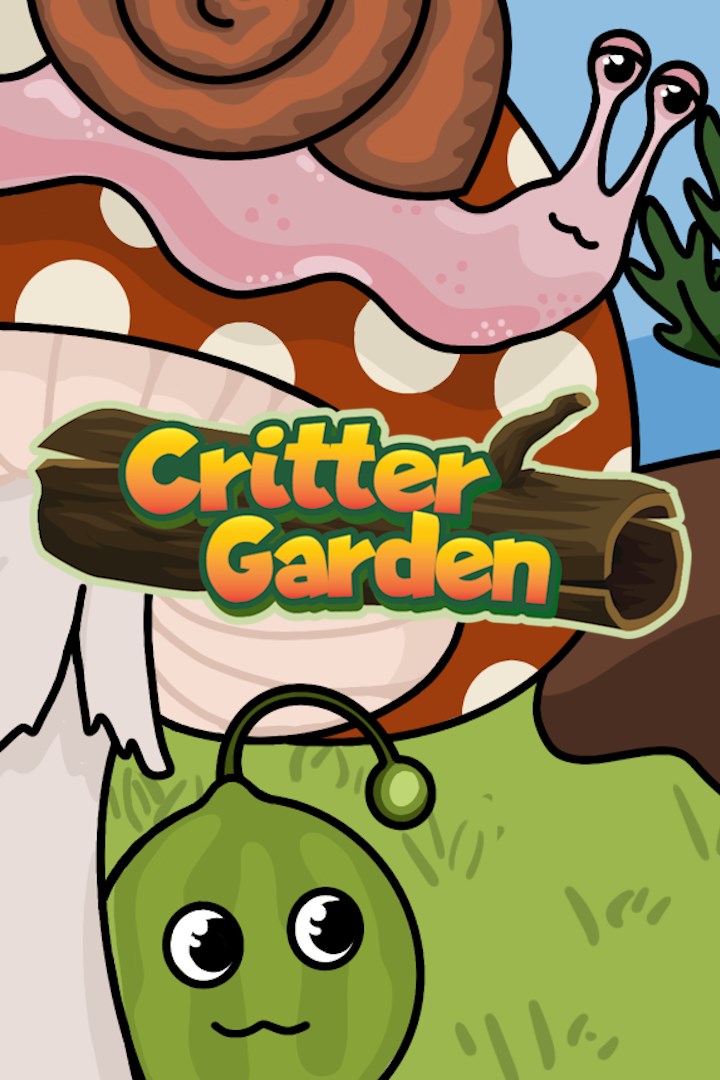
CritterGarden
Details
- Publisher
- Minjonia Studios
- Developer
- —
- Release date
- 20.08.2025
- Age rating
- ESRB:E
- Localization
- English
Purchase options
Platform
Primary: our account is set as the home Xbox of your console ("My home Xbox"), so the game is shared with your own profile and works offline — that is one slot on one console. Secondary: you sign in to our account and launch the game from it, and the console has to stay online. The activation code is an extra option: it is redeemed on your own account, and the game stays there forever.
You install the game from our account and set our account as the home one ("My home Xbox"): after that you play from your own profile, and the progress and achievements stay yours. It works offline.
You sign in to our account and play right from it. A permanent internet connection is required and only the issued profile can be used. It costs less than the primary access.
A bonus way to buy: you get a 25-character code and redeem it on your own account. The game stays with you forever, no other profiles and no sign-in to a shared account.
What happens after payment
About the game
Breed, feed, and collect cute Critters in this cozy, relaxing farm sim that is easy to pick up and play for everyone! Critters have complex emotional needs that must be balanced to keep them alive and happy. Critters need to eat, and each species has a unique diet. Discover new Critters by evolving the ones that are present in your garden to complete your Critter Phylogeny! Every Critter’s ancestry can be traced on the grand tree of life – who knows what kinds of great beasts might descend from your humble Slimes?
Craft Unique Creations and Discover New Life: Get creative! Create distinctive gardens with biome-specific needs and features, including traditional farms, cactus gardens, forests of fruit trees, and more! Unlock research upgrades to enhance the efficiency of your gardening, such as faster tools, quicker Critter breeding, and earning more currency. Paying attention to the specific evolution requirements of Critters and growing conditions of plants will help you check off every task in your journal to achieve 100% completion in growing your collection of life!
Tend to Crops and Sell Your Harvest: Through gardening and crafting recipes, you can create balanced ecosystems across nine unique biomes. From the desert to the arctic, manage your resources and space to support plenty of plant and Critter species. Each plant thrives in specific biomes and on suitable surface conditions! Care for your crops' unique needs, and experiment with different care techniques to see the best results in your harvest. Sow and grow your seeds, feed your Critters, and sell what’s left to purchase unlockable tools, farm layouts, designs, and items that help automate and improve the efficiency of your gardening tasks!
Screenshots
Click a frame to open it larger, use the arrows to browse
How to activate
Guide for Xbox One
Primary — the game is shared with your own profile
- 1Press the Xbox button, open "Profile & system" → "Add or switch" → "Add new" and sign in with the login and password from your order.
- 2Now open "Settings" → "General" → "Personalization" → "My home Xbox" and choose "Make this my home Xbox". This is what shares our games with every profile on your console.
- 3Switch back to your own profile, open "My games & apps" → "Library" and install the game. The internet is only needed for the download.
- 4Launch the game from your own profile: achievements, saves and progress stay yours, and after the installation the game works offline.
Only one console at a time can be the home Xbox for our account — that is the slot you bought. Please do not change the password, the email or the two-factor settings of the account, or the access will be blocked.
Secondary — you play from our account
- 1Press the Xbox button, open "Profile & system" → "Add or switch" → "Add new" and sign in with the login and password from your order.
- 2Open "My games & apps" → "Library", switch to our profile in the top-left corner and install the game.
- 3Launch the game while our profile stays signed in, and keep the console online: the licence is checked over the internet.
- 4Use your own profile for everything else — the game stays available as long as our account is signed in on this console.
Secondary costs less, but it needs a permanent internet connection and our account stays signed in on your console.
Activation code
- 1On the console open "Store" and go to the "Redeem code" section.
- 2Enter the 25-character code from your order and confirm the activation on your own account.
- 3After the activation the code is shown as "Used" — but you can reinstall the game from your library at any time.
Notes for Xbox One
Important
How to play online
Warranty and support
The warranty covers the whole period of use of the account. If the access stops working, we replace the account or refund your money.
- If the game stops launching, we replace the account or refund your money.
- Average support response time — 15–30 minutes during working hours.
- The warranty covers the whole rental period of the access.
Support
Telegram: @weskars
E-mail: support@gears.games
Working hours: daily 11:00 – 23:00 (UTC+3)
Every order goes through clear stages: "New" → "Awaiting payment" → "Paid" → "Delivered". You can follow the status in your account page.
Similar games
More games in the "Simulation" genre



