
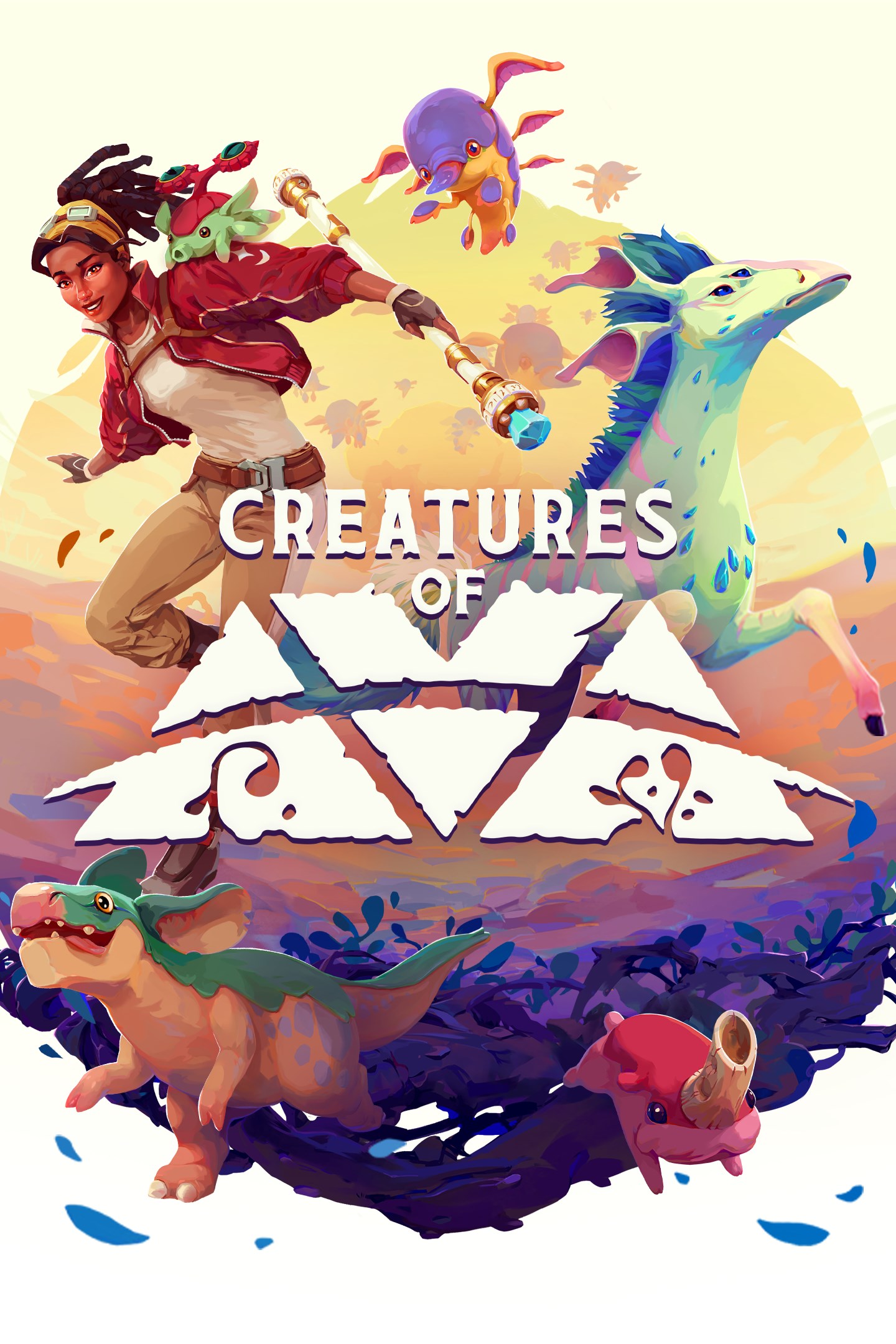
Creatures of Ava
Details
- Publisher
- 11 bit studios
- Developer
- Inverge Studios
- Release date
- 07.08.2024
- Age rating
- ESRB:E10
- Localization
- English
- Metascore
- 72 / 100
Source: Steam
Purchase options
Primary: our account is set as the home Xbox of your console ("My home Xbox"), so the game is shared with your own profile and works offline — that is one slot on one console. Secondary: you sign in to our account and launch the game from it, and the console has to stay online. The activation code is an extra option: it is redeemed on your own account, and the game stays there forever.
You install the game from our account and set our account as the home one ("My home Xbox"): after that you play from your own profile, and the progress and achievements stay yours. It works offline.
You sign in to our account and play right from it. A permanent internet connection is required and only the issued profile can be used. It costs less than the primary access.
A bonus way to buy: you get a 25-character code and redeem it on your own account. The game stays with you forever, no other profiles and no sign-in to a shared account.
What happens after payment
About the game
Can you save a life?
Welcome to Creatures of Ava, a unique creature saver game inviting you to explore a world brimming with wild beings. Instilling joy and wonder, they provide a unique bond that enables you to utilize their skills for traversing the planet and solving environmental challenges. Once peaceful creatures, they now succumb to an unknown infection driving them to behave aggressively, which makes your mission to save them an urgent necessity.
Exploration-driven gameplay
The gameplay encourages curiosity-driven exploration of its distinct ecosystems—such as the colorful Nari jungle or mysterious Mâruba swamp—creating an interconnected world. With non-aggressive combat mechanics designed for healing rather than defeating and indigenous Flute melodies that you play to tame creatures, the game further highlights the creature-saver nature of the experience.
Meaningful Narrative
Step into the shoes of Vic, a 22-year-old nature adventurer as she navigates through the immersive expedition alongside Tabitha, a composed and astute researcher. Together, you confront the recurring infection—called “the withering” by the local race of Naam—threatening Ava’s inhabitants. The game's narrative, co-created by Rhianna Pratchett, is a journey of wonder and mystery but also discovery, leading to the revelation of the planet's captivating secrets.
Saving Through Understanding
Creatures of Ava is a game featuring a dense, populated world of rich ecosystems filled with creatures that play a vital role in the planet’s natural balance. It goes beyond traditional creature-related genres, offering a deeper understanding and connection with the things you’ll encounter on Ava. Once you come to understand the true meaning of the infection, you will be challenged to step out of the human-centric point of view and learn about the real toll it takes to preserve the primal beauty at the very roots of Ava.
After all, can you save something you don't understand?
Screenshots
Click a frame to open it larger, use the arrows to browse
How to activate
Guide for Xbox Series X|S
Primary — the game is shared with your own profile
- 1Press the Xbox button, open "Profile & system" → "Add or switch" → "Add new" and sign in with the login and password from your order.
- 2Now open "Settings" → "General" → "Personalization" → "My home Xbox" and choose "Make this my home Xbox". This is what shares our games with every profile on your console.
- 3Switch back to your own profile, open "My games & apps" → "Library" and install the game. The internet is only needed for the download.
- 4Launch the game from your own profile: achievements, saves and progress stay yours, and after the installation the game works offline.
Only one console at a time can be the home Xbox for our account — that is the slot you bought. Please do not change the password, the email or the two-factor settings of the account, or the access will be blocked.
Secondary — you play from our account
- 1Press the Xbox button, open "Profile & system" → "Add or switch" → "Add new" and sign in with the login and password from your order.
- 2Open "My games & apps" → "Library", switch to our profile in the top-left corner and install the game.
- 3Launch the game while our profile stays signed in, and keep the console online: the licence is checked over the internet.
- 4Use your own profile for everything else — the game stays available as long as our account is signed in on this console.
Secondary costs less, but it needs a permanent internet connection and our account stays signed in on your console.
Activation code
- 1On the console open "Store" and go to the "Redeem code" section.
- 2Enter the 25-character code from your order and confirm the activation on your own account.
- 3After the activation the code is shown as "Used" — but you can reinstall the game from your library at any time.
Notes for Xbox Series
Important
How to play online
Warranty and support
The warranty covers the whole period of use of the account. If the access stops working, we replace the account or refund your money.
- If the game stops launching, we replace the account or refund your money.
- Average support response time — 15–30 minutes during working hours.
- The warranty covers the whole rental period of the access.
Support
Telegram: @weskars
E-mail: support@gears.games
Working hours: Daily 11:00–23:00 (UTC+3)
Every order goes through clear stages: "New" → "Awaiting payment" → "Paid" → "Delivered". You can follow the status in your account page.
Similar games
More games in the "Action & adventure" genre



