Crashout Crew
Details
- Publisher
- Aggro Crab
- Developer
- Aggro Crab
- Release date
- 28.05.2026
- Age rating
- ESRB:E
- Localization
- English
Purchase options
Primary: our account is set as the home Xbox of your console ("My home Xbox"), so the game is shared with your own profile and works offline — that is one slot on one console. Secondary: you sign in to our account and launch the game from it, and the console has to stay online. The activation code is an extra option: it is redeemed on your own account, and the game stays there forever.
You install the game from our account and set our account as the home one ("My home Xbox"): after that you play from your own profile, and the progress and achievements stay yours. It works offline.
You sign in to our account and play right from it. A permanent internet connection is required and only the issued profile can be used. It costs less than the primary access.
A bonus way to buy: you get a 25-character code and redeem it on your own account. The game stays with you forever, no other profiles and no sign-in to a shared account.
What happens after payment
About the game
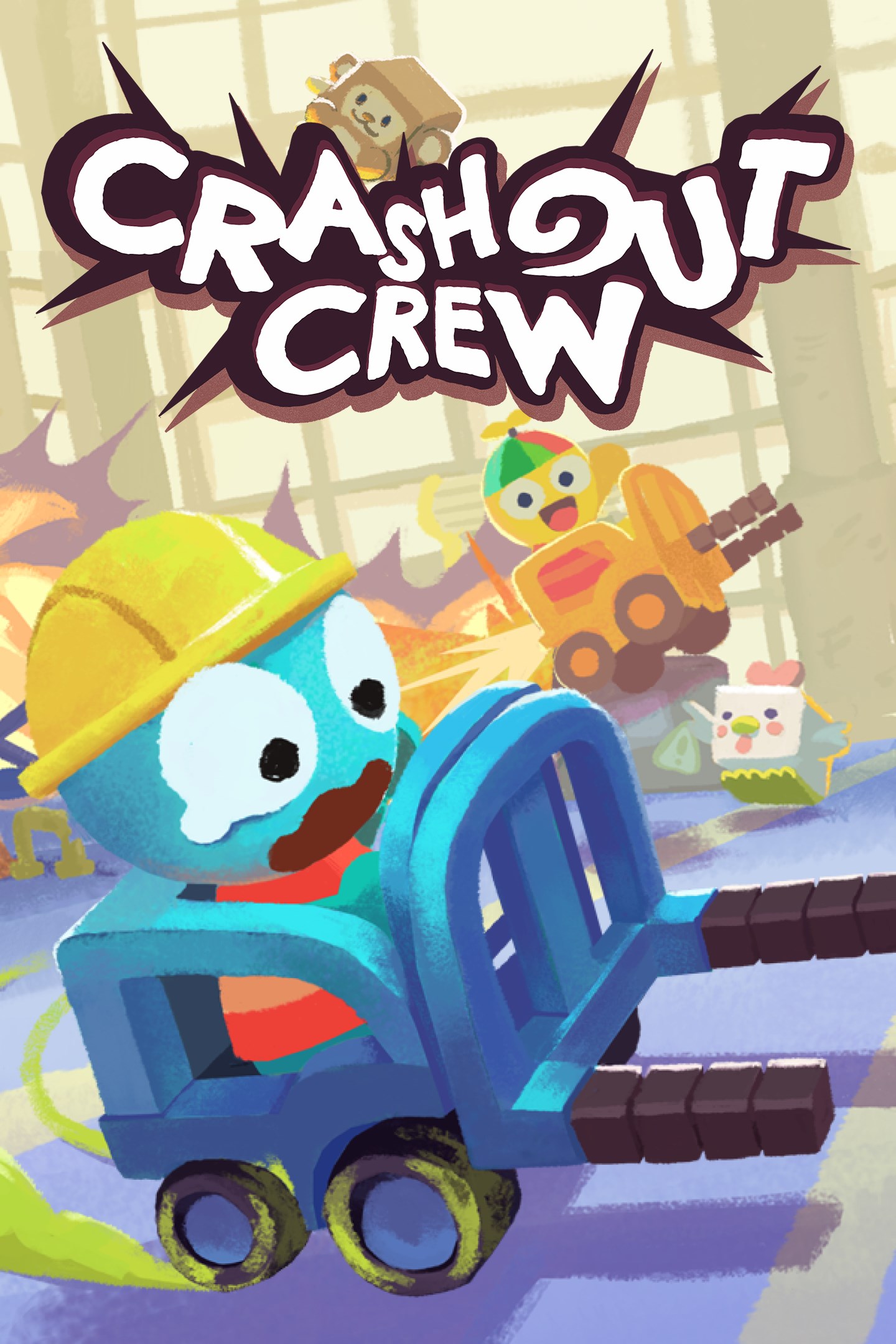
At DE NILE SHIPPING, things move fast. And if they don’t, you’re the problem. Make a crew of up to 4 overworked friends and drive into a frantic co-op forklift experience where teamwork is key, and disaster is inevitable.
MULTIPLAYER WAREHOUSE MAYHEM
Research shows the best way to hit impossible deadlines is to build for speed, not safety. That’s why our warehouse isn’t just a workplace, it’s a full-blown raceway! Our forklifts come tricked out with boost and drift capabilities for maximum productivity (and employee enrichment). Just try not to smash into each other.
GRAB IT, STACK IT, SHIP IT
Thanks to our forklifts’ patented “Easy-Grab” functionality, sorting and stacking is a breeze. Remember to constantly yell at your coworkers to keep the warehouse organized to avoid becoming buried under a pile of missed quotas. And chickens.
FULFILL RIDICULOUS ORDERS
Our warehouse is equipped to handle the most outlandish orders from across the globe. Lemons, anvils, explosives, primates… if you can dream it, we can deliver it! Fulfill a variety of unique contracts with over 20 types of boxes guaranteed to make your job a physics-based nightmare!!
DE NILE SHIPPING understands that customer convenience comes at the cost of employee safety, so please handle any volatile orders with care. Any damages will come out of your paycheck!
UPGRADES, UPGRADES, UPGRADES!
We might be out of budget for warehouse improvements, but you’re still welcome to spend your own hard-earned cash on new devices and forklift upgrades that are sure to make your job easier, if not a little safer!
Screenshots
Click a frame to open it larger, use the arrows to browse
How to activate
Guide for Xbox Series X|S
Primary — the game is shared with your own profile
- 1Press the Xbox button, open "Profile & system" → "Add or switch" → "Add new" and sign in with the login and password from your order.
- 2Now open "Settings" → "General" → "Personalization" → "My home Xbox" and choose "Make this my home Xbox". This is what shares our games with every profile on your console.
- 3Switch back to your own profile, open "My games & apps" → "Library" and install the game. The internet is only needed for the download.
- 4Launch the game from your own profile: achievements, saves and progress stay yours, and after the installation the game works offline.
Only one console at a time can be the home Xbox for our account — that is the slot you bought. Please do not change the password, the email or the two-factor settings of the account, or the access will be blocked.
Secondary — you play from our account
- 1Press the Xbox button, open "Profile & system" → "Add or switch" → "Add new" and sign in with the login and password from your order.
- 2Open "My games & apps" → "Library", switch to our profile in the top-left corner and install the game.
- 3Launch the game while our profile stays signed in, and keep the console online: the licence is checked over the internet.
- 4Use your own profile for everything else — the game stays available as long as our account is signed in on this console.
Secondary costs less, but it needs a permanent internet connection and our account stays signed in on your console.
Activation code
- 1On the console open "Store" and go to the "Redeem code" section.
- 2Enter the 25-character code from your order and confirm the activation on your own account.
- 3After the activation the code is shown as "Used" — but you can reinstall the game from your library at any time.
Notes for Xbox Series
Important
How to play online
Warranty and support
The warranty covers the whole period of use of the account. If the access stops working, we replace the account or refund your money.
- If the game stops launching, we replace the account or refund your money.
- Average support response time — 15–30 minutes during working hours.
- The warranty covers the whole rental period of the access.
Support
Telegram: @weskars
E-mail: support@gears.games
Working hours: daily 11:00 – 23:00 (UTC+3)
Every order goes through clear stages: "New" → "Awaiting payment" → "Paid" → "Delivered". You can follow the status in your account page.
Similar games
More games in the "Other" genre